
What Is a Unix Timestamp Converter?
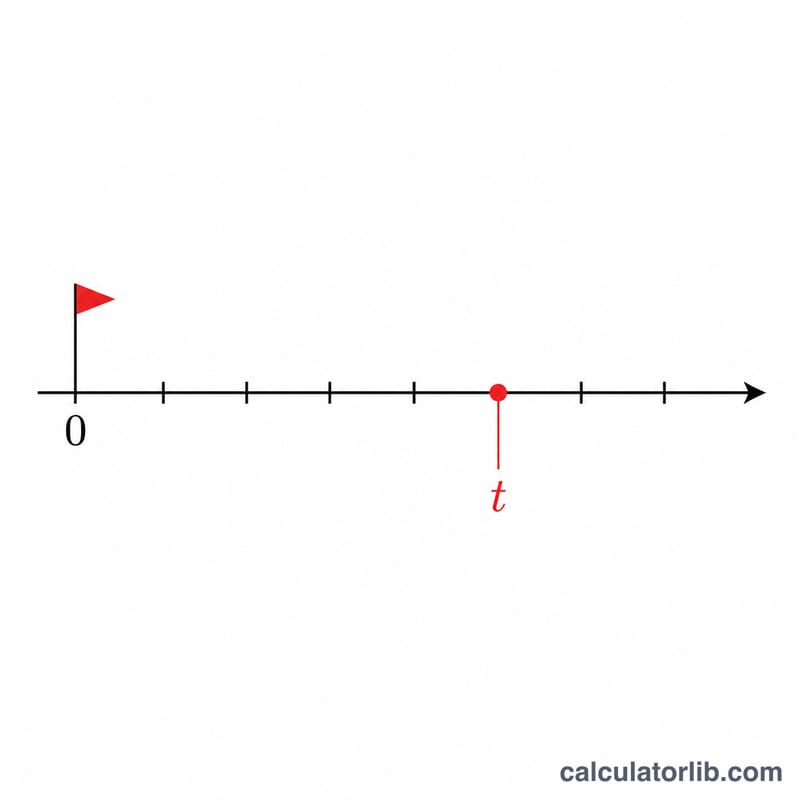
A Unix timestamp (also called epoch time) is the number of seconds that have elapsed since 00:00:00 UTC on 1 January 1970, not counting leap seconds. This tool converts that single integer into a human-readable UTC calendar date and time, including the day of the week.
How to Use It
Paste or type a Unix timestamp in seconds (for example 1700000000) and submit. The calculator returns the year, month, day, hour, minute, second in UTC, plus the day of week and the raw day count since the epoch.
The Formula Explained
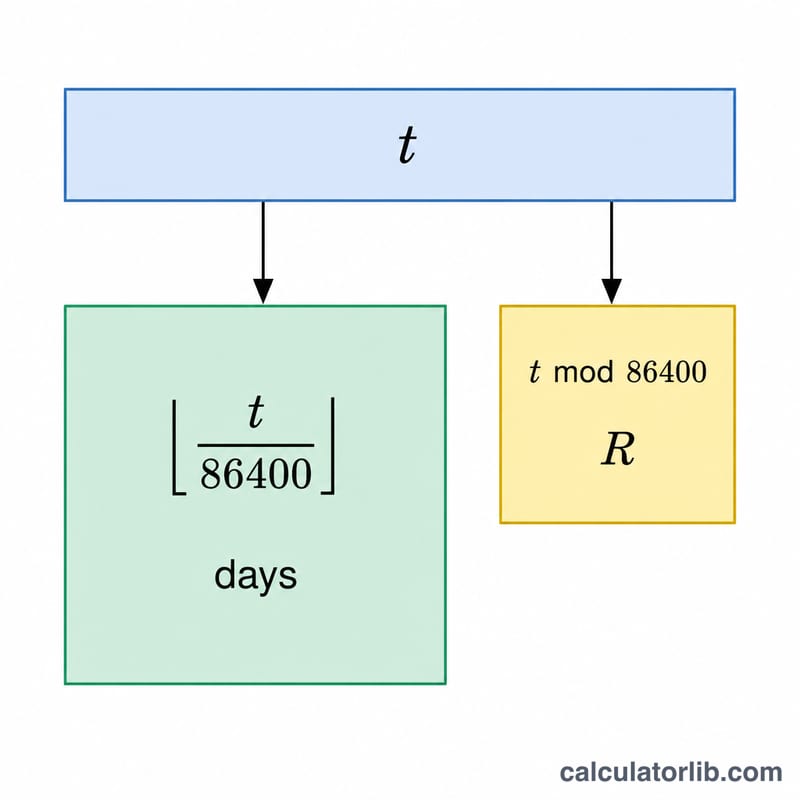
First the seconds are split: $$\text{days} = \left\lfloor \frac{\text{ts}}{86400} \right\rfloor$$ and the remainder gives the time of day. The day count is then mapped to a civil date using Howard Hinnant's well-known integer "days_from_civil" inverse algorithm, which shifts the year to start in March so the leap day falls at the end of a year, avoiding special cases. Day of week is found with \((\text{days} + 4) \bmod 7\), because 1 January 1970 was a Thursday.
Worked Example
For \(\text{ts} = 1{,}700{,}000{,}000\): $$\text{days} = 19675, \qquad \text{remainder} = 72800 \text{ seconds} = 22{:}13{:}20.$$ The civil-date algorithm maps day 19675 to 2023-11-14. So the result is 2023-11-14 22:13:20 UTC.
FAQ
Does this account for time zones? No — the output is always UTC. Add your local UTC offset to convert to local time.
What about milliseconds? Enter seconds only. If you have a millisecond timestamp, divide by 1000 first.
Why doesn't it handle leap seconds? Unix time itself ignores leap seconds by definition, so neither does this converter.