
What is a Unix Epoch Timestamp?
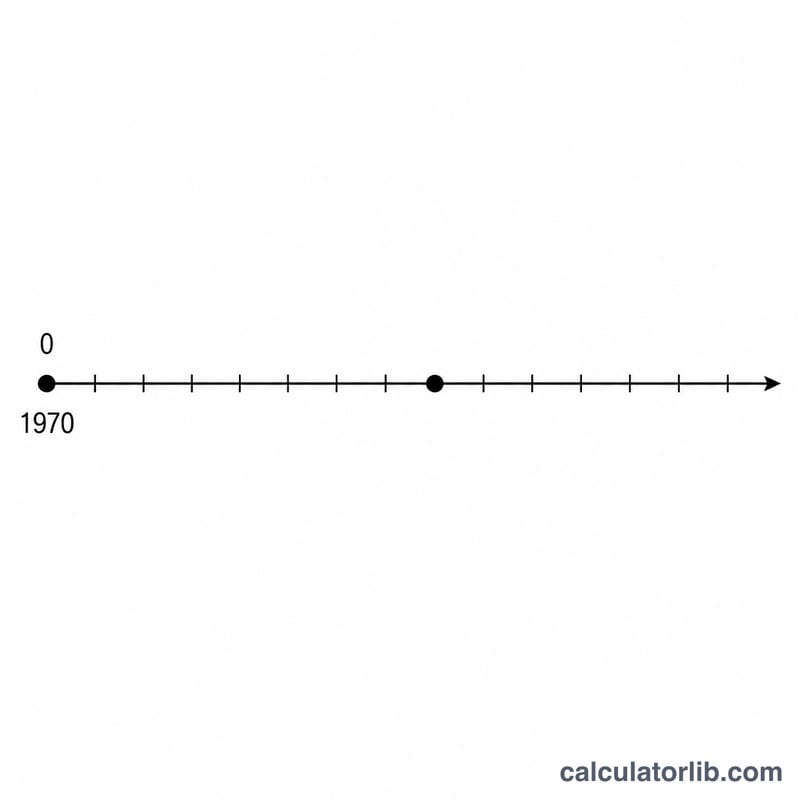
A Unix timestamp (also called epoch time or POSIX time) is the number of seconds that have elapsed since the Unix epoch: midnight Coordinated Universal Time (UTC) on 1 January 1970. It is a compact, timezone-independent way to store an exact moment in time, used everywhere from databases and APIs to log files and programming languages. This calculator turns that raw number back into a date and time a human can read.
How to Use It
Paste or type the epoch value (in seconds) into the field and submit. The calculator returns the equivalent moment in UTC, shown both as a friendly sentence and as a strict ISO 8601 string, along with the individual year, month, day, hour, minute and second components. All output is in UTC, so it does not depend on your local timezone.
The Formula Explained
The conversion is conceptually simple:
$$\text{UTC Date} = \text{Epoch}_{1970}\;+\;\text{Unix Timestamp (s)}\times 1\,\text{s}$$The tool multiplies the seconds by 1000 to obtain milliseconds since the epoch, then expresses that instant in the UTC calendar, correctly accounting for leap years and varying month lengths.
Worked Example
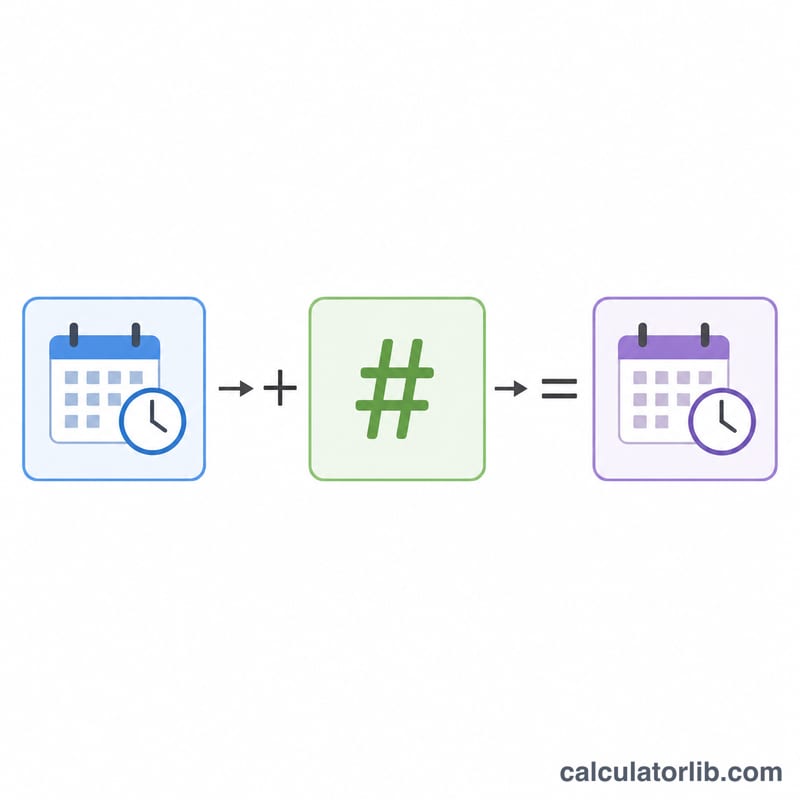
Take the epoch value 1700000000. Adding 1,700,000,000 seconds to 1970-01-01T00:00:00Z lands on 2023-11-14T22:13:20Z:
$$\text{1970-01-01T00:00:00Z} + 1{,}700{,}000{,}000\,\text{s} = \text{2023-11-14T22:13:20Z}$$that is Tuesday, 14 November 2023 at 22:13:20 UTC.
FAQ
Are these seconds or milliseconds? This calculator expects seconds. If your value has 13 digits it is probably milliseconds — divide it by 1000 first.
What timezone is the result in? Always UTC. To get your local time, apply your timezone's offset to the displayed value.
Can I enter negative epochs? Yes — negative values represent dates before 1 January 1970.