
What is the Countdown to Time Calculator?
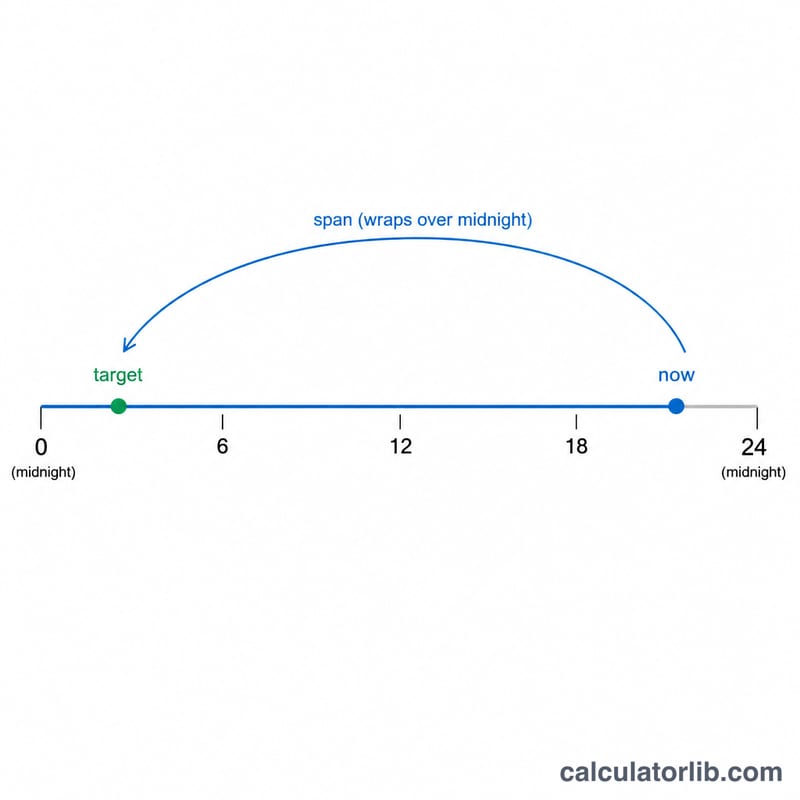
This tool tells you exactly how long is left until a target clock time, such as the end of your work day or the start of an event. You enter the current time and the target time of day, and it returns the remaining hours and minutes. If the target time has already passed today, the calculation automatically rolls forward to the same time tomorrow.
How to use it
Enter the target hour and minute (24-hour format, 0-23 for hours), then enter the current hour and minute. Press calculate to see the time remaining as hours and minutes, the total minutes, the total decimal hours, and whether the countdown rolled over to the next day.
The formula explained
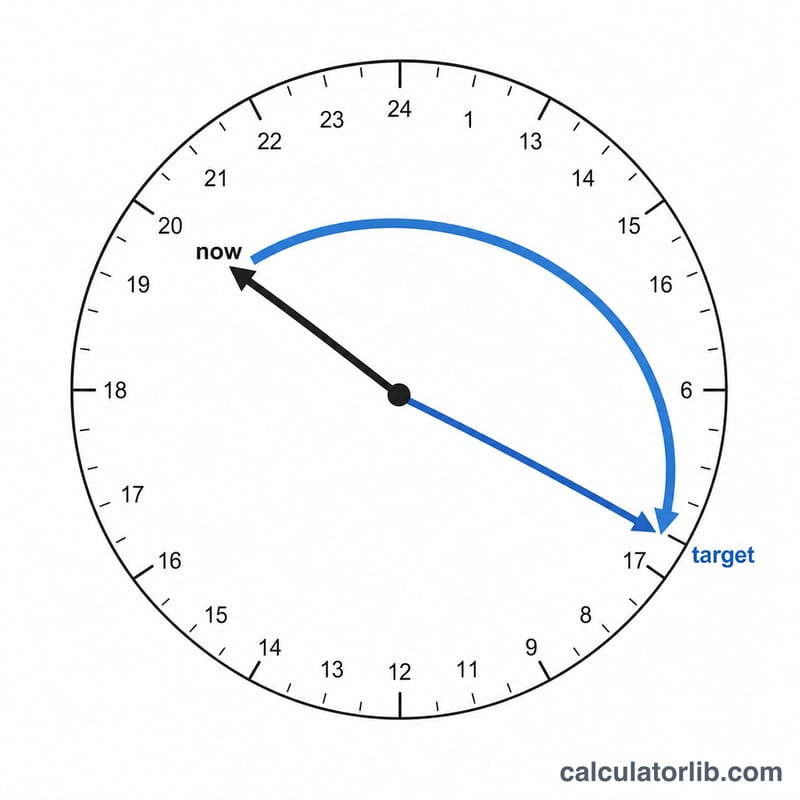
Both times are converted to minutes since midnight. The current time is subtracted from the target time. If the result is zero or negative — meaning the target is now or earlier today — a full day of 1440 minutes is added so the countdown points to tomorrow. The remaining minutes are then split into whole hours and leftover minutes.
$$\begin{gathered} \Delta = \left(60\,\text{Target Hour} + \text{Target Min}\right) - \left(60\,\text{Now Hour} + \text{Now Min}\right) \\[1.5em] \text{Countdown} = \left(\Delta \bmod 1440\right) \text{ minutes} = \left\lfloor \frac{\Delta}{60} \right\rfloor \text{ h } \; (\Delta \bmod 60) \text{ min} \end{gathered}$$
Worked example
Current time is 2:30 PM (14:30 = 870 minutes). Target is 5:00 PM (17:00 = 1020 minutes). The difference is \(1020 - 870 = 150\) minutes, which is 2 hours and 30 minutes. Since the difference is positive, no rollover happens.
FAQ
What happens if both times are equal? A difference of zero is treated as a full day away, so it returns 24 hours and rolls to tomorrow.
Does it count seconds? No, it works at minute resolution for simplicity.
Is this affected by time zones? No — it compares two clock times directly, so just enter them in the same zone.