What is the Event Countdown Timer?
The Event Countdown Timer tells you exactly how much time is left until any future moment you choose, such as a birthday, wedding, product launch, holiday or deadline. It computes the difference between the current instant and your target date and time, then breaks the remaining seconds down into years, months, days, hours, minutes and seconds. The tool is universal: it relies only on calendar and clock arithmetic and works the same anywhere, interpreting your event time in your local time zone.
How to use it
Type an optional event name, then pick the month, day and year of your event. Choose a 12-hour or 24-hour clock and enter the event time as four digits in hhmm format (for example 1200 for noon, 0905 for 9:05, or 1830 for 6:30 pm). In 12-hour mode use the am/pm dropdown; in 24-hour mode it is ignored. The optional wide-format checkbox only changes the layout. Once submitted, the countdown shows the breakdown of remaining time.
The formula explained
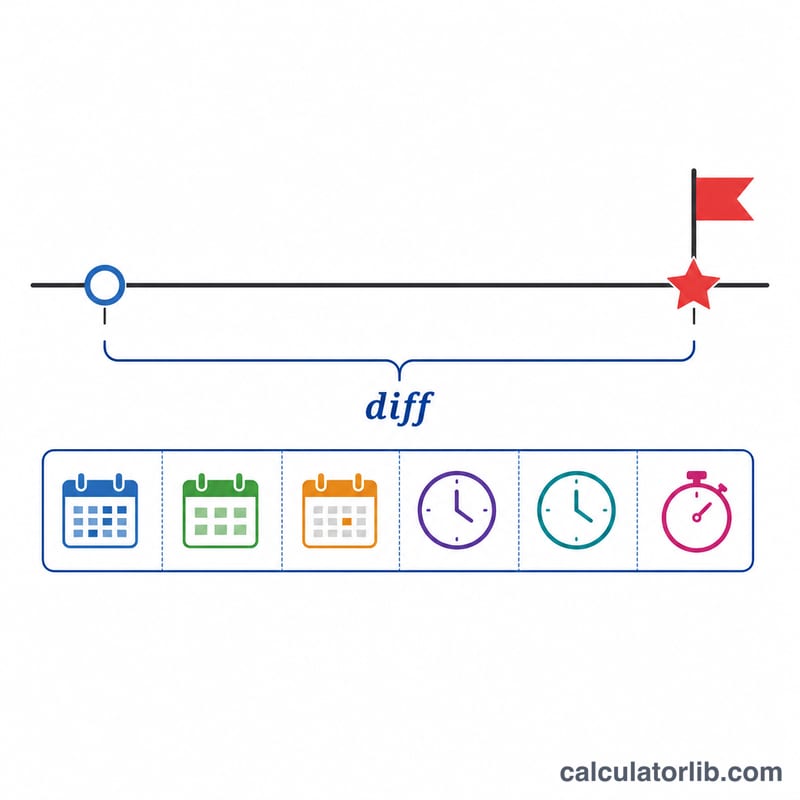
The event is turned into a timestamp: targetMs = timestamp(year, month-1, day, hour24, minute, 0). The current time gives nowMs. The remaining time is diffMs = targetMs - nowMs, clamped to zero if the event has passed. Total seconds is the floor of diffMs / 1000. Days are floor(totalSec / 86400); hours, minutes and seconds come from successive modulo and divide steps. A calendar-aware pass also counts whole years and months, respecting leap years and variable month lengths.
$$\text{diff} = t_{event} - t_{now}, \quad \text{days} = \left\lfloor \tfrac{\text{diff}}{86400} \right\rfloor$$
$$\text{totalSec} = \left\lfloor \frac{t_{event} - t_{now}}{1000} \right\rfloor$$
$$d = \lfloor s/86400 \rfloor,\; h = \lfloor (s\bmod 86400)/3600 \rfloor,\; m = \lfloor (s\bmod 3600)/60 \rfloor,\; sec = s\bmod 60$$
Worked example
Suppose now is 2025-06-01 00:00:00 and your event is Christmas: month 12, day 25, year 2025, 12-hour clock, time 1200, am. Because am plus hour 12 maps to midnight, the target is 2025-12-25 00:00:00. There are exactly 207 days between the two dates, so $$\text{totalSec} = 207 \times 86400 = 17{,}884{,}800.$$ The breakdown shows 207 days, 0 hours, 0 minutes and 0 seconds.
Time Constants Used in the Countdown
A countdown is the difference between two moments, converted into familiar units. These are the fixed values behind the conversion (they follow the Gregorian calendar, which is used internationally for civil dates).
| Quantity | Value |
|---|---|
| Seconds per minute | 60 |
| Seconds per hour | 3,600 |
| Seconds per day | 86,400 |
| Seconds per week | 604,800 |
| Milliseconds per second | 1,000 |
| Days per month | 28 to 31 (varies by month) |
| Days per common year | 365 (31,536,000 seconds) |
| Days per leap year | 366 (31,622,400 seconds) |
Month lengths
- 30-day months: April, June, September, November.
- 31-day months: January, March, May, July, August, October, December.
- February: 28 days in a common year, 29 days in a leap year.
Leap year rule
A year is a leap year if it is divisible by 4, except century years (such as 1900 or 2100), which are leap years only if they are also divisible by 400. So 2000 and 2028 are leap years, while 1900 and 2100 are not.
The core formula is \(\Delta t = T_{\text{event}} - T_{\text{now}}\), and whole days are \(\left\lfloor \Delta t / 86400 \right\rfloor\) when \(\Delta t\) is in seconds.
Countdown Scenarios Compared
All rows assume the same "now": 2025-06-01 00:00:00, and ignore daylight saving changes (see the glossary). The calendar breakdown counts whole years, then whole months, then days from the start date; totals are exact elapsed time.
| Target date and time | Years / months / days / h:m:s | Total whole days | Total seconds |
|---|---|---|---|
| 2025-06-01 18:30:00 (later the same day) | 0 y, 0 m, 0 d, 18 h 30 m 0 s | 0 | 66,600 |
| 2025-06-08 00:00:00 (one week away) | 0 y, 0 m, 7 d, 0 h 0 m 0 s | 7 | 604,800 |
| 2025-12-31 23:59:59 (end of the year) | 0 y, 6 m, 30 d, 23 h 59 m 59 s | 213 | 18,489,599 |
| 2028-02-29 00:00:00 (across a leap day) | 2 y, 8 m, 28 d, 0 h 0 m 0 s | 1,003 | 86,659,200 |
| 2030-06-01 00:00:00 (several years away) | 5 y, 0 m, 0 d, 0 h 0 m 0 s | 1,826 | 157,766,400 |
Checking the arithmetic
- Same day: \(18 \times 3600 + 30 \times 60 = 64{,}800 + 1{,}800 = 66{,}600\) seconds.
- End of year: June 1 to December 31 is 213 days, so \(213 \times 86400 + 86399 = 18{,}403{,}200 + 86{,}399 = 18{,}489{,}599\) seconds.
- Leap day: June 1, 2025 to June 1, 2027 is 730 days (neither 2026 nor 2027 is a leap year); June 1, 2027 to February 1, 2028 is 245 days; February 1 to February 29 adds 28. Total \(730 + 245 + 28 = 1003\) days, and \(1003 \times 86400 = 86{,}659{,}200\) seconds.
- Five years: \(5 \times 365 + 1 = 1826\) days, because only February 29, 2028 falls in the span; \(1826 \times 86400 = 157{,}766{,}400\) seconds.
Note that the number of days in a "month" differs, so different tools can split the same gap into slightly different months and days; the total days and seconds are the unambiguous figures.
Key Terms Explained
- Timestamp (Unix epoch)
- A single number giving the milliseconds elapsed since 1 January 1970 00:00:00 UTC. Software typically converts both the current moment and the event into timestamps, then subtracts them to get the remaining time.
- Local time zone
- The time offset your device uses. An event date and time entered without a zone is normally read in your local time zone, so someone in a different zone may see a different remaining time for the same wall-clock event.
- Daylight saving time (DST)
- In regions that use it, clocks jump forward or back by one hour. If a DST change falls between now and your event, the real elapsed time is one hour shorter or longer than the difference in wall-clock times would suggest.
- 12-hour vs 24-hour clock
- The 12-hour clock uses am/pm; the 24-hour clock runs 00:00 to 23:59. 12 am is midnight (hour 0), 12 pm is noon (hour 12), and any other pm hour H becomes H + 12 (for example 3 pm = 15:00).
- Leap year
- A year with 366 days, including February 29. It occurs every 4 years, except century years not divisible by 400.
- Clamping to zero
- If the event time has already passed, the difference would be negative. Clamping sets the displayed remaining time to zero instead of showing negative values.
- Calendar-aware vs total-seconds breakdown
- A calendar-aware breakdown counts real calendar years and months (which vary in length) and then the leftover days, hours, minutes and seconds. A total-seconds breakdown divides the gap by fixed constants such as 86,400 seconds per day, giving totals like "1,003 days" without any month or year boundaries.
FAQ
What happens after the event passes? The timer clamps every value to zero rather than showing negative numbers.
How is midnight handled? In 12-hour mode, am plus 12 becomes 00:00 (midnight) and pm plus 12 becomes 12:00 (noon).
Which time zone is used? The event time is treated as your local time, so the countdown reflects your own clock.