
What this countdown timer does
Jurisdiction: United States. This tool is framed as a U.S. government shutdown clock, but the math is a universal live countdown. It shows the exact time remaining, broken into years, months, days, hours, minutes and seconds, from the current moment until a target date and time you choose. The default target is the canonical "12:01 am, February 1, 2026" funding deadline, the typical moment a continuing resolution lapses. Non-U.S. users can repurpose it as a plain event countdown by changing the event name and date.
How to use it
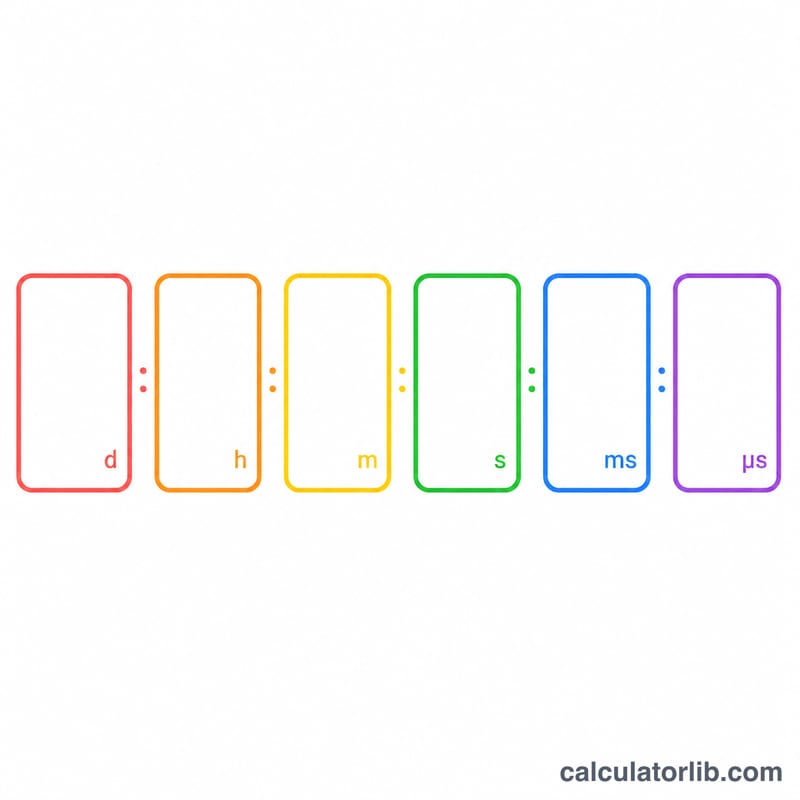
Enter an event name (display only), then pick the target month, day and year. Choose a 12-hour or 24-hour clock, type the time as four digits in hhmm form (for example 1201 for 12:01), and select am or pm when using the 12-hour clock. The wide-format checkbox only changes the layout. The countdown is computed in your browser's local time and updates every second.
The formula explained
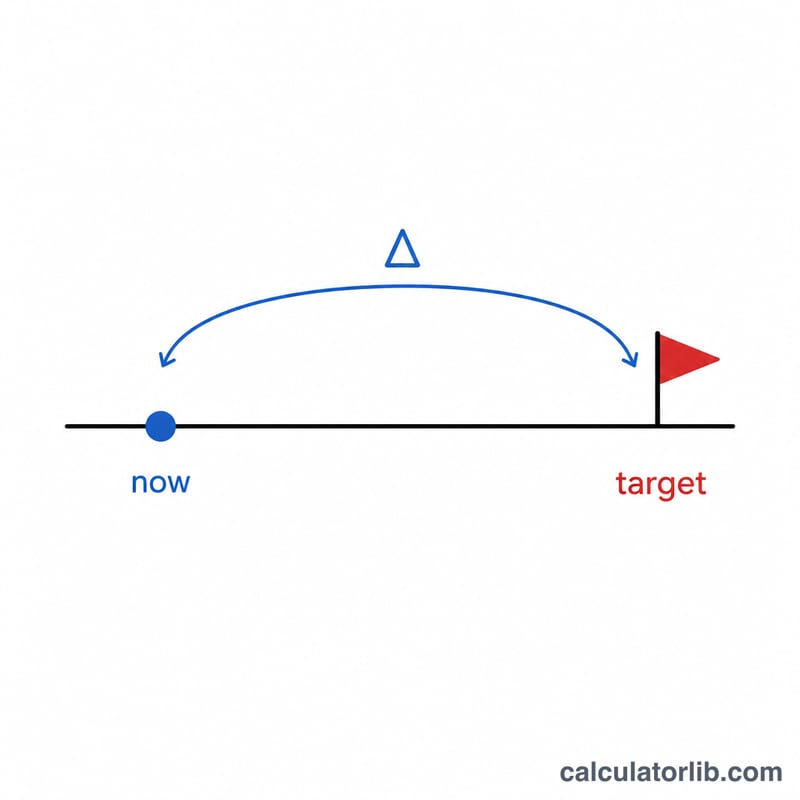
The calculator builds a target instant and subtracts the current time:
$$\Delta = t_{\text{target}} - t_{\text{now}}$$
Instead of a flat total, it performs a calendar-aware walk that yields a breakdown:
$$\Delta = (\,yr,\ mon,\ day,\ hr,\ min,\ sec\,)$$
it compares seconds, then minutes, hours, days, months and years, borrowing from the next larger unit when a value is negative. The day borrow adds the real length of the month preceding the target month, including 29 days for February in leap years, so the breakdown matches how a person would naturally count "X months and Y days." If the target is in the past, every field clamps to zero. When using a 12-hour clock, the hour is converted to 24-hour form as:
$$H_{24} = \begin{cases} 0 & h=12,\ \text{am} \\ h & h\neq12,\ \text{am} \\ 12 & h=12,\ \text{pm} \\ h+12 & h\neq12,\ \text{pm} \end{cases}$$
Worked example
Suppose now is January 14, 2026 at 12:01 pm and the target is February 1, 2026 at 12:01 am (00:01). Seconds and minutes are 0. Hours: \(0 - 12 = -12\), add 24 to get 12 and borrow a day. Days: \(1 - 14 - 1 = -14\), add January's 31 days to get 17 and borrow a month. Months: \(2 - 1 - 1 = 0\). Years: 0. Result: 17 days, 12 hours. The years and months cells are hidden because both are zero.
FAQ
Does 12:01 am mean midnight or noon? Just after midnight. 12 am maps to hour 0, so 12:01 am is 00:01. Noon is 12:00 pm.
What time zone is used? Your device's local time. A fixed national deadline may differ from your zone.
What happens after the event passes? All fields show zero, indicating the deadline has been reached.