
What Is an Adding Machine Calculator?
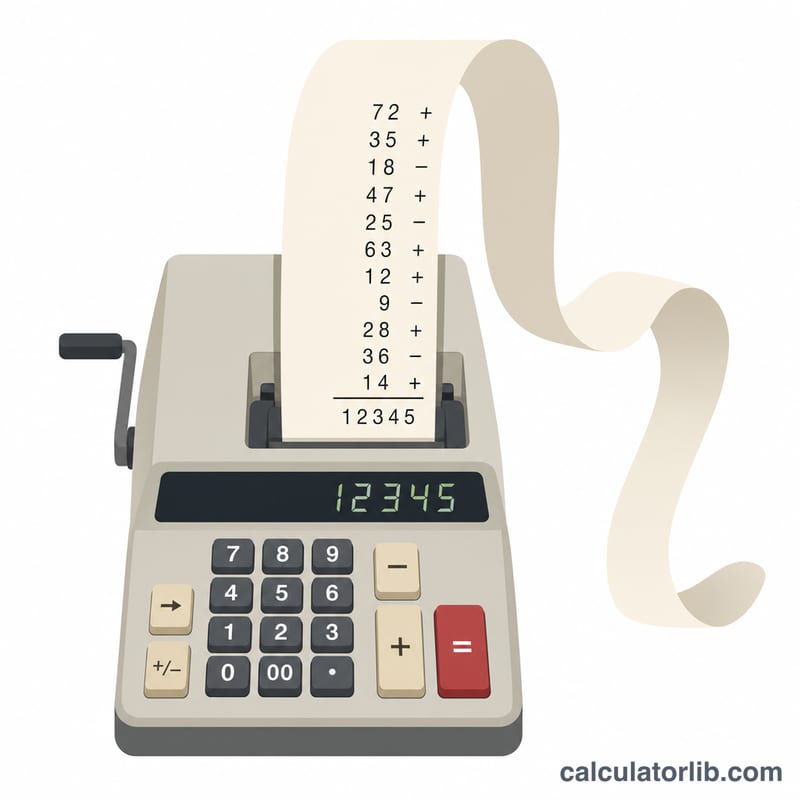
An adding machine calculator mimics the classic desktop adding machines used by accountants and bookkeepers. Instead of pressing one number at a time, you type a whole list of values — one per line — and the calculator adds them up while printing a "tape" that shows the running total after every entry. This makes it easy to audit a long column of figures and spot exactly where a number went in.
How to Use It
Type each value on its own line. To subtract a value, put a minus sign in front of it (for example -10). Blank lines are ignored. When you calculate, you get the grand total, the number of entries, the average, the sum of all positive values, the sum of all negative values, and a full tape showing the running balance.
The Formula
The total is simply the sum of every value you enter:
$$\text{Total} = x_1 + x_2 + \dots + x_n = \sum_{i=1}^{n} x_i$$The tape records each partial sum \(T_k = \sum_{i=1}^{k} x_i\) so you can follow the math step by step. The average is the total divided by the count of entries:
$$\bar{x} = \frac{1}{n}\sum_{i=1}^{n} x_i$$Worked Example
Suppose you enter 100, 25.50, -10 and 7.25. The running tape reads: 100.00 → 100.00, 25.50 → 125.50, -10.00 → 115.50, 7.25 → 122.75. The grand total is
across 4 entries, with an average of about
$$\bar{x} = \frac{122.75}{4} \approx 30.69$$positive sum of 132.75 and negative sum of -10.00.
Definitions & Glossary
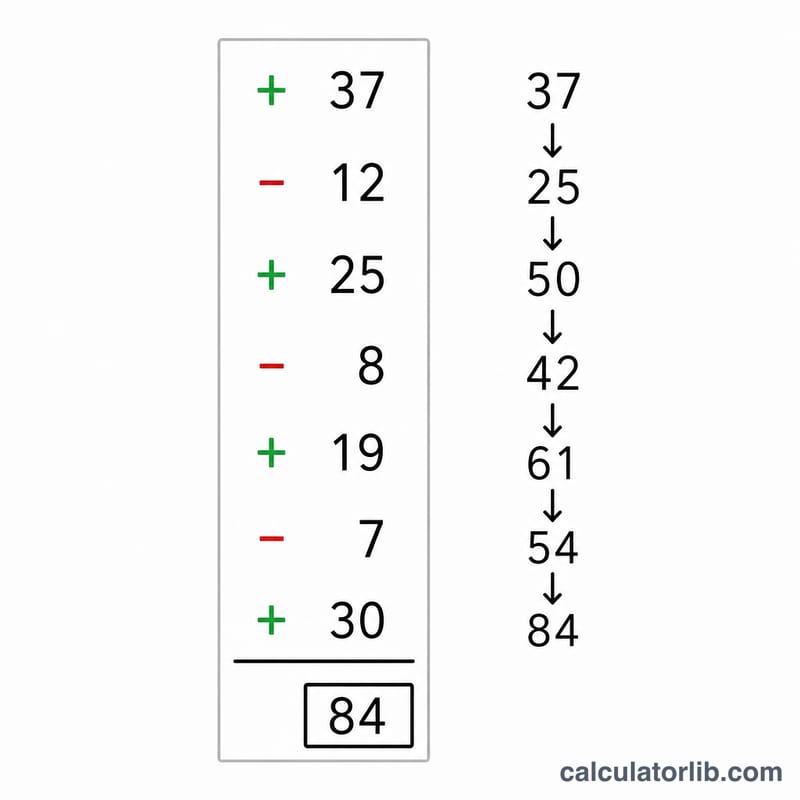
An adding machine calculator processes a vertical list of numbers (your entries) the way a printing calculator tape does, keeping a visible record of every value and an evolving sum. The terms below describe the figures the tool reports.
- Grand total
- The final sum of all entries after the last line has been processed. For entries \(e_1, e_2, \dots, e_n\) it equals \(\sum_{i=1}^{n} e_i\). This is the headline result printed at the bottom of the tape.
- Running total (tape)
- The cumulative subtotal shown after each individual entry, so that line \(k\) displays \(\sum_{i=1}^{k} e_i\). The full sequence of running totals is the “tape” — a printable audit trail that lets you trace exactly where the grand total came from.
- Entry count (n)
- The number of values entered, \(n\). Blank lines are ignored. The count is used as the denominator when computing the average.
- Average (mean)
- The arithmetic mean of the entries, \(\bar{e} = \dfrac{1}{n}\sum_{i=1}^{n} e_i = \dfrac{\text{Grand total}}{n}\). Note that subtractions (negative entries) lower both the total and therefore the average.
- Positive sum
- The total of only the entries greater than zero — for example, the sum of all deposits or credits. It answers “how much came in.”
- Negative sum
- The total of only the entries less than zero — for example, the sum of all withdrawals or debits, reported as a negative figure. It answers “how much went out.” The grand total always equals the positive sum plus the negative sum.
- Leading minus sign (subtraction)
-
To subtract a value on a line, prefix it with a minus sign, e.g.
-50. The machine then adds \(-50\) to the running total, which is mathematically identical to subtracting \(50\). A line without a sign is treated as a positive entry (an addition).
Scenario Comparison
The same adding-machine logic handles a pure column of costs, a mixed ledger of deposits and withdrawals, and a short sum equally well. In each case the grand total equals the positive sum plus the negative sum, and the average is the grand total divided by the entry count.
| Scenario | Entries (one per line) | Count (n) | Positive sum | Negative sum | Grand total | Average |
|---|---|---|---|---|---|---|
| Column of expenses | 120, 45.50, 18.25, 60, 12.99 | 5 | 256.74 | 0.00 | 256.74 | 51.348 |
| Deposits & withdrawals | 500, -120, -45, 200, -75 | 5 | 700.00 | -240.00 | 460.00 | 92.00 |
| Simple sum | 10, 20, 30, 40 | 4 | 100.00 | 0.00 | 100.00 | 25.00 |
| Refunds & charges | -15.99, -8.50, 25, -4.25 | 4 | 25.00 | -28.74 | -3.74 | -0.935 |
The “Deposits & withdrawals” row shows the leading-minus rule in action: \(500 + (-120) + (-45) + 200 + (-75) = 460\), with the positive sum (700) capturing money in and the negative sum (−240) capturing money out. The “Refunds & charges” row ends negative because the debits outweigh the single credit.
FAQ
How do I subtract a number? Place a minus sign directly before it, like -45.50.
Can I add decimals and dollar amounts? Yes. Decimals work normally; the tape and totals are shown to two decimal places.
What happens to blank lines? Empty lines are skipped, so you can space your figures out for readability without affecting the total.