
What is the ASCII to Binary Converter?
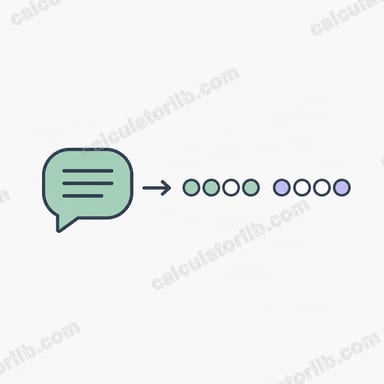
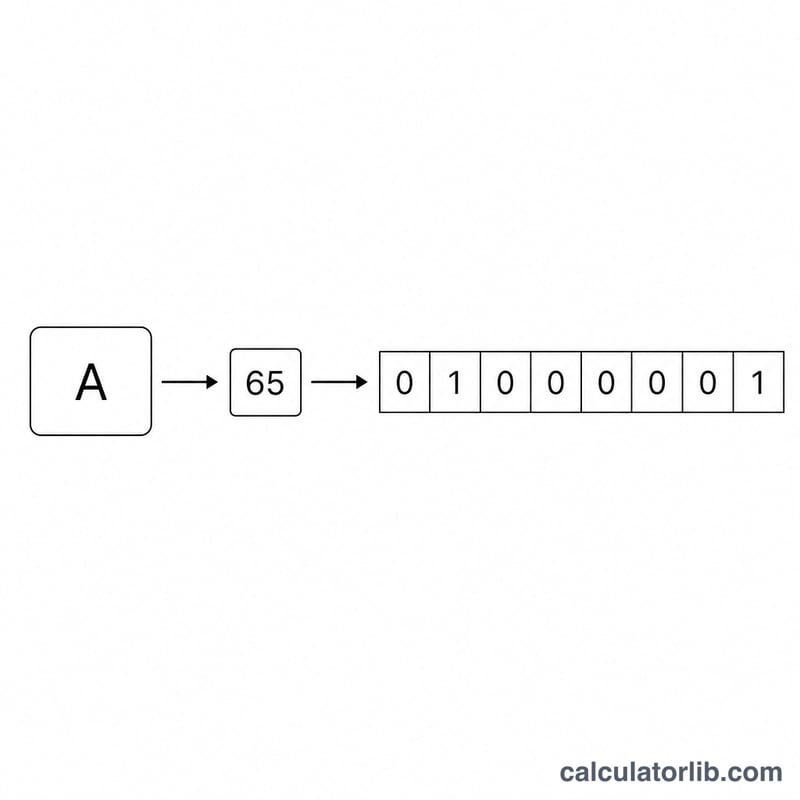
This tool turns plain text into binary code. Every character you type is looked up in the ASCII table to find its numeric code (0–127 for standard ASCII), and that number is written out as an 8-bit binary value. Stringing those bytes together gives you the binary representation of your message — exactly how computers store text under the hood.
How to use it
Type or paste any text into the input box. Choose whether you want a space between each byte (easier to read) or no separator (a continuous bit stream). The converter then outputs the full binary string along with the number of characters and total bits.
The formula explained
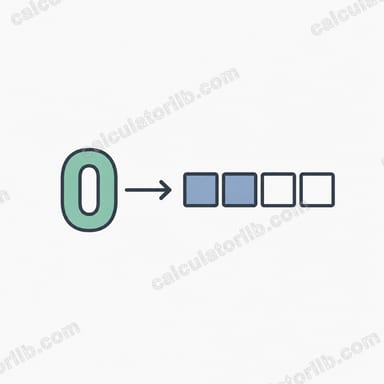
For each character c, the converter computes \(\operatorname{ASCII}(c)\), its decimal code. That code is converted to base-2 and left-padded with zeros until it is 8 bits long. The full result is given by:
$$\text{Binary} = \bigoplus_{i=1}^{n}\ \operatorname{pad}_{8}\!\left(\text{bin}\big(\operatorname{ASCII}(\text{Text}_i)\big)\right)$$For example the letter "H" has ASCII code 72, which is 1001000 in binary, padded to 01001000. Concatenating the byte for every character produces the result.
Worked example
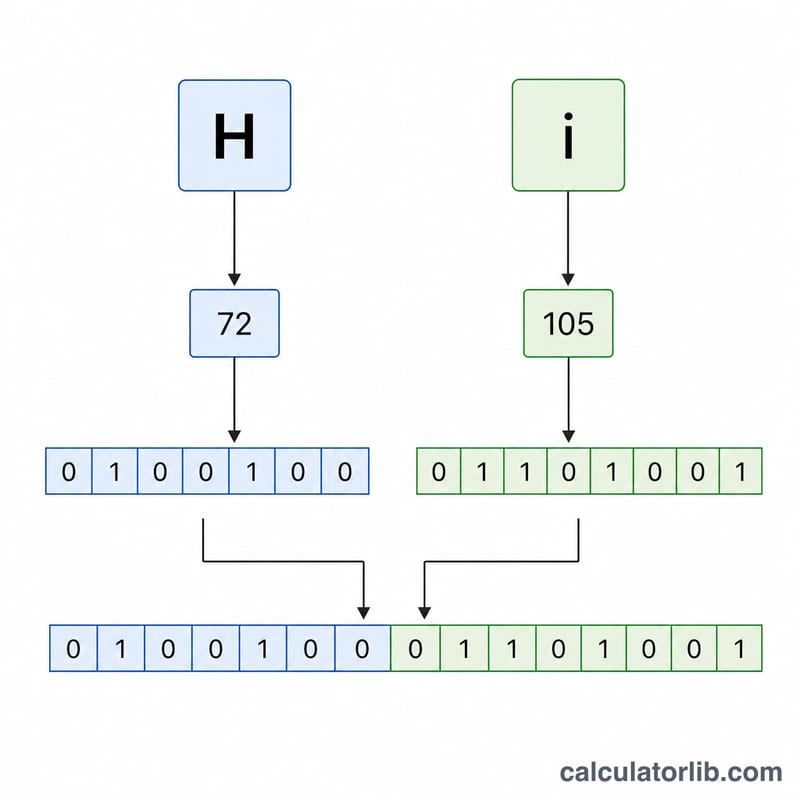
Take the word "Hi". \(\text{"H"} = 72 = 01001000\), and \(\text{"i"} = 105 = 01101001\). With a space separator the output is 01001000 01101001. That is two characters and 16 bits total.
How to Convert Text to Binary by Hand
Converting text to 8-bit binary is a per-character process: each character is independently turned into one byte, and the bytes are joined together in order. Here is the full procedure, illustrated with the letter K.
- Take one character. Process the text left to right, one character at a time. We will convert the character
K. - Look up its ASCII decimal code. Using the reference table above,
Khas the decimal ASCII code 75. - Convert the decimal code to base 2. Repeatedly divide by 2 and read the remainders bottom-up:
75 ÷ 2 = 37 r 1; 37 ÷ 2 = 18 r 1; 18 ÷ 2 = 9 r 0; 9 ÷ 2 = 4 r 1; 4 ÷ 2 = 2 r 0; 2 ÷ 2 = 1 r 0; 1 ÷ 2 = 0 r 1.
Reading the remainders from last to first gives1001011. You can verify with place values: \(64 + 8 + 2 + 1 = 75\), and as binary that is \(1001011_2 = 75_{10}\) 1001011. - Left-pad with zeros to 8 bits. A raw binary value can be shorter than 8 digits. Add leading zeros until the byte is exactly 8 bits wide:
1001011→01001011. Every character in this scheme occupies one full byte, so this padding step keeps all bytes the same length and makes them decodable. - Concatenate the bytes. Repeat steps 1–4 for every character and join the results in order. For the word
Kit:K=01001011,i=01101001,t=01110100, giving010010110110100101110100. With the separator set to space, the same output reads01001011 01101001 0111010001001011 01101001 01110100.
To reverse the process, split the binary string into 8-bit groups and decode each byte back to its character with a binary-to-text decoder.
FAQ
Why 8 bits per character? Standard ASCII fits in 7 bits, but a byte (8 bits) is the universal storage unit, so each character is padded to 8 bits.
Does it support spaces and symbols? Yes. A space is ASCII 32 (00100000), and punctuation has its own codes too.
What about accented or emoji characters? This converter targets standard ASCII. Characters above code 127 are outside the ASCII range and may not encode meaningfully in 8 bits.