
What is a Text to Binary Converter?
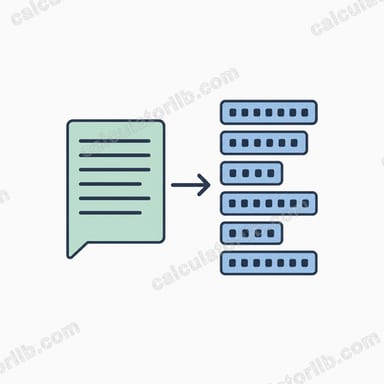
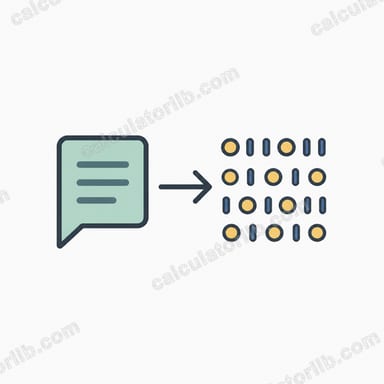
This tool translates ordinary text into binary using the ASCII (American Standard Code for Information Interchange) standard. Every character on your keyboard maps to a number between 0 and 127 in basic ASCII. The converter takes each character, looks up its ASCII code, converts that code to base-2, and pads it to exactly 8 bits (one byte). The result is the same binary that a computer stores and transmits under the hood.
How to use it
Type or paste any text into the input box and submit. You will get three views of the result: the binary grouped into 8-bit bytes (easiest to read), one continuous binary stream, and the underlying decimal ASCII codes. This is universal and not tied to any country or locale — ASCII is an international computing standard.
The formula explained
For each character c, we compute ASCII(c), then express it in binary, then left-pad with zeros until it is 8 digits long.
$$\text{Binary} = \bigl\Vert_{i=1}^{n}\ \operatorname{pad}_{8}\!\left(\operatorname{bin}\!\left(\operatorname{ASCII}\!\left(\text{Text}_{i}\right)\right)\right)$$
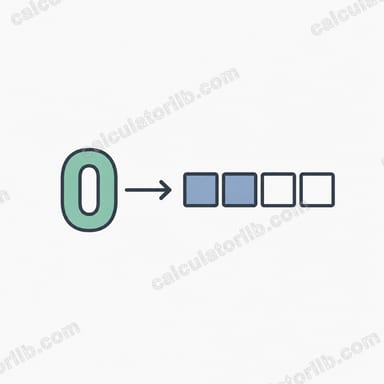
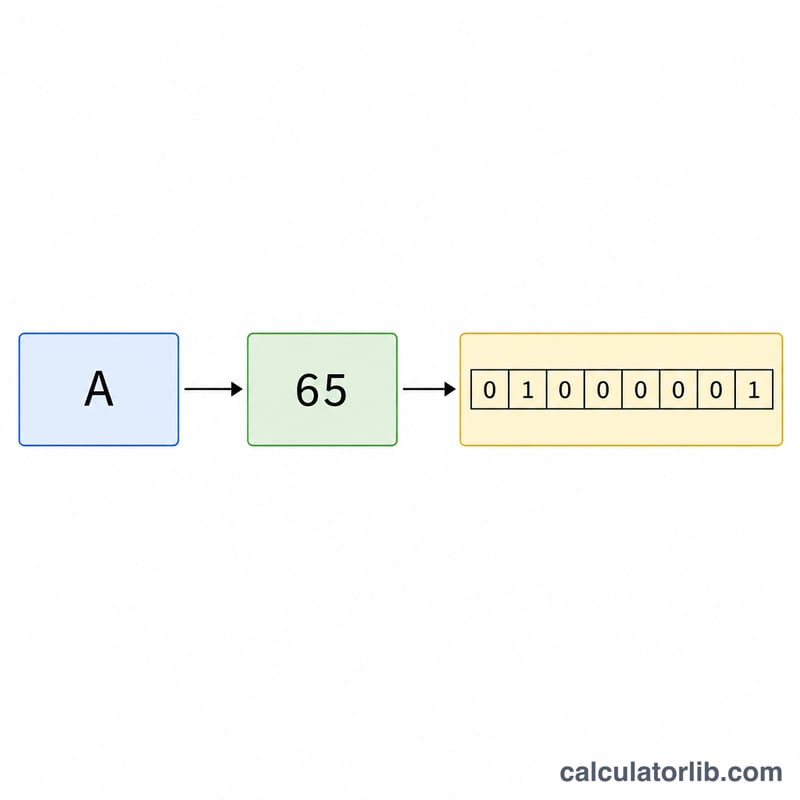
For example the letter "A" has ASCII code 65. In binary 65 is 1000001, which is 7 digits, so we pad it to 01000001. Concatenating the bytes for every character produces the full binary string.
Worked example
Take the word "Hi". "H" = ASCII 72 = 1001000. "i" = ASCII 105 = 1101001. Padded to 8 bits each: 01001000 and 01101001. The spaced output is 01001000 01101001 and the continuous output is 0100100001101001.
ASCII Character to Binary Reference Table
Every character on a standard keyboard maps to an ASCII decimal code from 0 to 127, and that code is stored as an 8-bit byte in binary. The table below lists common printable characters with their decimal code and the padded 8-bit binary value. For example, the letter A is decimal 65, which in binary is 01000001.
| Character | Decimal (ASCII) | 8-bit Binary |
|---|---|---|
| (space) | 32 | 00100000 |
| ! | 33 | 00100001 |
| " | 34 | 00100010 |
| # | 35 | 00100011 |
| $ | 36 | 00100100 |
| % | 37 | 00100101 |
| & | 38 | 00100110 |
| ' | 39 | 00100111 |
| ( | 40 | 00101000 |
| ) | 41 | 00101001 |
| * | 42 | 00101010 |
| + | 43 | 00101011 |
| , | 44 | 00101100 |
| - | 45 | 00101101 |
| . | 46 | 00101110 |
| / | 47 | 00101111 |
| 0 | 48 | 00110000 |
| 1 | 49 | 00110001 |
| 2 | 50 | 00110010 |
| 3 | 51 | 00110011 |
| 4 | 52 | 00110100 |
| 5 | 53 | 00110101 |
| 6 | 54 | 00110110 |
| 7 | 55 | 00110111 |
| 8 | 56 | 00111000 |
| 9 | 57 | 00111001 |
| : | 58 | 00111010 |
| ; | 59 | 00111011 |
| ? | 63 | 00111111 |
| @ | 64 | 01000000 |
| A | 65 | 01000001 |
| B | 66 | 01000010 |
| C | 67 | 01000011 |
| M | 77 | 01001101 |
| Z | 90 | 01011010 |
| a | 97 | 01100001 |
| b | 98 | 01100010 |
| c | 99 | 01100011 |
| m | 109 | 01101101 |
| z | 122 | 01111010 |
To verify a whole word, the text Hi becomes 01001000 01101001.
How to Convert Text to Binary by Hand
Converting text to binary means turning each character into its 8-bit ASCII representation. Follow these steps for every character in the string, in order from left to right.
- Take one character at a time. Work through the text left to right; each character is converted independently, then the results are joined.
- Find the ASCII decimal code. Look the character up in an ASCII table. For example, the capital letter K has decimal code 75.
- Convert the decimal to base-2 by repeated division by 2. Divide the number by 2 and record the remainder, then repeat with the quotient until it reaches 0. Read the remainders from bottom to top.
For 75: 75 ÷ 2 = 37 r 1; 37 ÷ 2 = 18 r 1; 18 ÷ 2 = 9 r 0; 9 ÷ 2 = 4 r 1; 4 ÷ 2 = 2 r 0; 2 ÷ 2 = 1 r 0; 1 ÷ 2 = 0 r 1. Reading the remainders upward gives 1001011. - Left-pad with zeros to make 8 bits. A byte is always 8 bits, so prepend leading zeros: 1001011 becomes 01001011.
- Concatenate the bytes in order. Join all the 8-bit groups together. For continuous output write them with no gaps; for readable output separate each byte with a single space.
Worked example — the word "Hey":
- H = 72 = 01001000
- e = 101 = 01100101
- y = 121 = 01111001
Spaced result: 01001000 01100101 01111001. To check a single byte the other way, the binary 01001000 converts back to decimal 72, the ASCII code for H.
Key Terms Explained
- ASCII
- The American Standard Code for Information Interchange, a character-encoding standard that assigns a numeric code from 0 to 127 to letters, digits, punctuation, and control characters.
- Bit
- The smallest unit of digital data, holding a single binary value of either 0 or 1.
- Byte
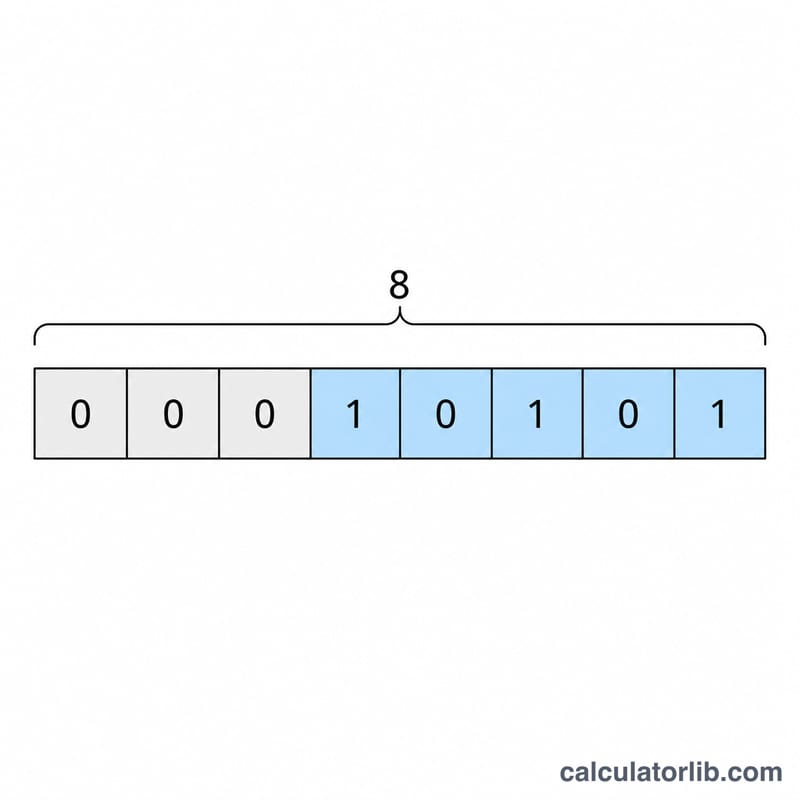
- A group of 8 bits. One byte can represent 256 distinct values (0–255), which is enough to hold any standard or extended ASCII character.
- Binary (base-2)
- A number system using only the digits 0 and 1. Each position represents a power of two (1, 2, 4, 8, 16, …), so the byte 01000001 equals 64 + 1 = 65.
- 7-bit vs 8-bit
- Original ASCII only needs 7 bits to cover codes 0–127. In modern systems each character is stored in a full 8-bit byte, with the extra leading bit set to 0 for standard ASCII characters.
- Padding / leading zeros
- Zeros added to the front of a binary number so every byte is exactly 8 bits long. For example, the code 5 becomes 00000101 rather than just 101, keeping all bytes aligned.
- Continuous vs spaced output
- Continuous output joins all bytes with no separators (e.g. 0100100001101001), while spaced output inserts a space between each byte (e.g. 01001000 01101001) to make it easier to read and decode.
- Decimal code
- The base-10 number assigned to a character by ASCII, such as 65 for A. It is the intermediate value between the character and its binary form.
- Extended ASCII (codes 128–255)
- An extension that uses the eighth bit to add another 128 characters, such as accented letters and box-drawing symbols. These encodings vary by code page, so the same code can display differently across systems.
FAQ
Why 8 bits per character? A byte is 8 bits, and standard ASCII fits in 7 bits, so padding to 8 keeps every character the same width and matches how data is stored.
Does it handle spaces and punctuation? Yes — a space is ASCII 32 (00100000), and all printable symbols have codes too.
What about emoji or accented letters? Characters above code 127 fall outside basic ASCII; this tool uses each character's numeric code value, which works best for standard English text.