
What the Commission Calculator Does
This Commission Calculator works out the sales commission earned on a single deal. You enter two numbers — the value of the sale and the commission rate as a percentage — and it instantly returns the commission amount. It also adds that commission back to the sale value to show a combined total, so you can see both figures side by side. The tool uses currency-agnostic math, so it works for any country and any currency: just enter plain numbers.
The Inputs You Provide
- Sale Amount – the full value of the deal or transaction you closed (for example, the price of the product or contract).
- Commission Rate (%) – the percentage of the sale you are paid, such as 5 for 5% or 12.5 for 12.5%.
The Formula
The calculator applies a straightforward percentage formula:
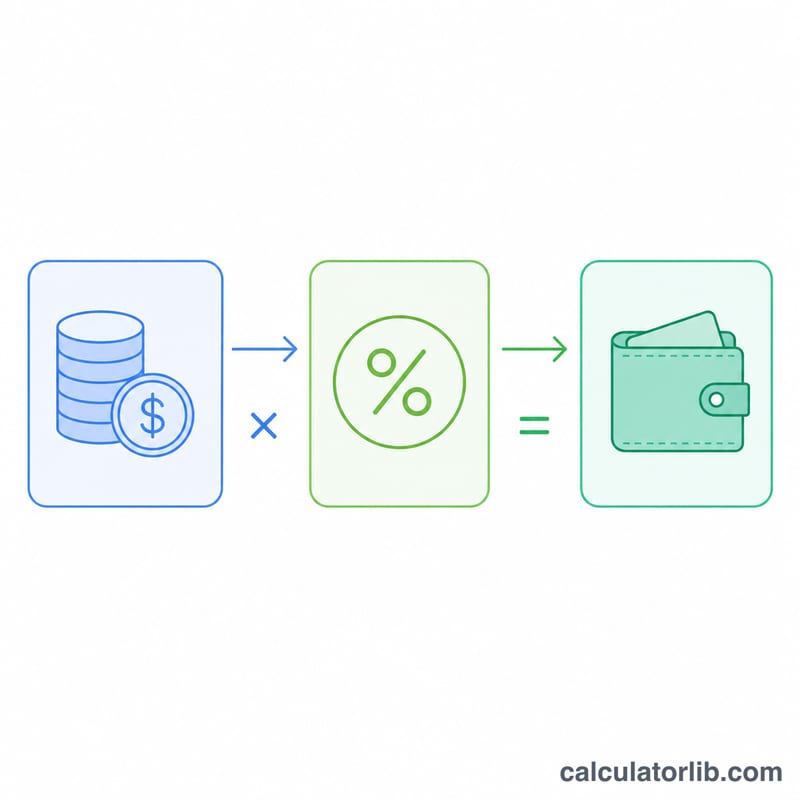
$$\text{Commission} = \text{Sale Amount} \times \frac{\text{Rate (\%)}}{100}$$ $$\text{Total} = \text{Sale Amount} + \text{Commission}$$The rate is divided by 100 to convert the percentage into a decimal before multiplying. The "total earnings" figure simply adds the commission on top of the sale amount, which is useful if you want to see the headline deal value plus the commission together.
Worked Example
Suppose you close a sale worth 20,000 at a commission rate of 5%:
- Commission = \(20{,}000 \times (5 \div 100) = 20{,}000 \times 0.05 = \) 1,000
- Total = \(20{,}000 + 1{,}000 = \) 21,000
So your commission on that deal is 1,000. Change the rate to 7.5% and the commission rises to 1,500 — handy for comparing different commission structures.
Frequently Asked Questions
Does this handle tiered or sliding-scale commissions? No. This calculator uses a single flat rate per sale. For tiered plans, run each tier's sale amount separately with its own rate and add the results.
What currency does it use? It is currency-neutral — it only does the math on the numbers you enter, so the result is in whatever currency your sale amount represents.
Is the commission calculated before or after tax? The calculator works on the raw sale amount you enter. If your plan calculates commission on a net or after-discount figure, enter that adjusted amount instead of the gross sale value.