

What Is the Commission Pay Calculator?
The Commission Pay Calculator works out your total earnings when your compensation combines a fixed base salary with a performance-based commission on sales. It is widely used by salespeople, account managers, real estate agents, and anyone paid on a base-plus-commission structure. Enter three values and instantly see your commission earned and total take-home pay before taxes.
How to Use It
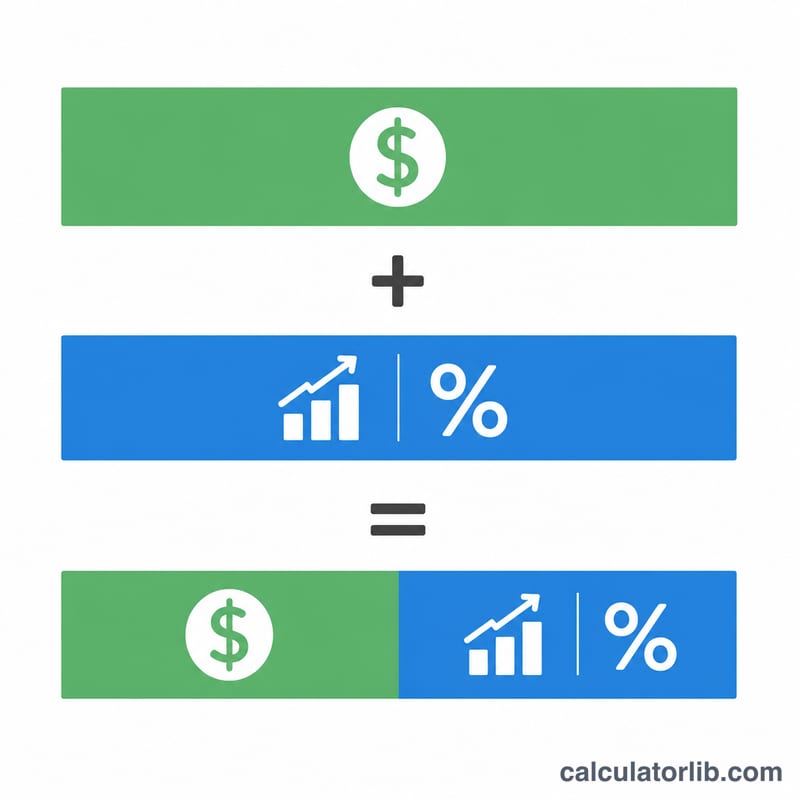
Provide your base salary for the period (per month, quarter, or year — keep it consistent), your total sales for the same period, and your commission rate as a percentage. The calculator multiplies sales by the rate to find your commission, then adds your base salary to give total pay.
The Formula Explained
The math is straightforward:
$$\text{Total Pay} = \text{Base Salary} + \text{Sales} \times \frac{\text{Commission Rate}}{100}$$The commission rate is divided by 100 to convert the percentage into a decimal multiplier. For example, a 5% rate becomes \(0.05\).
Worked Example
Suppose your base salary is $3,000, you closed $50,000 in sales, and your commission rate is 5%.
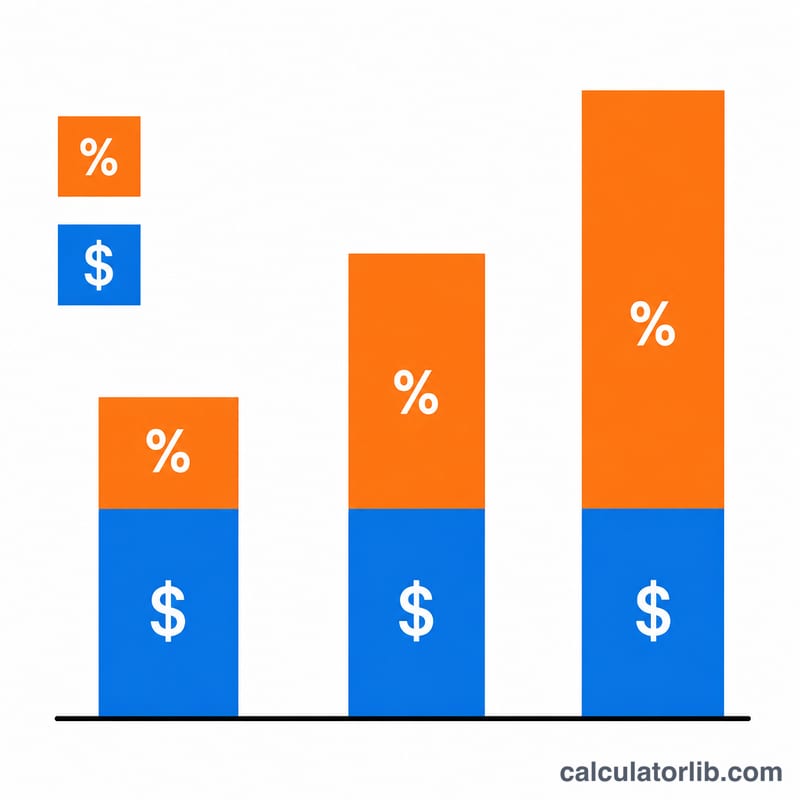
$$\text{Commission} = \$50{,}000 \times 0.05 = \$2{,}500$$$$\text{Total Pay} = \$3{,}000 + \$2{,}500 = \mathbf{\$5{,}500}$$
FAQ
Does this include taxes? No. The result is gross pay before income tax, withholding, and deductions.
Can I use a tiered commission rate? This tool uses a single flat rate. For tiered structures, run each tier separately and add the commissions together.
What if I have no base salary? Enter 0 for base salary to calculate pure commission-only earnings.