
What this calculator does
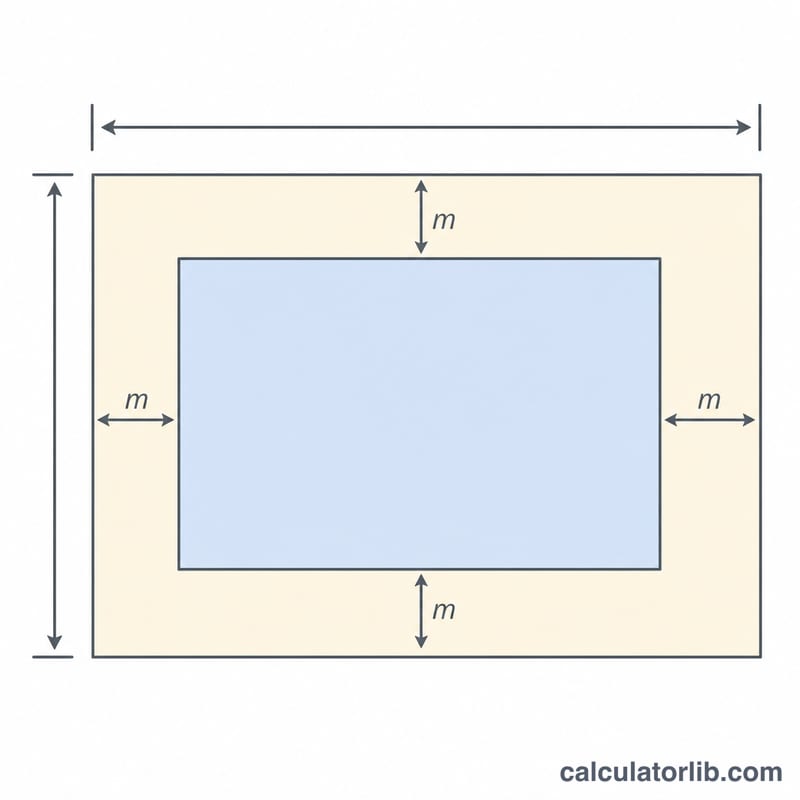
This cross-stitch fabric calculator turns a chart's stitch count into a finished design size and tells you how big a piece of Aida, evenweave or linen to cut. It uses the standard relationship between stitch count and fabric count (the number of stitches worked per inch) and adds a margin on every side for hooping, framing and finishing.
How to use it
Enter the design's width and height in stitches (read these straight off your chart). Pick the fabric count from the list — Aida is usually 11, 14, 16 or 18, while evenweave and linen are often stitched "2 threads over," so 28-count linen behaves like 14 stitches per inch. If your fabric is unusual, type the exact stitches-per-inch in the override box. Finally set a margin per side; 2–3 inches is typical.
The formula explained
Design size in inches equals stitch count divided by fabric count. A 140-stitch-wide motif on 14-count fabric is \(140 \div 14 = 10\) inches wide. Required fabric adds twice the margin (one margin on each side):
$$\text{fabric width} = \text{design width} + 2 \times \text{margin}$$
Worked example
A design 140 × 100 stitches on 14-count Aida with a 3-inch margin: design size = $$\frac{140}{14} \times \frac{100}{14} = 10 \times 7.14 \text{ inches.}$$ Fabric needed = $$(10 + 6) \times (7.14 + 6) = 16 \times 13.14 \text{ inches,}$$ so cut at least a 16 × 14 inch piece.
FAQ
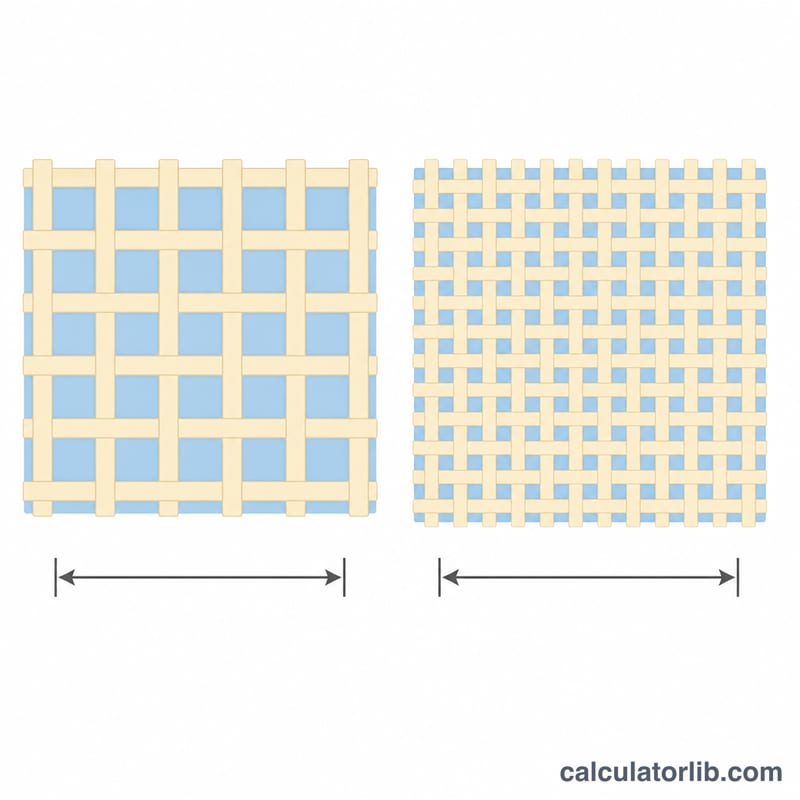
What is fabric count? It is how many stitches fit in one inch of fabric. Higher counts make smaller, finer stitches.
How big a margin should I leave? 2–3 inches per side is standard; add more if you plan to frame or use a large hoop.
Why does 28-count linen act like 14? Linen and evenweave are usually stitched over two threads, so two fabric threads equal one stitch — choose the "2 over" option or enter 14 in the override.