
What this calculator does
The Income After GST/VAT Calculator works backwards from a tax-inclusive total to reveal the underlying net (base) amount and the tax portion within it. This is useful when a price, invoice, or income figure already includes GST (Goods and Services Tax) or VAT (Value Added Tax) and you need to know the pre-tax value — for bookkeeping, invoicing, or claiming input tax credits. The method is universal: it applies to any GST or VAT system. Just enter the rate that applies in your jurisdiction (for example 10% in Australia, 15% in New Zealand, or 20% standard VAT in the UK).
How to use it
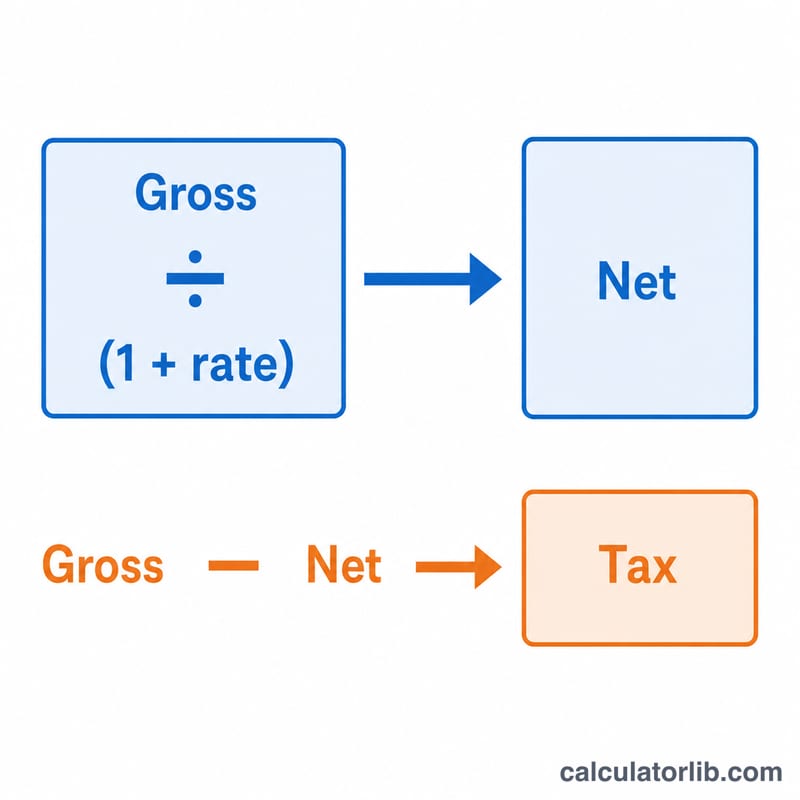
Enter the gross amount that already includes tax, then enter the GST/VAT rate as a percentage. The calculator divides the gross by \((1 + \text{rate})\) to give the net amount, and the difference is the tax contained in the total.
The formula explained
Because a tax-inclusive price equals the net price multiplied by \((1 + \text{rate})\), reversing it means dividing by the same factor:
$$\text{Net} = \dfrac{\text{Gross}}{1 + \text{rate}}$$Here rate is the percentage written as a decimal — 10% becomes \(0.10\). The tax amount is simply
$$\text{Tax} = \text{Gross} - \text{Net}$$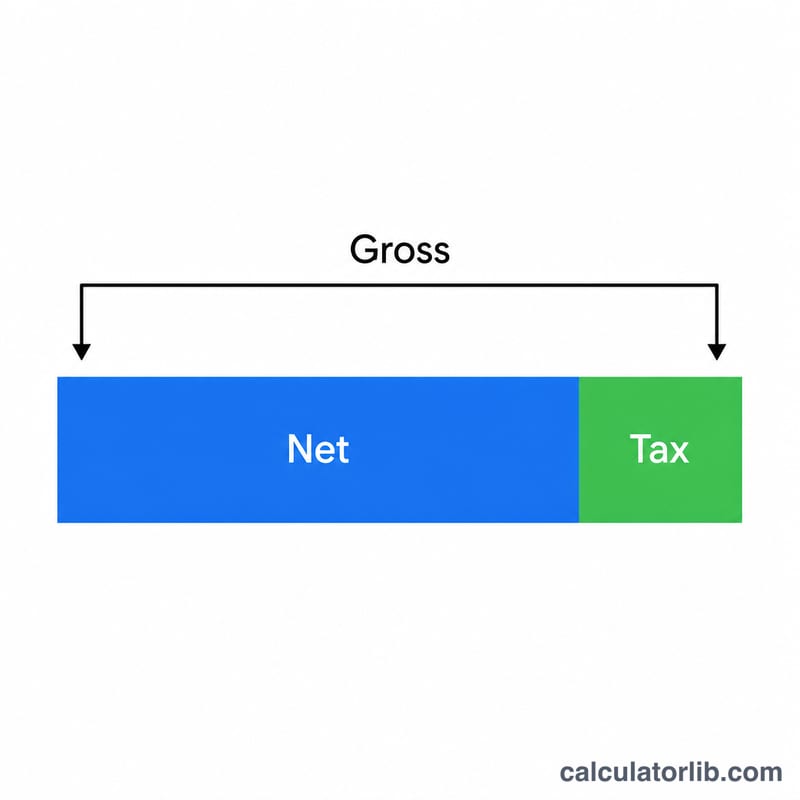
Worked example
Suppose you received $110 that includes 10% GST.
$$\text{Net} = \frac{110}{1 + 0.10} = \frac{110}{1.10} = \$100.00$$The GST amount
$$\text{GST} = 110 - 100 = \$10.00$$So your tax-exclusive income is $100 and the tax portion is $10.
FAQ
Why divide instead of just subtracting 10%? Subtracting 10% of the gross is wrong because the tax was calculated on the smaller net figure, not the larger gross. Dividing by \(1.10\) correctly recovers the base.
What rate should I enter? Use the rate that applied to the sale: e.g. 10% (Australia GST), 15% (NZ/Canada-region examples), or your country's standard or reduced VAT rate.
Can I use this for VAT-exclusive prices? No — this tool assumes the amount you enter already includes tax. If your figure excludes tax, simply multiply by \((1 + \text{rate})\) instead.