What Is the Increase Number by Percentage Calculator?
The Increase Number by Percentage Calculator is a free online tool that adds a percentage to any number and shows you the new total instantly. Whether you're raising a price, calculating a pay rise, marking up inventory, or working out how much a value has grown, this calculator removes the guesswork. It works with any currency, measurement, or plain number, so it's useful worldwide — there are no country-specific rules attached to it.
How to Use It
Getting your answer takes just a few seconds:
- Enter the original number (for example, a starting price or quantity).
- Enter the percentage you want to increase it by.
- Read the new value, calculated automatically.
That's it — no formulas to remember and no manual math required.
The Formula Explained
The calculation behind the tool is simple and reliable:
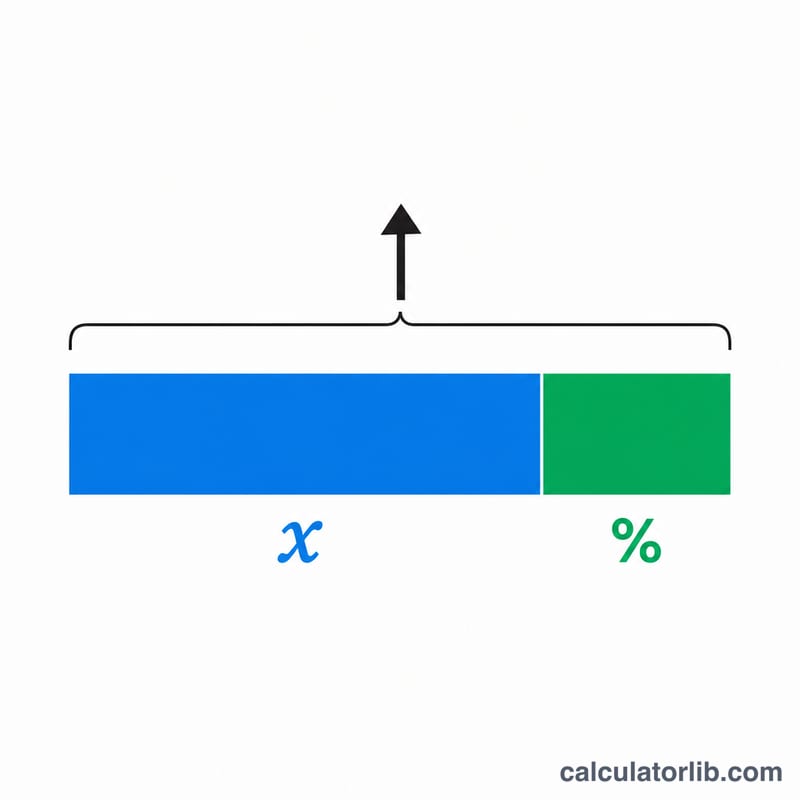
- $$\text{New Value} = \text{Original Number} \times \left(1 + \frac{\text{Percentage}}{100}\right)$$
In other words, you convert the percentage into a decimal, add 1 to it, and multiply by your starting number. The amount of the increase by itself is found with: \(\text{Increase} = \text{Original Number} \times \frac{\text{Percentage}}{100}\). Adding that increase to the original gives the new total.
Worked Example
Suppose you have a product priced at 80 and you want to increase it by 15%.
- Convert the percentage: \(15 \div 100 = 0.15\)
- Add 1: \(1 + 0.15 = 1.15\)
- Multiply: $$80 \times 1.15 = \mathbf{92}$$
The increase itself is \(80 \times 0.15 = 12\), so the new value is \(80 + 12 = 92\). The calculator does all of this instantly.
Frequently Asked Questions
Can I use this for a salary increase? Yes. Enter your current salary and the raise percentage to see your new salary. For example, a 50,000 salary with a 5% raise becomes 52,500.
What if I want to increase by more than 100%? No problem. Increasing 200 by 150% gives \(200 \times 2.5 = 500\). The tool handles any positive percentage.
How is this different from finding a percentage of a number? Finding a percentage gives only the portion (e.g., 15% of 80 = 12). This calculator adds that portion back to the original, giving the full new total (92).
Why Use This Calculator?
It's fast, accurate, and completely free. You avoid mental-math mistakes and get consistent results every time — ideal for shoppers, business owners, students, and anyone managing budgets or pricing.