
What is a percentage increase / decrease?
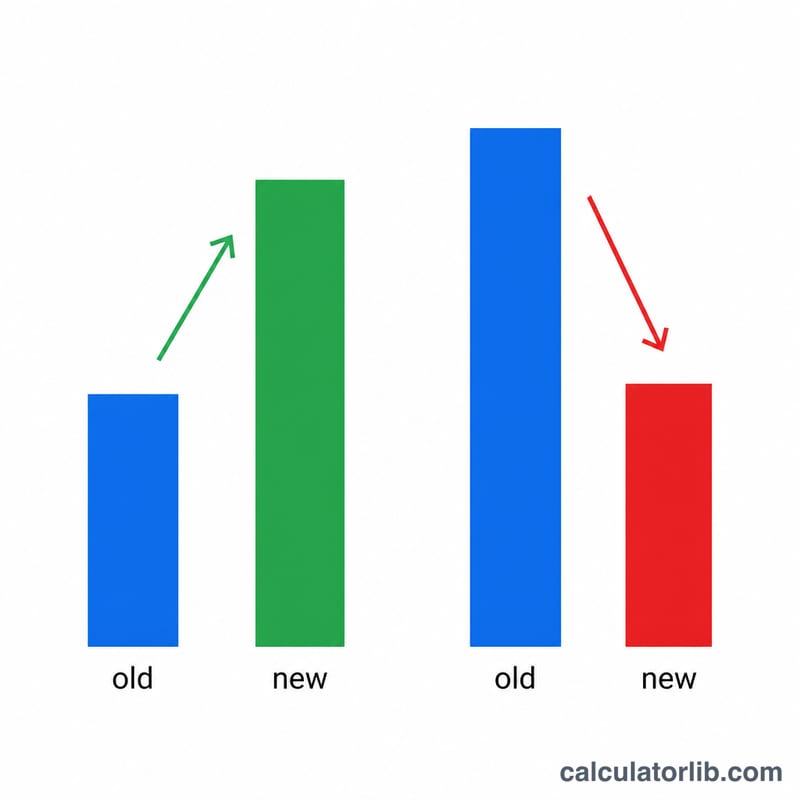
A percentage change measures how much a value has grown or shrunk relative to its starting point. If a price rises from 80 to 100, that is a 25% increase; if it falls from 100 to 80, that is a 20% decrease. This calculator works for any two numbers — prices, salaries, statistics, weights, scores — and tells you both the direction and the size of the change.
How to use it
Enter the Original Value (the starting or "old" number) and the New Value (the ending number). The calculator returns the percentage change, whether it is an increase or decrease, and the raw absolute difference between the two numbers.
The formula explained
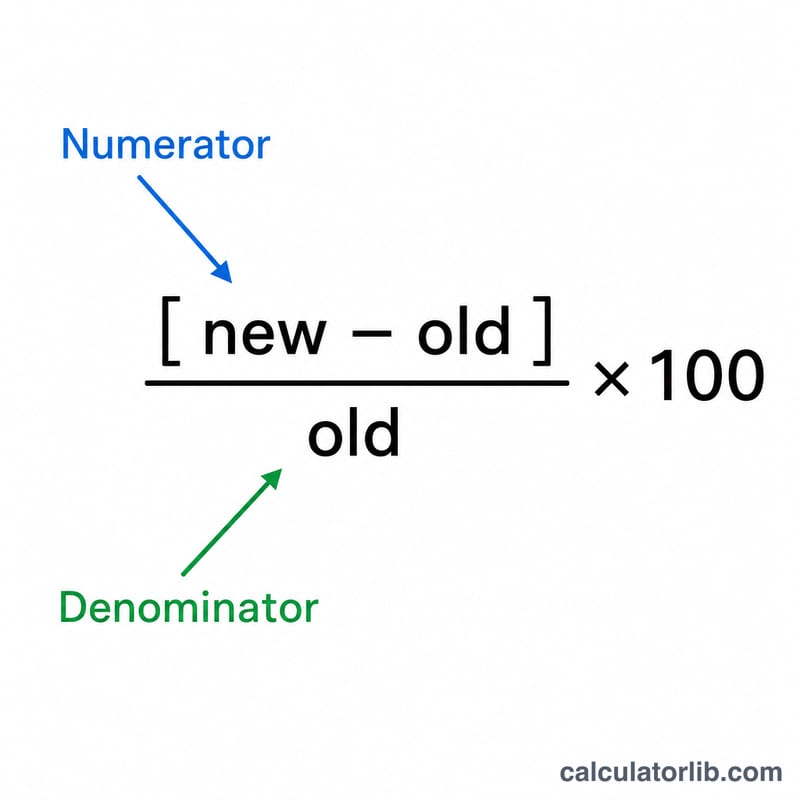
The percent change is the difference between the new and old values, divided by the old value, multiplied by 100:
$$\text{\%change} = \frac{\text{new} - \text{old}}{\text{old}} \times 100$$
The result is positive for an increase and negative for a decrease. The displayed headline figure shows the absolute size of the change, while the direction (up or down) is stated alongside it.
Worked example
Suppose a value goes from 200 to 350. The difference is \(350 - 200 = 150\). Dividing by the original gives \(150 \div 200 = 0.75\), and multiplying by 100 gives a 75% increase. If instead it dropped from 350 back to 200, the change would be $$(200 - 350) \div 350 \times 100 \approx -42.86\%,$$ a decrease.
FAQ
Why is the percentage different when I reverse the values? Because the denominator changes — percent change is always relative to the original value, so 80→100 (+25%) is not the symmetric of 100→80 (−20%).
What if the original value is zero? Percent change is undefined when the original value is 0 (division by zero), so the calculator returns 0% in that case.
Can I use negative numbers? Yes, but interpret the sign carefully — percent change with negative bases can be counter-intuitive.