What this calculator does
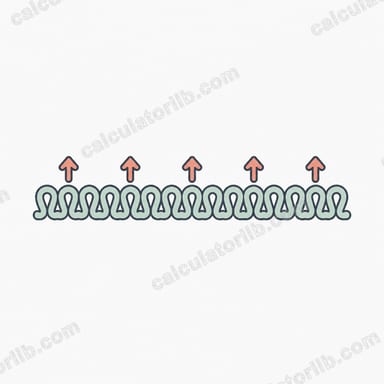
When a knitting pattern tells you to "increase 12 stitches evenly across the row," it rarely tells you exactly where to put them. This Knitting Increase/Decrease Calculator solves that problem. Enter how many stitches you currently have and how many you want, and it works out how often to make a change so the increases or decreases are spread as evenly as possible across the row.
How to use it
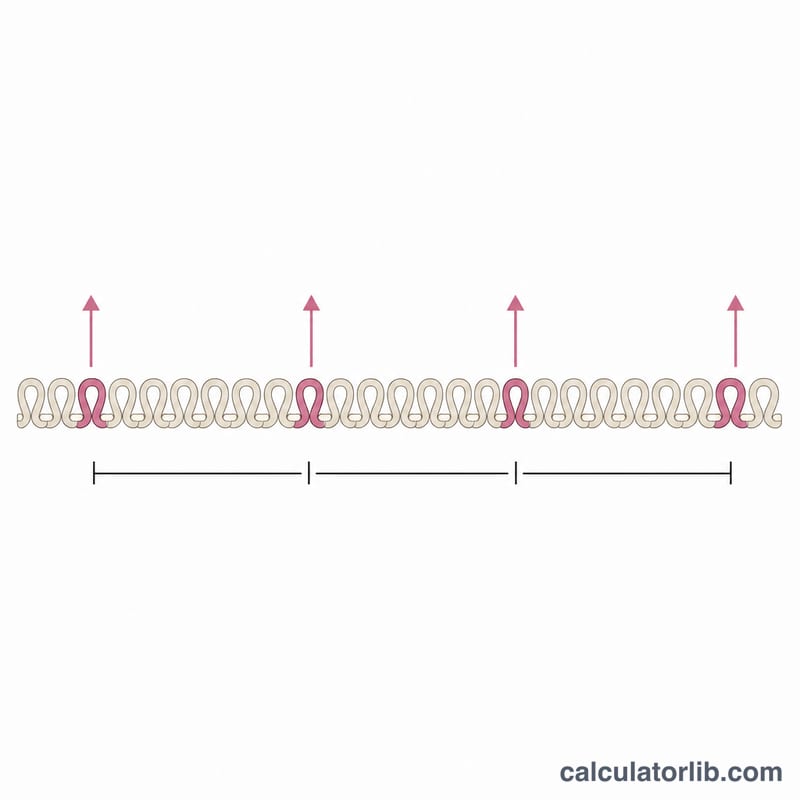
Type your current stitch count (the number of stitches now on your needle) and your target stitch count (the number the pattern wants you to reach). The tool tells you whether you are increasing or decreasing, how many changes are needed, the interval between them, and any leftover stitches you can distribute by eye.
The formula explained
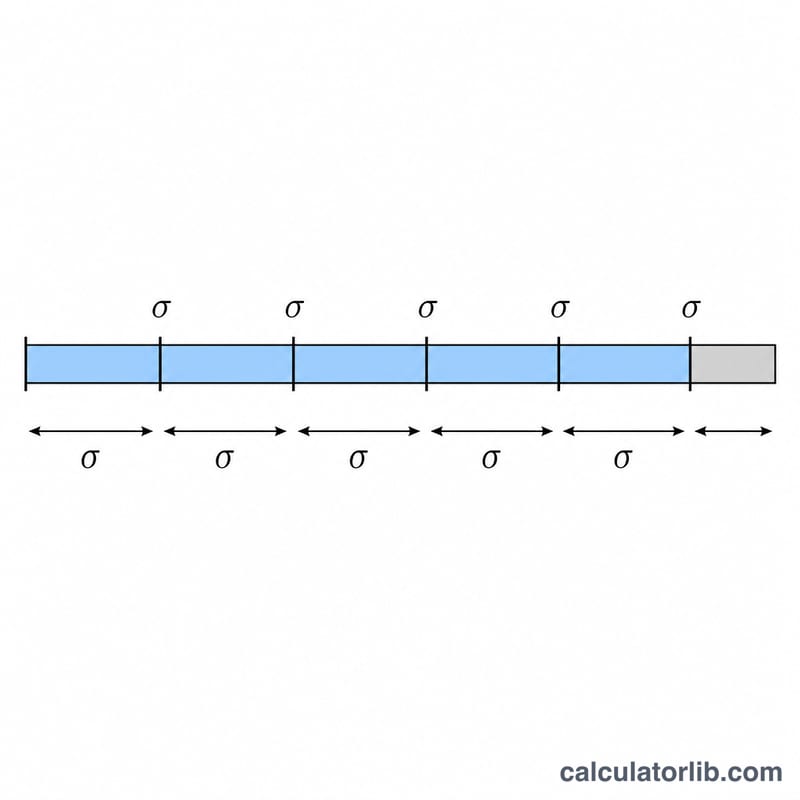
The core calculation is $$\text{interval} = \left\lfloor \frac{\text{current}}{\left| \text{target} - \text{current} \right|} \right\rfloor$$ The number of changes is simply the absolute difference between the two counts. Dividing the current stitches by that difference tells you how many stitches sit between each change; the floor function keeps it a whole number. Any leftover stitches (\( \text{current} - \text{interval} \times \text{changes} \)) are the few extras you spread across the row to balance things out.
Worked example
You have 60 stitches and need to decrease to 48. The difference is 12 changes. $$60 \div 12 = 5$$ so work a decrease every 5 stitches. The leftover is \( 60 - (5 \times 12) = 0 \), meaning it divides perfectly. A practical reading: knit 3, k2tog, repeat, adjusting the half-intervals at each end.
More Worked Examples: Increases and Uneven Results
Each example uses the same formulas: changes = |target − current|, interval = ⌊current ÷ changes⌋, and leftover = current − interval × changes. Here an "interval" means a group of that many stitches containing one increase or decrease.
Example 1: Increase 40 to 50 stitches (even result)
- Changes: \(|50 - 40| = 10\).
- Interval: \(\lfloor 40 \div 10 \rfloor = 4\).
- Leftover: \(40 - 4 \times 10 = 0\).
Ten groups of 4 stitches use all 40 stitches exactly. Work one increase in each group (for example, knit 3, then increase in the 4th stitch) and repeat 10 times. You finish with 50 stitches and nothing left to place.
Example 2: Increase 50 to 62 stitches (small leftover)
- Changes: \(|62 - 50| = 12\).
- Interval: \(\lfloor 50 \div 12 \rfloor = \) 4.
- Leftover: \(50 - 4 \times 12 = 2\).
Twelve groups of 4 stitches use 48 stitches, so 2 are left over. Split them between the two ends of the row: knit 1 plain stitch, work the 12 groups (each with one increase), then knit 1 plain stitch. This keeps the shaping centred and symmetrical. Total: 50 + 12 = 62 stitches.
Example 3: Decrease 87 to 72 stitches (large leftover)
- Changes: \(|72 - 87| = 15\).
- Interval: \(\lfloor 87 \div 15 \rfloor = 5\).
- Leftover: \(87 - 5 \times 15 = 12\).
Fifteen groups of 5 stitches use only 75 of the 87 stitches, leaving 12. That is nearly one extra stitch per group, so it is better to spread them than to dump them at the ends. Make 12 of the 15 groups 6 stitches long and keep 3 groups at 5 stitches:
$$12 \times 6 + 3 \times 5 = 72 + 15 = 87$$
Each group contains one decrease (such as k2tog), so the row ends with 87 − 15 = 72 stitches. Scatter the three shorter groups evenly (for example, one near each third of the row) rather than placing them side by side.
Rule of thumb: when the leftover is small (less than about half the number of changes), place it at the row ends. When it is large, vary the group lengths by one stitch so the shaping stays visually even. The calculator gives spacing only; the exact placement is your choice.
Knitting Terms and Abbreviations
The calculator tells you how far apart to place changes, not which technique to use. Choose the stitch from your pattern, the fabric, and the direction of lean you want.
| Term | Meaning | Effect on stitch count | Lean |
|---|---|---|---|
| Increase | Any method that adds stitches to widen the fabric | Adds | Depends on method |
| Decrease | Any method that removes stitches to narrow the fabric | Removes | Depends on method |
| Interval | Number of stitches in each group that contains one increase or decrease (the calculator's main output) | None (spacing only) | None |
| Leftover stitches | Stitches remaining when the groups do not divide the row exactly; place them at the ends or vary group lengths by one | None (plain stitches) | None |
| k2tog (knit two together) | Knit two stitches as one | Removes 1 | Leans right |
| ssk (slip, slip, knit) | Slip two stitches knitwise, then knit them together through the back loops | Removes 1 | Leans left |
| kfb (knit front and back) | Knit into the front, then the back of the same stitch | Adds 1 | No strong lean; leaves a small bar or bump |
| M1L (make one left) | Lift the bar between stitches from front to back and knit it through the back loop | Adds 1 | Leans left |
| M1R (make one right) | Lift the bar between stitches from back to front and knit it through the front loop | Adds 1 | Leans right |
| yo (yarn over) | Wrap the yarn over the needle to create a new stitch and a small hole | Adds 1 | No lean; makes an eyelet |
For symmetrical shaping, pair a left-leaning and a right-leaning version, such as ssk on one side with k2tog on the other, or M1L with M1R. Pattern abbreviations can vary slightly between designers, so check the pattern's own abbreviation list.
FAQ
What if the numbers don't divide evenly? The leftover row shows the extra stitches. Add one to a few of the intervals, or split the leftovers half at the start and half at the end of the row.
Does it work for both increases and decreases? Yes. If your target is higher than your current count it calculates increases; if lower, decreases. The math is identical.
Does this depend on yarn or needle size? No — it is a pure stitch-count tool and works for any fiber, gauge, or pattern.