
What Is the PayPal Fee Calculator?
When you receive money through PayPal, the platform deducts a transaction fee before depositing the balance into your account. This calculator estimates that fee and shows the net amount you actually keep. It works for any percentage and fixed-fee combination, so you can model standard rates, international rates, or any custom agreement.
How to Use It
Enter three values: the transaction amount (the gross payment), the fee percent (for example 2.9%), and the fixed fee (for example 0.30 per transaction). The calculator multiplies the amount by the percent, adds the fixed fee, and subtracts the total from your gross amount to reveal what lands in your account.
The Formula Explained
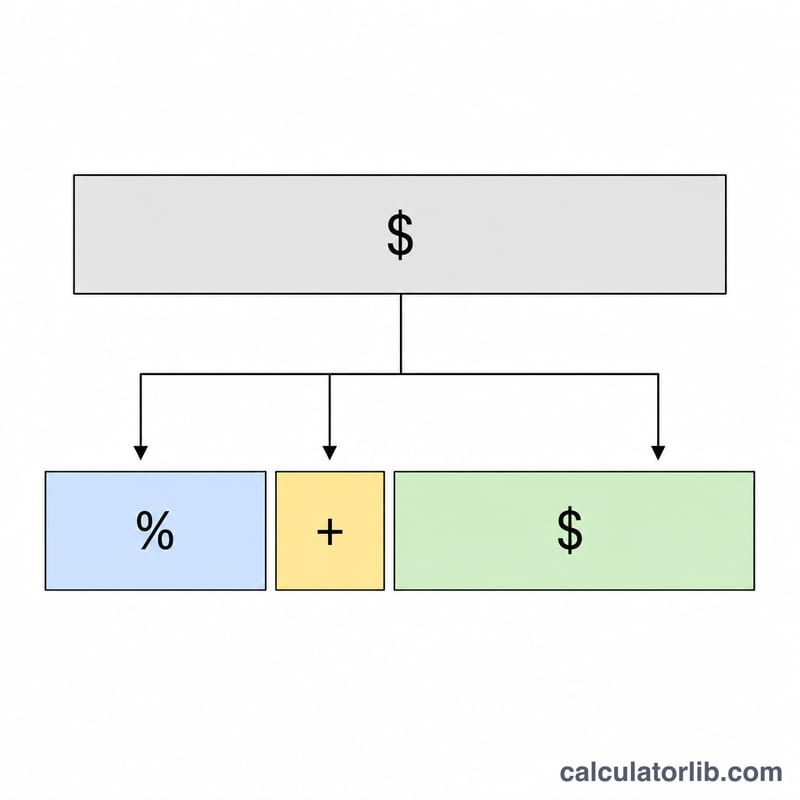
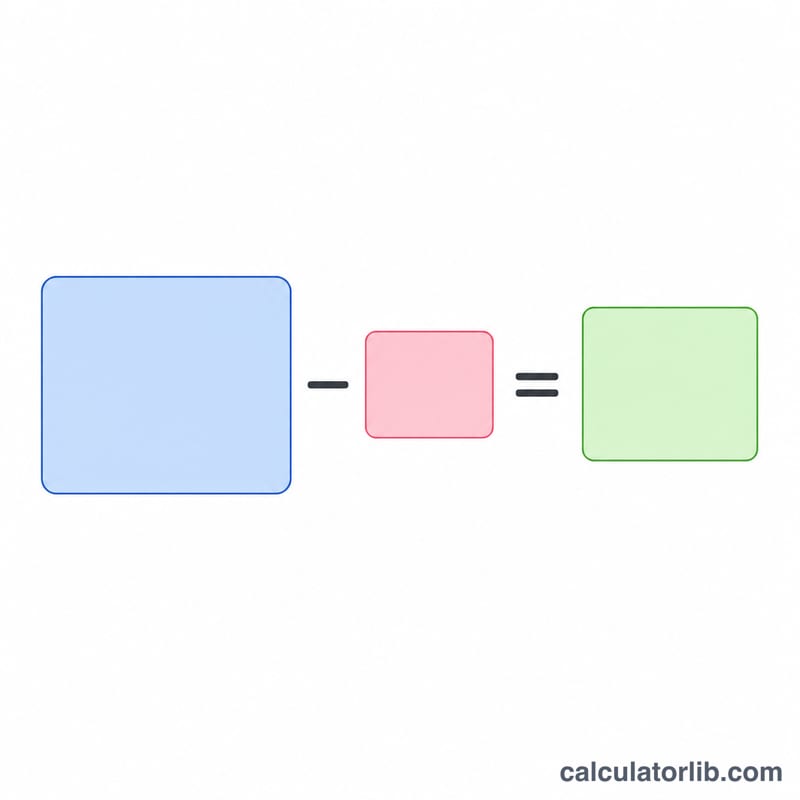
The fee is calculated as $$\text{Fee} = \text{Amount} \times \frac{\text{Percent}}{100} + \text{Fixed}$$ The percentage portion scales with the size of the payment, while the fixed fee is a flat charge applied once per transaction. Your net is simply $$\text{Net} = \text{Amount} - \text{Fee}$$
Worked Example
Suppose a customer pays you 100.00 and your rate is 2.9% plus a 0.30 fixed fee. The percentage part is \(100 \times 0.029 = 2.90\). Add the fixed 0.30 to get a total fee of 3.20. Your net received is \(100 - 3.20 = 96.80\).
FAQ
Why does PayPal charge a percent and a fixed fee? The percentage covers processing risk that scales with payment size, while the fixed fee covers the baseline cost of handling each transaction regardless of amount.
Can I use this for international payments? Yes — just enter the higher percent rate that applies to cross-border transactions to get an accurate estimate.
What if I want the customer to cover the fee? This tool shows the fee on a given amount. To charge a customer enough so you net a target, increase the amount until the net matches your goal.