
What It Is
The Percent of Budget Spent Calculator tells you how much of an allocated budget you have already used, expressed as a percentage. Whether you are tracking a household monthly budget, a project cost, a marketing campaign, or a department spending allowance, this tool gives you an instant snapshot of how far along you are and how much room remains.
How to Use It
Enter your Total Budget (the full amount you are allowed or planning to spend) and the Amount Spent so far. The calculator returns the percent of the budget used, the percent remaining, and the actual money still available. A result over 100% means you have overspent.
The Formula Explained
The math is a simple ratio scaled to a percentage:
$$\text{Percent Spent} = \frac{\text{Amount Spent}}{\text{Total Budget}} \times 100\%$$
Dividing what you have spent by the total budget gives a fraction between 0 and 1 (or higher if over budget). Multiplying by 100 converts that fraction into an easy-to-read percentage. The remaining percentage is simply 100 minus the percent spent.
Worked Example
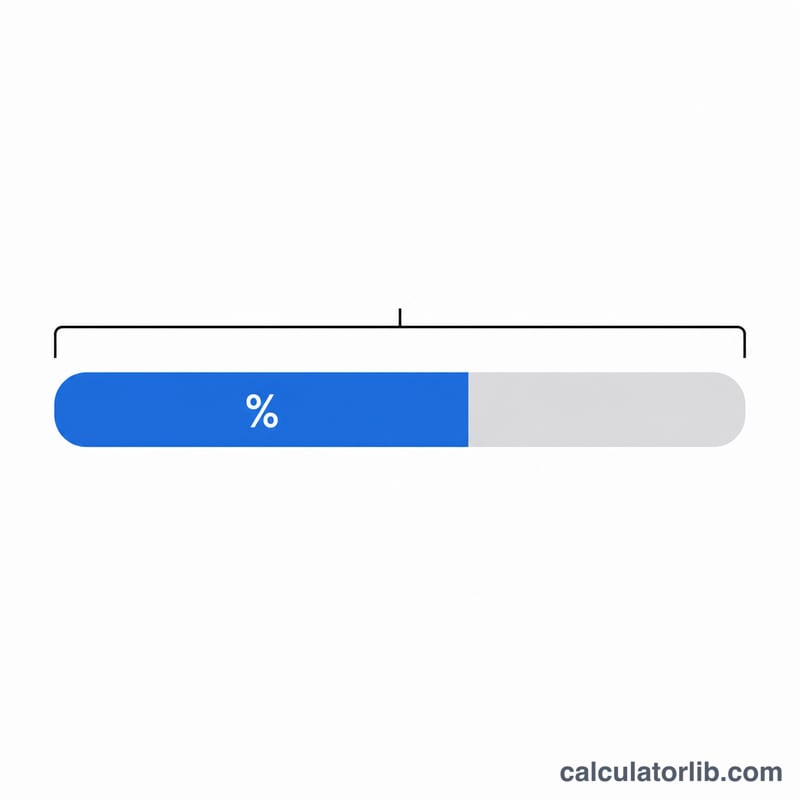
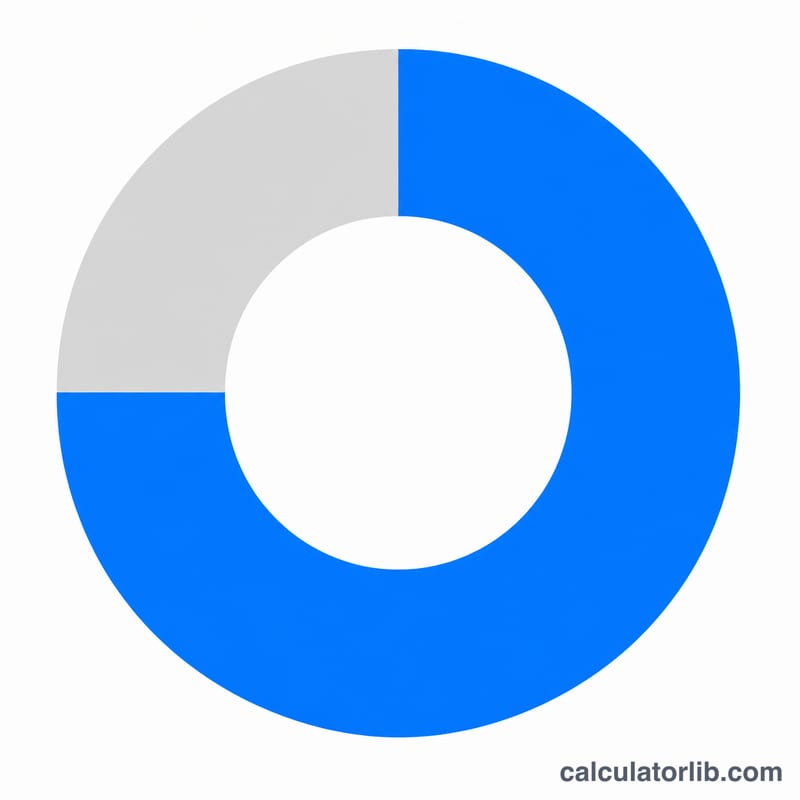
Suppose your monthly budget is $2,000 and you have spent $1,500. Then $$\text{percent\_spent} = 1500 \div 2000 \times 100 = 75\%$$ You have used 75% of your budget, leaving 25% — or $500 — still available for the rest of the month.
FAQ
What does it mean if the result is over 100%? It means you have spent more than your total budget — you are over budget by the amount beyond 100%.
Can I use this for any currency? Yes. The percentage result is the same regardless of currency, since both values are in the same units.
Does it work for project or business budgets? Absolutely. Use it for any allocated amount versus actual spend — projects, marketing, events, or personal finance.