
What Is the Reserved Instance vs On-Demand Savings Calculator?
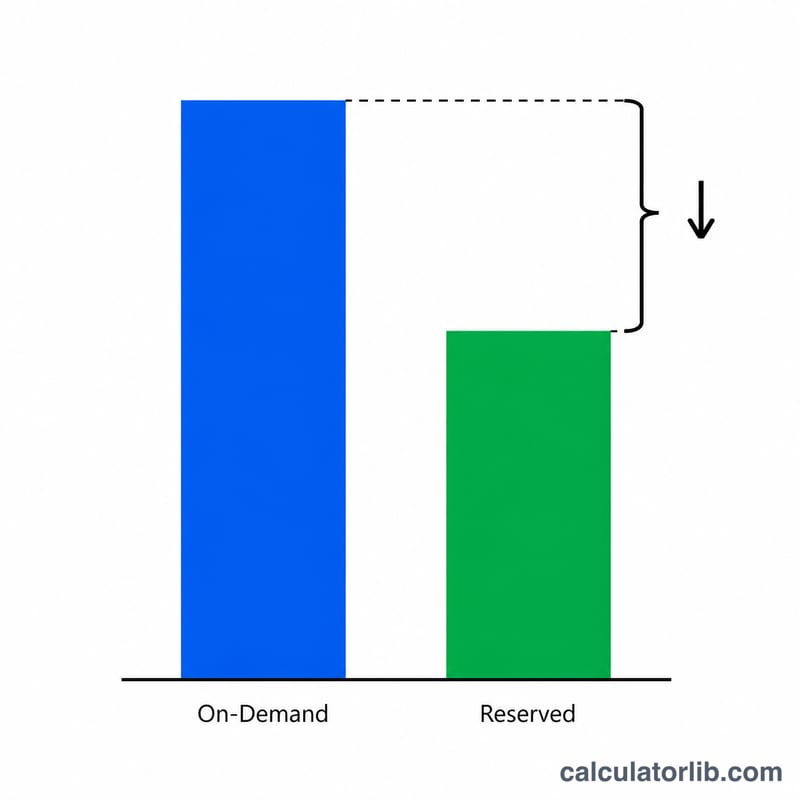
Cloud providers such as AWS, Azure, and Google Cloud let you pay full price per hour (On-Demand) or commit to a 1- or 3-year term in exchange for a discount (a Reserved Instance, Savings Plan, or Committed Use Discount). This calculator compares the two pricing models so you can see exactly how much you save by committing — both as a percentage and as a real dollar amount over the full term.
How to Use It
Enter your On-Demand monthly cost (what you currently pay per month at the standard rate), the Reserved monthly cost (the equivalent monthly amount under the committed plan), and the term length in months (12 for a 1-year commitment, 36 for 3 years). The calculator instantly returns your savings percentage, your monthly savings, and your total savings across the whole term.
The Formula Explained
Two simple equations drive the result:
$$\text{Savings \%} = \frac{\text{On-Demand} - \text{Reserved}}{\text{On-Demand}} \times 100$$ — the discount rate the commitment buys you.
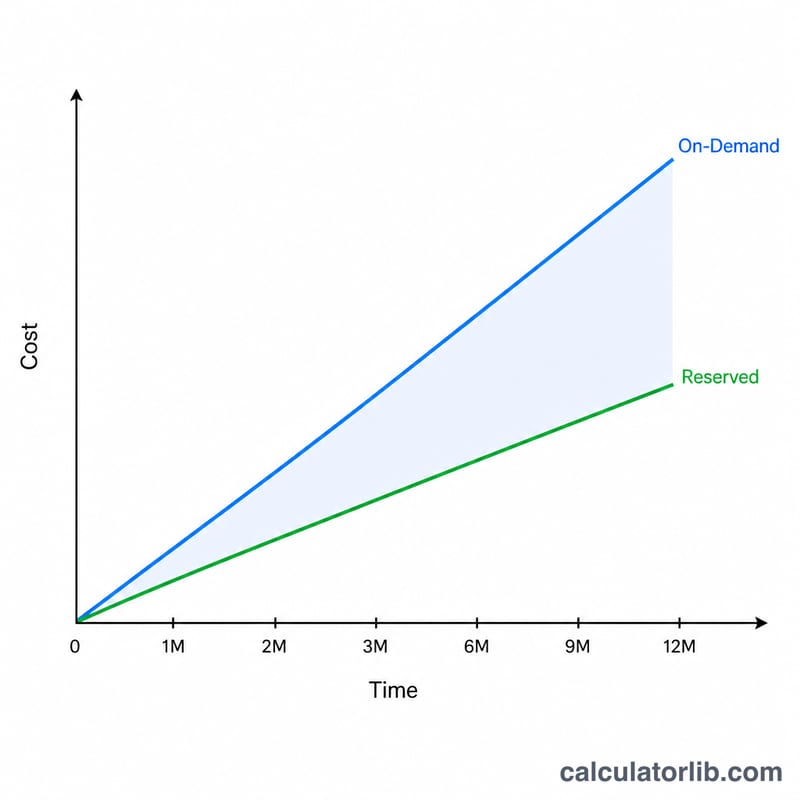
$$\text{Total Savings} = \left( \text{On-Demand} - \text{Reserved} \right) \times \text{Term Months}$$ — the cumulative cash saved over the commitment period.
Worked Example
Suppose an EC2 instance costs $100/month On-Demand and $60/month under a 3-year Reserved plan. The savings rate is $$(100 - 60) \div 100 \times 100 = 40\%$$ Monthly savings are $40, and over a 36-month term you save $$40 \times 36 = \$1{,}440$$ compared with paying On-Demand the whole time.
FAQ
Should I always buy reserved? Only for steady, predictable workloads. If you may shut the instance down, the unused commitment can erase your savings.
Does this include upfront payments? Convert any upfront fee into an equivalent monthly amount (upfront ÷ term months) and add it to the reserved monthly cost for an accurate comparison.
What term should I pick? Longer terms (36 months) usually carry deeper discounts but lock you in longer; shorter terms (12 months) offer more flexibility.