
What is the Trimester Calculator?
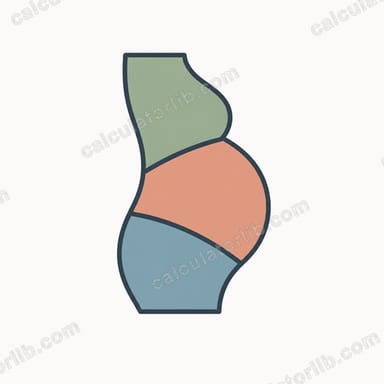
Pregnancy is conventionally divided into three trimesters. This calculator tells you which trimester you are currently in, along with your gestational age in weeks, by counting from the first day of your last menstrual period (LMP). Gestational dating from the LMP is the standard method used by clinicians worldwide and assumes a 40-week (280-day) pregnancy.
How to use it
Enter the date of the first day of your last menstrual period. The "as of" date defaults to today, but you can change it to check your trimester on any date — past or future. The calculator returns your current trimester, your gestational week, the number of days since your LMP, and the days remaining until your 40-week due date.
The formula explained
First, the number of days between your LMP and the chosen date is computed. That figure is divided by 7 to get weeks: \(\text{week} = \text{days} \div 7\). Your gestational week is the number of completed weeks plus one.
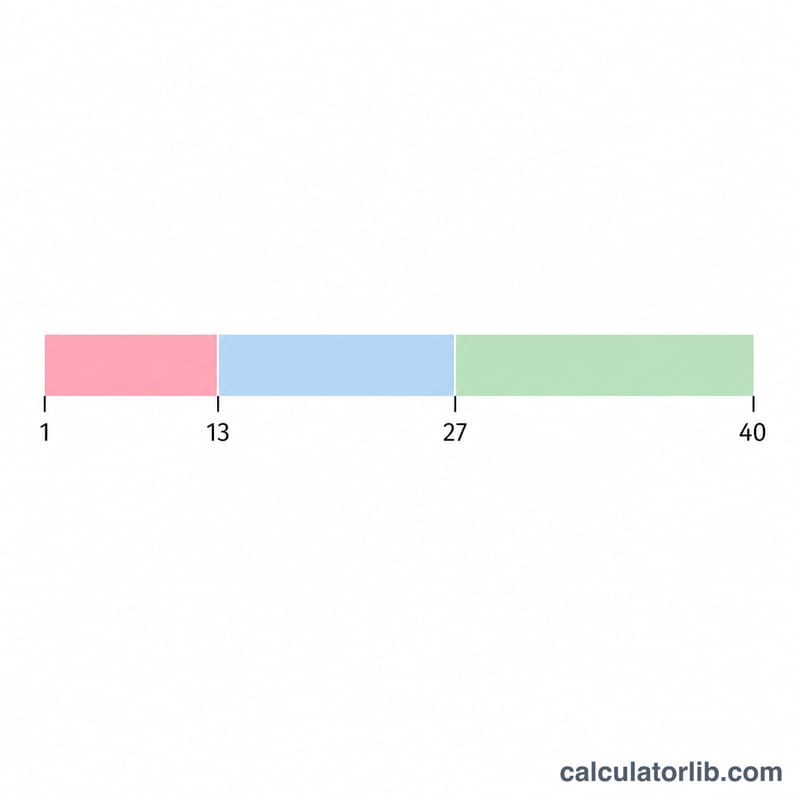
$$\text{Gestational Week} = \left\lfloor \frac{D}{7} \right\rfloor + 1$$Trimesters are then assigned by completed weeks: Trimester 1 covers weeks 1–13, Trimester 2 covers weeks 14–27, and Trimester 3 covers weeks 28–40.
Worked example
Suppose your LMP was January 1, 2024, and today is March 1, 2024. That is 60 days. \(60 \div 7 = 8.57\), so 8 completed weeks, putting you at gestational week 9. Since 8 completed weeks is within weeks 1–13, you are in Trimester 1. Days until your due date: \(280 - 60 = 220\) days.
FAQ
Is this medical advice? No. This tool is for general information. Always confirm dating with your healthcare provider, who may adjust based on ultrasound measurements.
Why does pregnancy count from the LMP and not conception? Conception typically occurs about two weeks after the LMP, but the LMP is an easier, observable starting point, so it is the clinical standard.
What if my dates give week 0? If the "as of" date is on or before your LMP, you have not yet started counting; the result will show very early or zero values.