
What Is the 3D Print Time Estimator?
The 3D Print Time Estimator gives a quick, slicer-free approximation of how long a print will take. Instead of running a full slice, it works from three simple numbers: the height of your model, your chosen layer height, and the average time it takes to print one layer. This is ideal for early planning, comparing layer-height trade-offs, or estimating how long an overnight print might run.
How to Use It
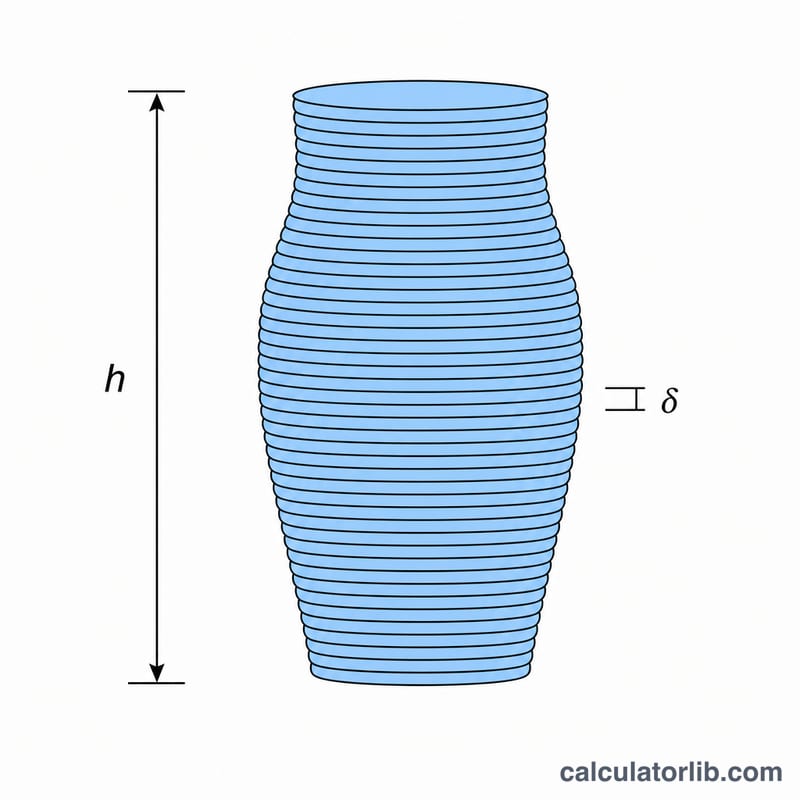
Enter the model height in millimetres (the Z dimension of your object), your layer height in millimetres (commonly 0.1–0.3 mm), and the average time per layer in seconds. The calculator divides the height by the layer height to find the layer count, rounds up so the model is fully covered, then multiplies by the per-layer time to produce a total. Results are shown as hours and minutes plus the raw layer count and total seconds.
The Formula Explained
The estimate uses two steps. First, $$\text{layers} = \left\lceil \frac{\text{height}}{\text{layer height}} \right\rceil$$ — we round up because a partial layer still has to be printed. Second, $$\text{time} = \text{layers} \times t_{\text{layer}}$$. The average time per layer is the key assumption: it bundles together travel moves, extrusion, infill, and cooling. A model with lots of detail or wide cross-sections will have a higher average than a thin spire, so adjust it to match your part.
Worked Example
Suppose a model is 100 mm tall, printed at a 0.2 mm layer height, with an average of 20 seconds per layer. $$\text{layers} = \left\lceil 100 \div 0.2 \right\rceil = 500$$ $$\text{time} = 500 \times 20 = 10{,}000 \text{ seconds} = 166.67 \text{ minutes} \approx 2 \text{ hours } 46 \text{ minutes}$$
Typical Layer Heights & Per-Layer Times
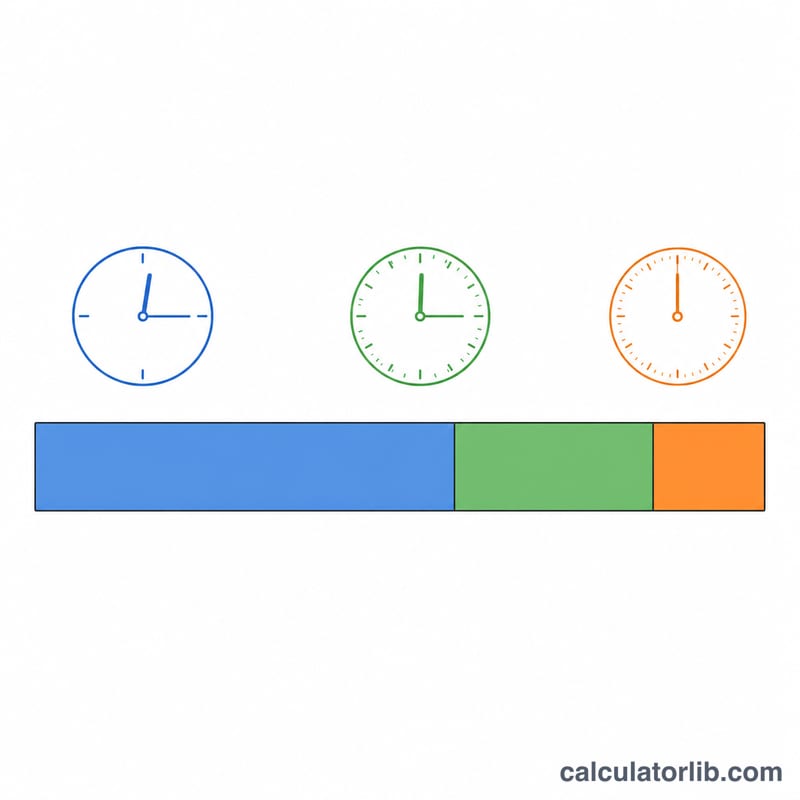
Layer height is the single biggest lever on both print time and surface quality. Because the number of layers is the model height divided by the layer height, halving the layer height roughly doubles the layer count — and therefore the time. The table below lists the layer heights most FDM printers use with a standard 0.4 mm nozzle.
| Layer height | Profile | Best for |
|---|---|---|
| 0.10 mm | Fine / detail | Miniatures, smooth curved surfaces, visible display pieces — slowest, highest layer count |
| 0.20 mm | Standard | Everyday functional parts; the default balance of speed and quality on most printers |
| 0.30 mm | Draft | Rapid prototypes, large rough parts, overnight prints where finish is secondary |
Nozzle diameter relationship
As a rule of thumb, usable layer height falls between 25% and 75% of the nozzle diameter. For a 0.4 mm nozzle that is roughly 0.10–0.30 mm; for a 0.6 mm nozzle the practical range widens to about 0.15–0.45 mm. Going below 25% risks poor extrusion and above 75% weakens layer bonding.
Typical average time per layer
The average time to print one layer depends mainly on the cross-sectional area being traced at that height, plus travel and infill moves:
- Small cross-section (figurine, thin bracket): ~10–15 s/layer
- Medium cross-section (typical functional part): ~15–25 s/layer
- Large cross-section (wide base, dense infill): ~25–45 s/layer
Real layers vary across a model, so the estimator uses a single average time per layer. For a quick first pass, 20 s/layer is a reasonable starting value for medium parts.
How Layer Height Changes Print Time
This comparison fixes the model height at 100 mm and the average time per layer at 20 s, then varies only the layer height. It isolates the pure geometric effect: fewer, thicker layers finish far sooner. Total layers are computed as \(\lceil 100 / \text{layer height} \rceil\), and total time as layers \(\times\) 20 s.
| Layer height | Total layers | Time per layer | Total print time |
|---|---|---|---|
| 0.10 mm (fine) | 1000 | 20 s | 5.56 hours |
| 0.20 mm (standard) | 500 | 20 s | 2.78 hours |
| 0.30 mm (draft) | 334 | 20 s | 1.86 hours |
Moving from 0.20 mm to 0.10 mm doubles the layer count and the time for a smoother finish, while 0.30 mm cuts standard-quality time by about a third. In practice thicker layers also let you print slightly faster per layer for the same flow, so real-world savings can be even larger — but layer lines become more visible.
Planning Your Print
The estimator gives a clean geometric figure; a few habits make it match reality:
- Time real layers to calibrate. Start the print, watch a handful of mid-height layers with a stopwatch, and average them. Use that as your
avg_time_per_layerrather than a guess — it captures your actual speed, infill and travel moves. - Add buffer for the start of the print. The first few layers usually run slower (reduced first-layer speed for bed adhesion), and heating the bed and nozzle adds several minutes the formula does not include. Pad short prints by ~5–10 minutes and long prints by a few percent.
- Use larger layer heights for drafts and overnight runs. When finish does not matter, switching from 0.10 mm to 0.20 or 0.30 mm can roughly halve or third the time — ideal for prototypes or long unattended prints.
- Verify against your slicer before long commitments. Slicers model acceleration, cooling pauses and variable per-layer geometry. For a multi-day print, treat this estimate as a sanity check and compare it to the slicer's prediction before you commit.
Once you have a reliable hour figure, you can feed it into a 3D printing cost calculator as the print_hours value to fold in filament and electricity costs.
FAQ
Why is it different from my slicer? Slicers compute per-layer time individually from the actual toolpaths; this tool uses one average, so it is an estimate, not an exact figure.
What average time per layer should I use? Time a few layers of a similar past print, or use 15–30 seconds as a starting point for typical FDM prints, then refine.
Does layer height change total time? Yes — halving layer height doubles the layer count, which usually increases total time even though each layer may be faster.