
How the test is timed
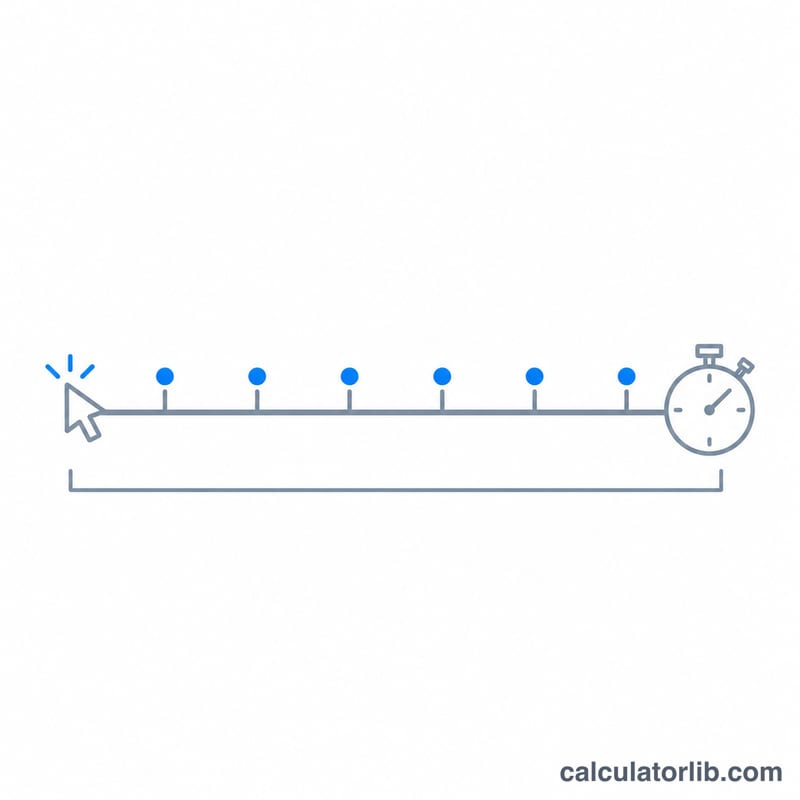
Pick a duration and click the pad as fast as you can. The run starts at your first click and lasts exactly that long; every click is counted by the time the browser gave it, so a busy computer never adds or drops one. CPS is clicks divided by seconds: 32 clicks in 5 seconds is 6.40 CPS.
Mouse buttons, touch, Space and Enter all count; holding a key down does not repeat. Your best score for each duration and the last five runs stay on this device.
FAQ
What is a good CPS? Most people click 6 to 8 times a second with one finger. Gamers using jitter or butterfly clicking reach 10 to 15.
Why does a 1-second test give a different score from a 10-second one? Short runs measure a burst; long runs include tiring. Compare scores of the same duration.