


How to count
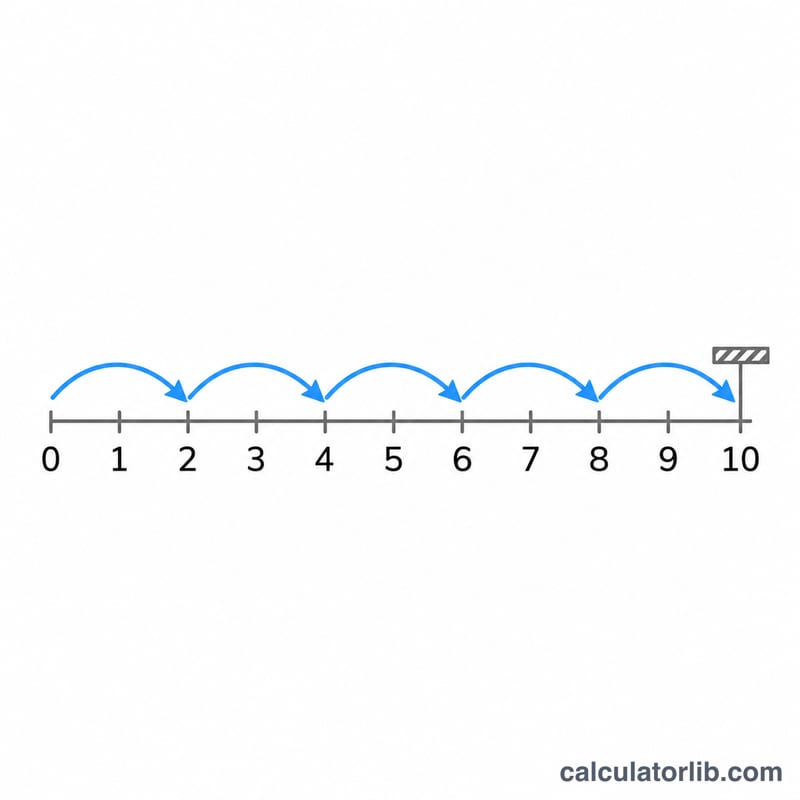
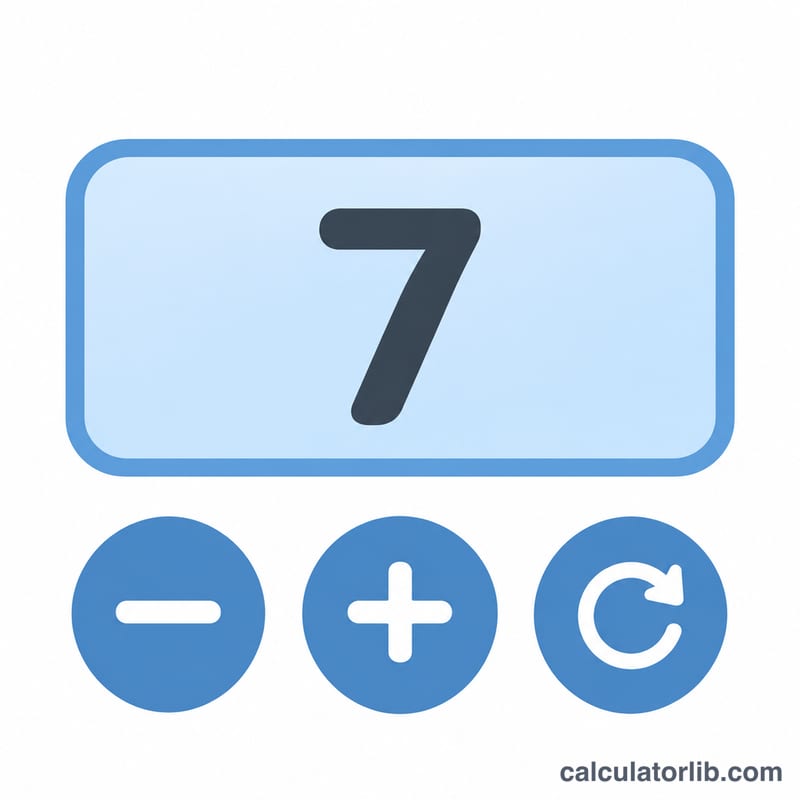
Tap the big button, or press Space or the up arrow, to add one. The minus button or the down arrow takes one off, and the step buttons make each press count 2, 5 or 10. Add up to six named counters, for example one per door or per product; the total of all of them is shown below.
Every press is saved on this device at once, so a reload, a closed tab or a flat battery does not lose the count. Reset asks for nothing but can be undone for a few seconds.
FAQ
Does it work on a phone? Yes. The button sits in thumb reach and can vibrate on each press where the phone allows it.
Is my count sent anywhere? No. It is kept in this browser only.
Advertisement