Set the tempo in beats per minute and the beats per bar, then press Start or Space. The first beat of each bar is accented; tap the Tap button in time to set the tempo by ear. The clicks are scheduled on the audio clock, so they stay steady even if the page is busy.

BPM

BPM
100

Space starts and stops, the up and down arrows change the tempo by one, T taps it. Sound plays only after you press Start.

More in Tests and practice

Using the metronome

Set the tempo with the slider, the number box or the arrow keys, choose the beats per bar and press Start. The first beat of each bar sounds higher; with 1 beat per bar every click is the same. To match a song, tap Tap tempo on the beat a few times and the tempo follows your taps.

Clicks are made by your browser and placed on its audio clock ahead of time, so the beat stays steady when the page is busy or the tab is in the background. Nothing plays until you press Start.
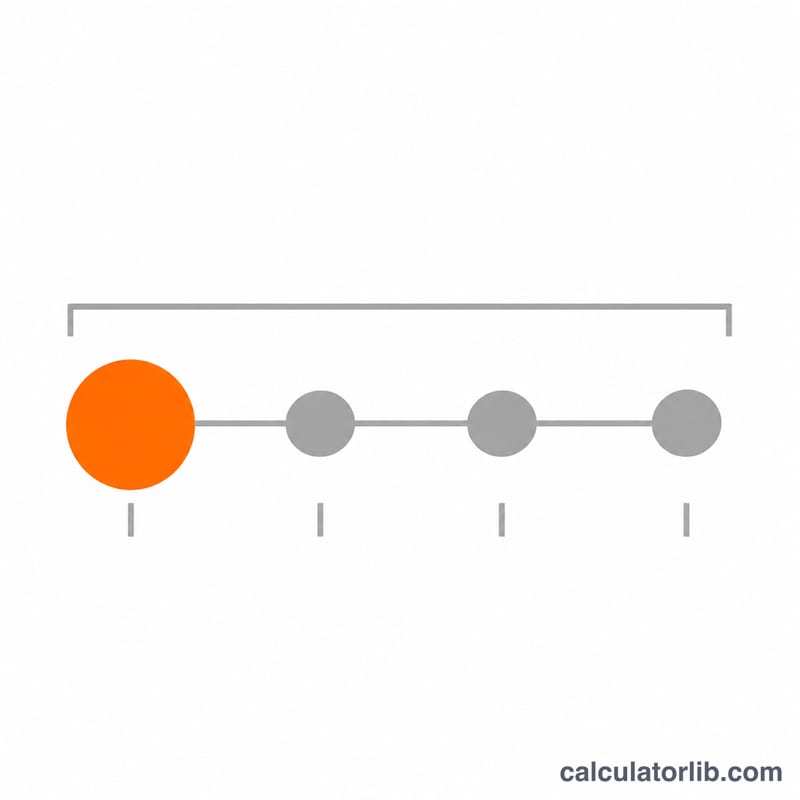
Four evenly spaced beats in one bar, the first beat larger and highlighted as the accent
In a 4-beat bar the first click is accented, and the clicks are evenly spaced at the set BPM.

FAQ

What tempo should I start with? Practise a new passage slowly, for example at 60 to 80 BPM, and raise the tempo a few beats at a time once it is clean.

Why is there a delay on Bluetooth headphones? Wireless audio adds its own latency; wired headphones or the device speaker keep the click in time with what you see.
Advertisement
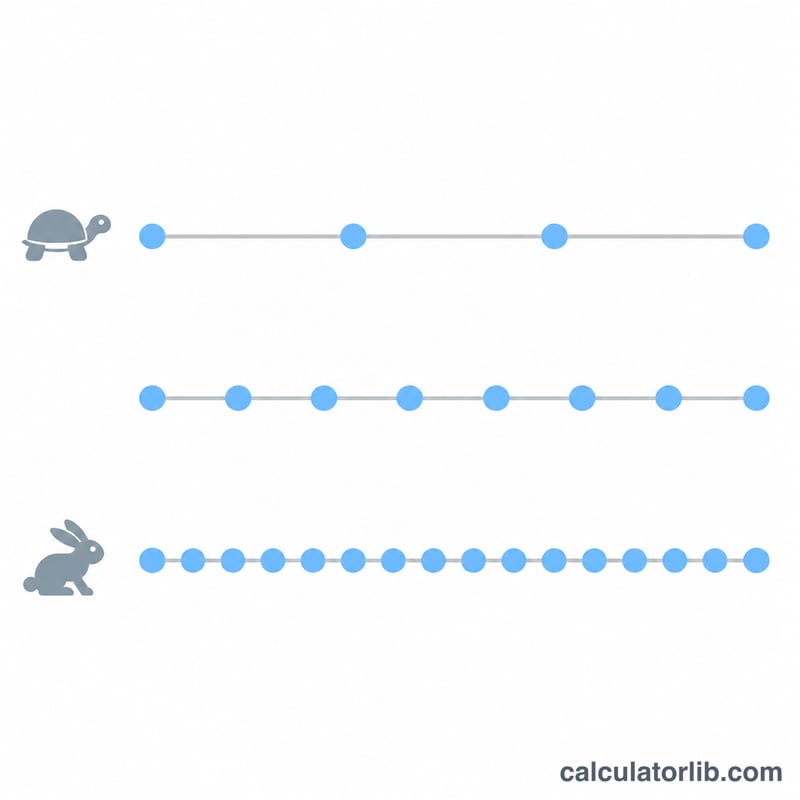
Three timelines of equal length with sparse, medium and dense beat dots showing slow to fast tempos
A higher BPM fits more beats into the same span of time, so the gap between clicks gets shorter.
Last updated:

Most popular in Utilities

View all Utilities calculators