What Is a CPS Calculator?
A Clicks Per Second (CPS) calculator measures your clicking speed — a popular metric among gamers, especially in Minecraft PvP, idle/clicker games, and reaction-time challenges. CPS simply tells you how many mouse clicks you register in one second on average. The higher your CPS, the faster your click speed.
How to Use It
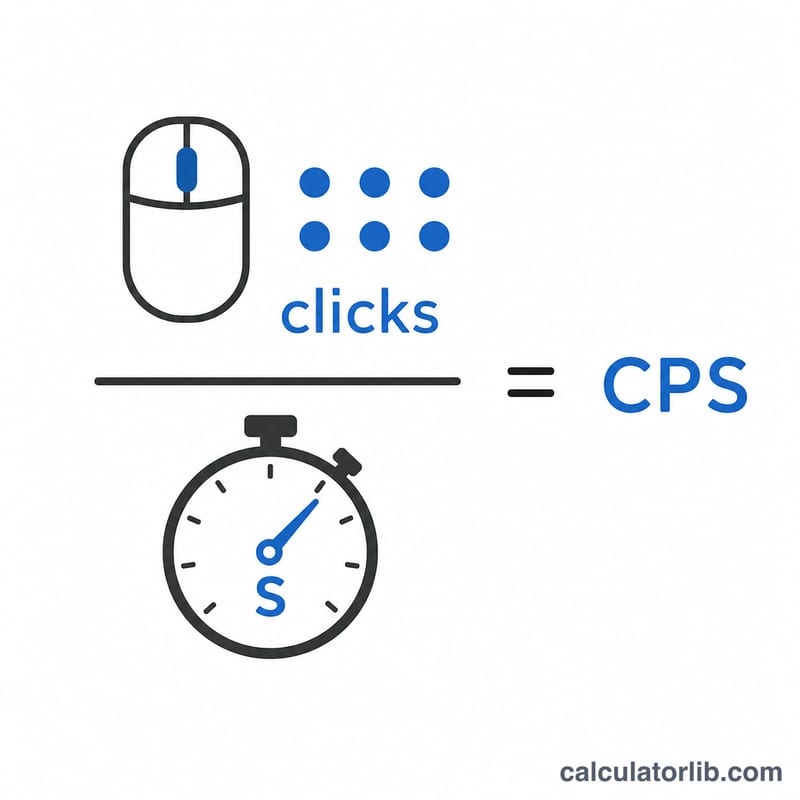
Run a click test (for example, click as fast as you can for 10 seconds) and count your total clicks. Enter the total clicks and the elapsed time in seconds, then the calculator divides one by the other to give your average CPS, along with the equivalent clicks per minute and clicks per hour.
The Formula Explained
The math is a straightforward rate:
$$\text{CPS} = \frac{\text{Total Clicks}}{\text{Elapsed Time (s)}}$$
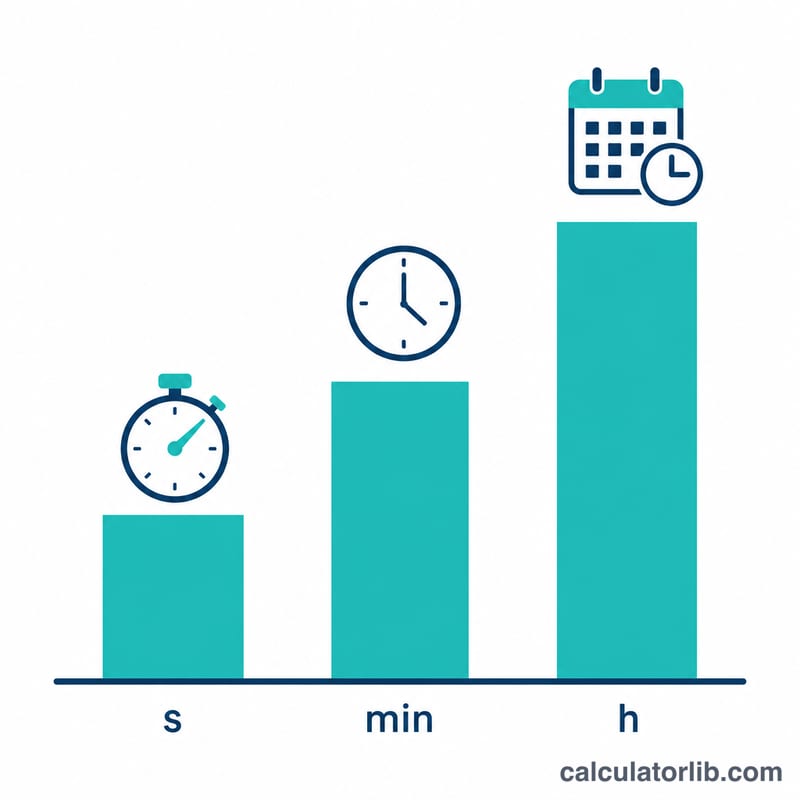
From there, multiply by 60 for clicks per minute and by 3,600 for clicks per hour. Because CPS is an average over the whole test window, a longer test gives a more stable, realistic number than a short burst.
Worked Example
Suppose you clicked 87 times in 10 seconds. Your CPS is $$87 \div 10 = 8.7 \text{ CPS}$$ That scales to \(8.7 \times 60 = 522\) clicks per minute and \(8.7 \times 3{,}600 = 31{,}320\) clicks per hour. A typical casual clicker lands around 6–8 CPS, while practiced players using jitter or butterfly clicking can exceed 10–14 CPS.
CPS Benchmark Tiers and Clicking Techniques
Click-speed tests report your rate as clicks per second, \(\text{CPS} = \text{clicks} \div \text{seconds}\). The bands below are the informal tiers used by popular online click-test sites and gaming communities — they are community conventions, not a formal standard. No standards body defines "average CPS," and the same person can land in different bands depending on mouse switch type (optical vs. mechanical), switch debounce time, USB polling rate (125 Hz vs. 1000 Hz), mouse pad friction, and above all test length: a 1-second burst flatters the rate, while a 60-second test exposes fatigue.
| CPS range | Equivalent clicks per minute | Label | Typical technique / mouse behavior |
|---|---|---|---|
| Below 4 | Under 240 CPM | Slow / unpracticed | Casual index-finger tapping with full finger lift between clicks; common on laptop trackpads or when the test is unfamiliar. |
| 4–6 | 240–360 CPM | Below average | Deliberate single-finger clicking, finger resting on the button between presses; typical office-mouse pace. |
| 6–8 | 360–480 CPM | Average | Normal single-finger clicking with a light, short stroke — the band most first-time testers fall into on a 5–10 second test. |
| 8–10 | 480–600 CPM | Above average | Practiced single-finger clicking, often with a light switch and minimal travel; some testers reach this with early drag clicking. |
| 10–14 | 600–840 CPM | Jitter clicking | Arm and wrist tensed so tremor drives the button; high strain, inconsistent, and hard to hold for more than a few seconds. |
| 14 and above | 840+ CPM | Butterfly / drag clicking | Two fingers alternating on one button (butterfly), or dragging a finger across a textured button so friction retriggers the switch many times (drag clicking). Rates here often exceed the click-rate limits many game anti-cheat systems and server plugins enforce, so they may be flagged or throttled in multiplayer games. |
Because the arithmetic is just a division, a short test is sensitive to timing error: a tester who logs 68 clicks in a 10-second test scores 6.8 CPS, squarely average, but the same 68 clicks measured over 9 seconds would read 7.56 CPS. Compare scores only across tests of the same duration.
Drag and jitter clicking load the fingers, wrist and forearm repetitively. This is general information, not medical advice — if clicking causes pain, tingling or numbness, stop and consult a qualified clinician.
CPS to Clicks Per Minute and Hour Conversion Table
Converting a CPS score to longer intervals is pure multiplication by the number of seconds in that interval:
$$\text{CPM} = \text{CPS} \times 60 \qquad \text{CPH} = \text{CPS} \times 3{,}600 \qquad \text{clicks in a 10 s test} = \text{CPS} \times 10$$| CPS | Clicks per minute (×60) | Clicks per hour (×3,600) | Total clicks in a 10-second test (×10) |
|---|---|---|---|
| 1 | 60 | 3,600 | 10 |
| 2 | 120 | 7,200 | 20 |
| 3 | 180 | 10,800 | 30 |
| 4 | 240 | 14,400 | 40 |
| 5 | 300 | 18,000 | 50 |
| 6 | 360 | 21,600 | 60 |
| 7 | 420 | 25,200 | 70 |
| 8 | 480 | 28,800 | 80 |
| 9 | 540 | 32,400 | 90 |
| 10 | 600 | 36,000 | 100 |
| 12 | 720 | 43,200 | 120 |
| 15 | 900 | 54,000 | 150 |
| 20 | 1,200 | 72,000 | 200 |
Read the table in either direction. Going backwards, 100 clicks recorded in a 10-second test is 10 CPS, which is the 600 CPM row.
The per-hour column is an arithmetic extrapolation of a short burst rate, not a sustainable pace. Nobody clicks 36,000 times an hour: burst techniques degrade within seconds, and even steady single-finger clicking slows markedly over a minute. Treat clicks per hour as a scaled-up way to compare scores, not a prediction of real output — and for repetitive-task planning, measure over the actual working interval instead of multiplying a 10-second score by 360.
FAQ
What is a good CPS score? Average is about 6–7 CPS. Anything above 10 CPS is considered fast and usually requires specific clicking techniques.
Does test length matter? Yes. Short tests (1–2 seconds) inflate scores from initial bursts; 5–10 second tests give a fairer average.
Can CPS be a decimal? Absolutely — since it's an average, values like 7.4 CPS are normal and expected.