

What this calculator does
The Date Plus Weeks Calculator takes a starting calendar date and a number of weeks, then returns the date that many weeks later. Enter a negative number of weeks to move to an earlier date. It reports both the resulting date and its day of the week. The core date math is universal Gregorian-calendar arithmetic and works anywhere in the world.
How to use it
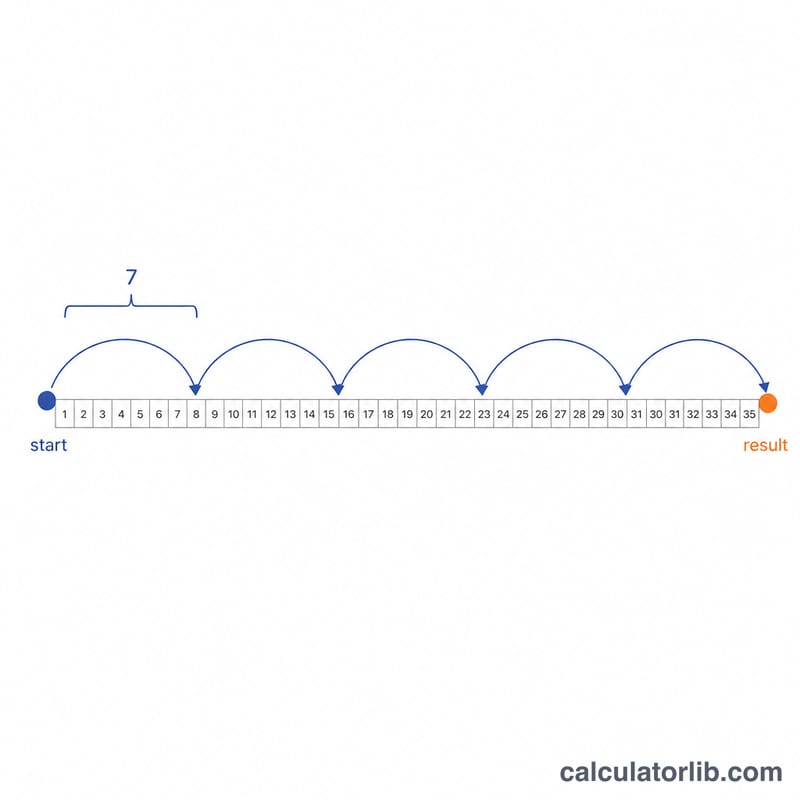
Choose the calendar system (leave it on "Western (CE)" for an ordinary Gregorian year). Enter the year, pick the month and day, then type how many weeks to add. Click calculate to see the resulting date plus its weekday. Because adding whole weeks always shifts the date by a multiple of seven days, the weekday of the result is always the same as the start date when you use whole weeks.
The formula
The math is simple: one week equals exactly 7 days, so the day offset is \(7 \times \text{weeks}\). The calculator then adds that offset to the start date using real calendar arithmetic, which correctly crosses month ends, year ends and February 29 in leap years. It does not use a flat 365-day approximation, so the result is always an exact calendar date.
$$\text{Result} = \text{Date}\big(G,\ \text{Month},\ \text{Day}\big) + \operatorname{round}\!\left(\text{Weeks} \times 7\right)\ \text{days}$$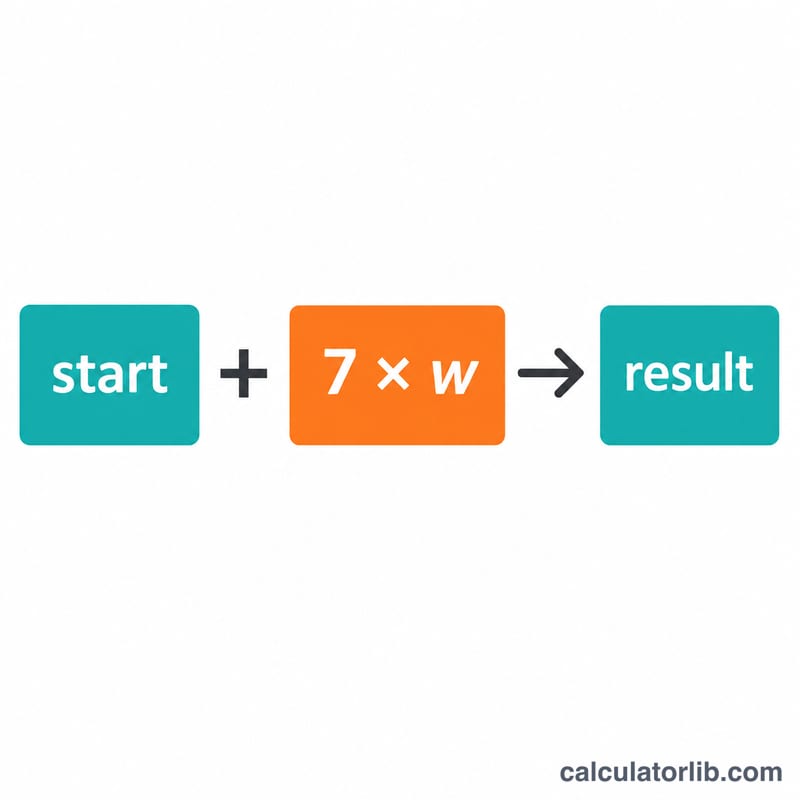
Worked example
Start date 2024-06-15 (a Saturday) plus 3 weeks: offset = 3 × 7 = 21 days, giving 2024-07-06, which is also a Saturday. Subtracting 2 weeks from 2024-01-01 (a Monday): offset = -14 days, giving 2023-12-18, again a Monday.
$$\text{offset} = 3 \times 7 = 21\ \text{days}$$$$\text{offset} = -14\ \text{days}$$Optional Japanese-era input
As a convenience the calendar dropdown also accepts Japanese era years (Meiji, Taisho, Showa, Heisei, Reiwa). Selecting an era converts the year you type into a Gregorian year using a fixed offset, for example Reiwa 6 becomes \(2018 + 6 = 2024\). This is Japan-specific and valid only from the Meiji-era adoption of the Gregorian calendar (Meiji 6 = 1873) onward.
FAQ
Can I subtract weeks? Yes — enter a negative number, such as -4, and the result moves earlier.
Does it handle leap years? Yes. The calculator uses true calendar arithmetic, so dates crossing February 29 are correct.
Why is the weekday the same as my start date? Whole weeks are exact multiples of 7 days, so the day of the week never changes when you add or subtract whole weeks.