
What is the Excess Electrons Calculator?
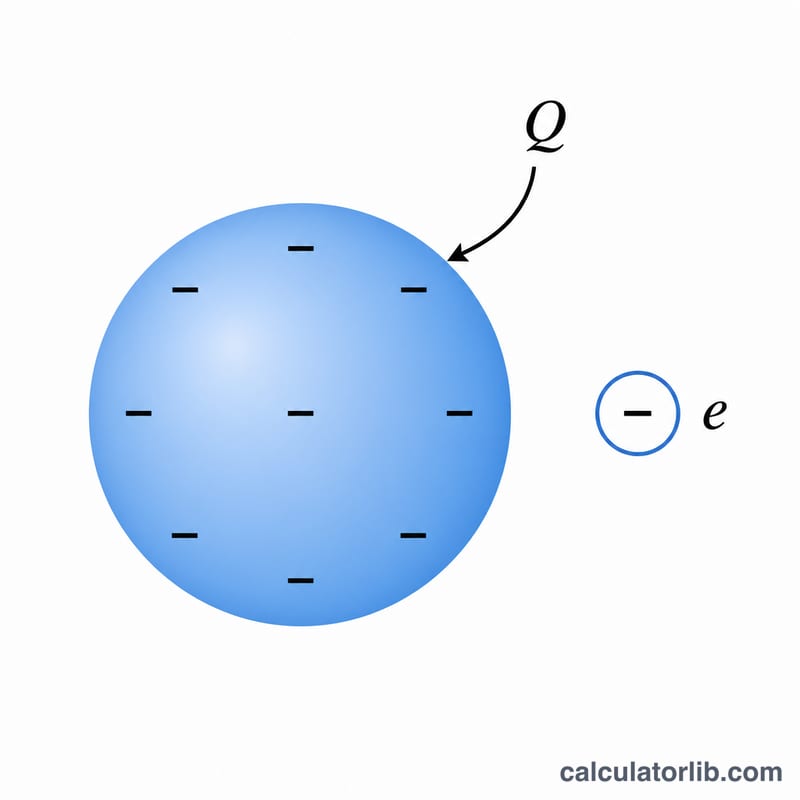
When an object carries a net negative charge, it has more electrons than protons. The number of these "excess" electrons can be found directly from the object's total charge. This calculator converts a charge value (in coulombs, microcoulombs, or nanocoulombs) into the corresponding number of extra electrons using the elementary charge constant.
How to use it
Enter the total charge magnitude and choose its unit. The calculator converts the charge to coulombs, then divides by the elementary charge to return the electron count. The result is shown in scientific notation because the numbers are typically very large.
The formula explained
The relationship is $$n = \frac{Q}{e}$$ where Q is the total charge in coulombs and \(e = 1.602176634 \times 10^{-19}\ \text{C}\) is the elementary charge (the charge of one electron). Because each excess electron contributes exactly one elementary charge, dividing the total charge by e yields the number of electrons.
Worked example
Suppose an object has a charge of 1 µC (\(1 \times 10^{-6}\ \text{C}\)). Then $$n = \frac{1 \times 10^{-6}}{1.602176634 \times 10^{-19}} \approx 6.2415 \times 10^{12}\ \text{electrons}.$$ So just one microcoulomb represents trillions of excess electrons.
FAQ
Does this work for positive charges? The formula gives the magnitude. A positive charge means a deficit of that many electrons rather than an excess.
Why is the number so large? A single electron's charge is extraordinarily tiny, so even small everyday charges involve enormous electron counts.
Which value of e is used? The 2019 SI exact value, \(e = 1.602176634 \times 10^{-19}\ \text{C}\).