
What Is the How Much Will I Save Calculator?
This calculator tells you the exact dollar amount you save when an item is marked a certain percentage off, and what the final price will be after the discount. It's perfect for sales, coupons, clearance racks, and quick mental-math checks at the store. The tool is universal — it works with any currency, though it displays a "$" symbol by default.
How to Use It
Enter the original (pre-discount) price and the discount percentage. Press calculate and you'll instantly see three numbers: how much you save in dollars, the original price for reference, and the final price you'll pay at checkout.
The Formula Explained
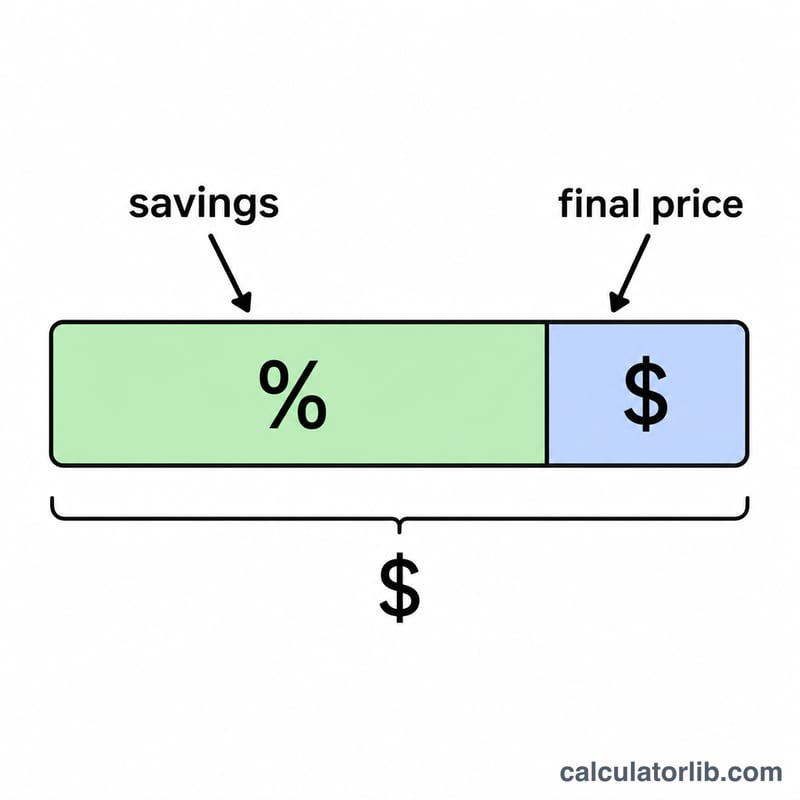
The savings is simply the price multiplied by the percentage written as a decimal: $$\text{Savings} = \text{Price} \times \frac{\text{Percent}}{100}$$. To get the final price, subtract those savings from the original price: $$\text{Final Price} = \text{Price} - \text{Savings}$$. Dividing the percent by 100 converts it from a percentage into a fraction — for example, 25% becomes \(0.25\).
Worked Example
Suppose a jacket costs $120 and is 30% off. Your savings are $$120 \times \frac{30}{100} = 120 \times 0.30 = \$36$$. The final price is $$120 - 36 = \$84$$. So you walk out paying $84 and keeping $36 in your pocket.
FAQ
Does this include sales tax? No — it calculates the discount only. Add tax to the final price separately if needed.
Can I enter a discount over 100%? The field caps at 100%, since you can't save more than the full price with a single percent-off discount.
How do I stack two discounts? Apply the first discount, take the final price as the new "original price," then run the calculator again with the second percentage.