What Is the Sales Calculator?
The Sales Calculator is a simple tool that determines your total sales revenue by multiplying the number of units sold by the price charged per unit. Whether you run a retail store, an online shop, or a one-time market stall, knowing your total sales is the foundation of measuring business performance, setting targets, and planning inventory.
How to Use It
Enter two values: the number of units you sold and the price per unit. The calculator instantly multiplies them together and displays your total sales. You can use any currency — just keep the price in the same unit you want the result in.
The Formula Explained
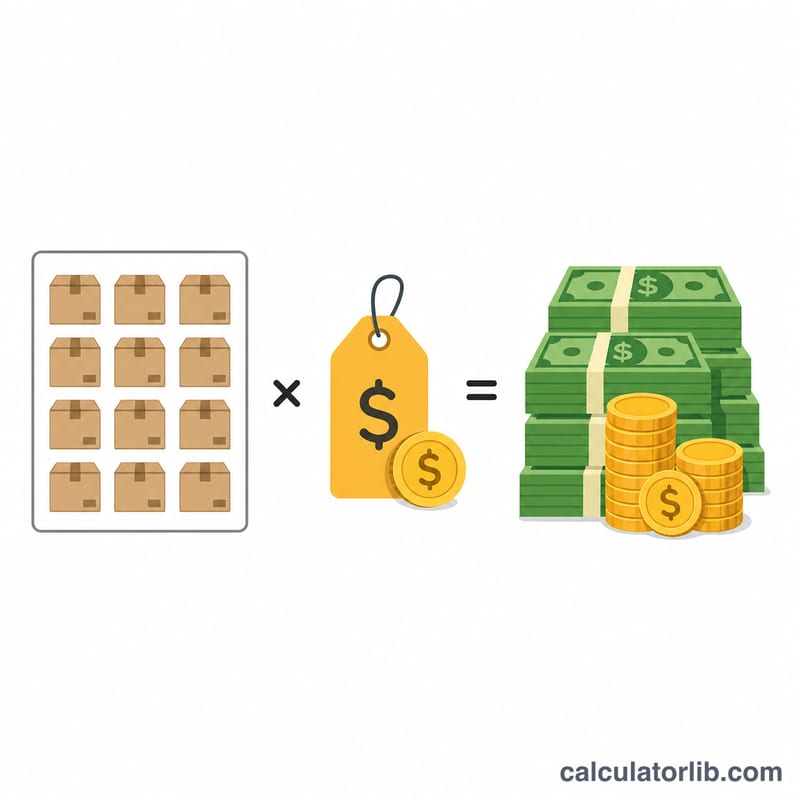
The calculation is straightforward: $$\text{Total Sales} = \text{Units Sold} \times \text{Price per Unit}$$ Each unit contributes its price to the running total, so selling more units or charging a higher price both increase total revenue proportionally.
Worked Example
Suppose you sold 100 units of a product priced at $9.99 each. $$\text{Total Sales} = 100 \times 9.99 = \$999.00$$ If you raised the price to $12.50 and sold the same 100 units, your total sales would become $$100 \times 12.50 = \$1{,}250.00$$
Total Sales Across Different Price and Volume Scenarios
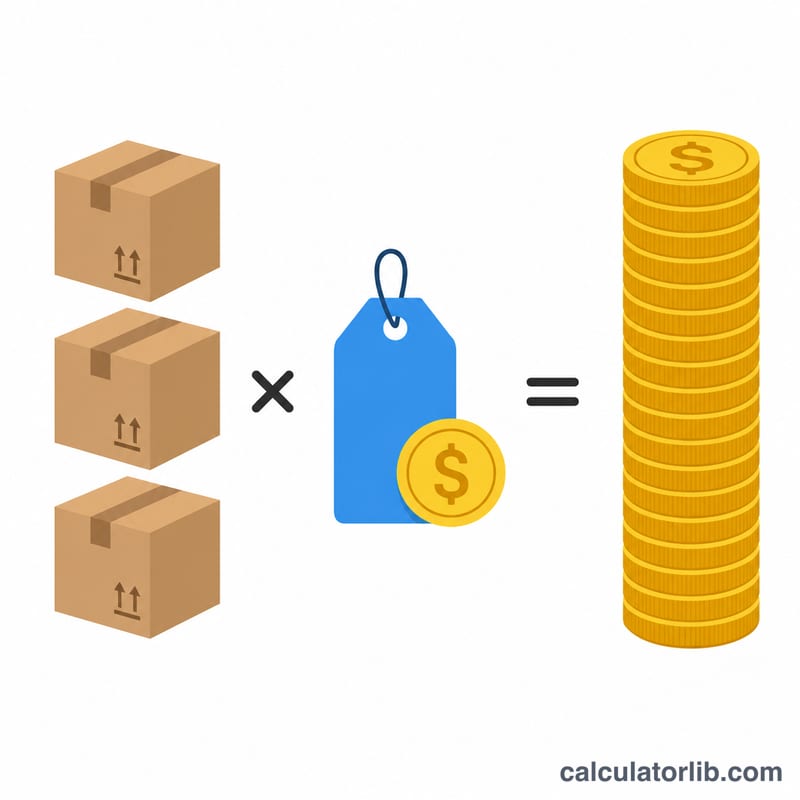
Total sales are calculated as \(\text{Total Sales} = \text{Units Sold} \times \text{Price per Unit}\). The table below applies this formula to five example combinations (prices shown in US dollars for illustration).
| Scenario | Units Sold | Price per Unit | Calculation | Total Sales |
|---|---|---|---|---|
| A | 100 | $9.99 | 100 × 9.99 | $999.00 |
| B | 100 | $12.50 | 100 × 12.50 | $1,250.00 |
| C | 250 | $9.99 | 250 × 9.99 | $2,497.50 |
| D | 500 | $4.99 | 500 × 4.99 | $2,495.00 |
| E | 50 | $49.00 | 50 × 49.00 | $2,450.00 |
Notice that scenarios C, D and E all land close to $2,500 even though they reach it in very different ways: 250 units at a mid-range price, 500 units at a low price, or only 50 units at a premium price. Different price and volume mixes can produce similar revenue, so revenue alone does not show which strategy is better. Compare costs, margins and the effort needed to sell each volume as well.
Also compare A and B: with the same 100 units, the higher price raises revenue by $251.00, as long as demand holds at that price.
Key Sales Terms Defined
- Units sold
- The number of individual items, licenses or service packages sold in a given period.
- Price per unit
- The amount a customer pays for one unit, before any discounts, returns or taxes are taken into account.
- Total sales (gross revenue)
- Units sold multiplied by price per unit. This is the figure this calculator outputs: gross sales before any deductions.
- Net sales
- Gross sales minus returns, discounts and allowances. It reflects the revenue the business actually keeps from its sales.
- Cost of goods sold (COGS)
- The direct costs of producing or purchasing the goods that were sold, such as materials, direct labor or wholesale purchase cost.
- Profit
- What remains after costs are subtracted from revenue. Gross profit is net sales minus COGS; net profit also subtracts operating expenses, interest and taxes.
Because the calculator works from just two inputs, treat its result as a starting point. Adjust for returns, discounts and costs to see net sales and profit.
FAQ
Is total sales the same as profit? No. Total sales (revenue) is the gross amount earned before subtracting costs. Profit is what remains after expenses such as cost of goods, taxes, and overhead.
Can I use this for services? Yes. Treat each service rendered as a "unit" and the service fee as the price per unit.
What if my prices vary? For products sold at different prices, calculate each product line separately and add the totals together.