
What Is the Area of a Circle?
The area of a circle is the amount of two-dimensional space enclosed by its boundary. It is one of the most fundamental measurements in geometry, used in everything from engineering and construction to baking and crafting. This calculator finds the area using the radius or diameter and the constant pi (\(\pi \approx 3.14159\)).
How to Use This Calculator
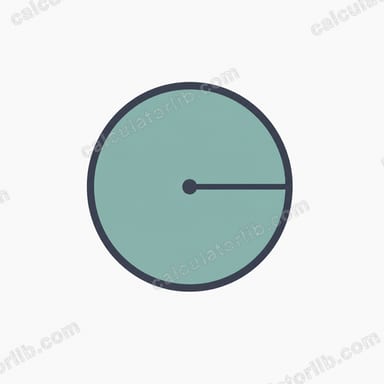
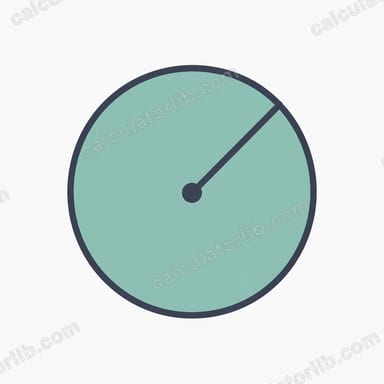
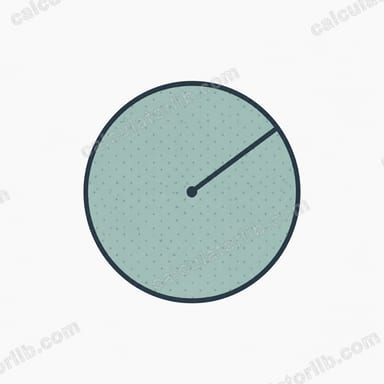
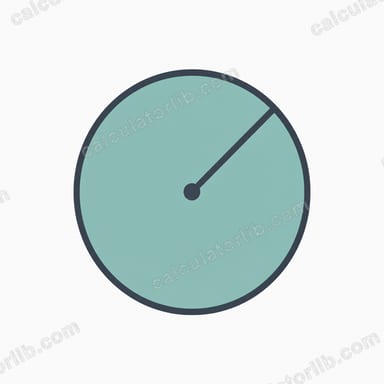
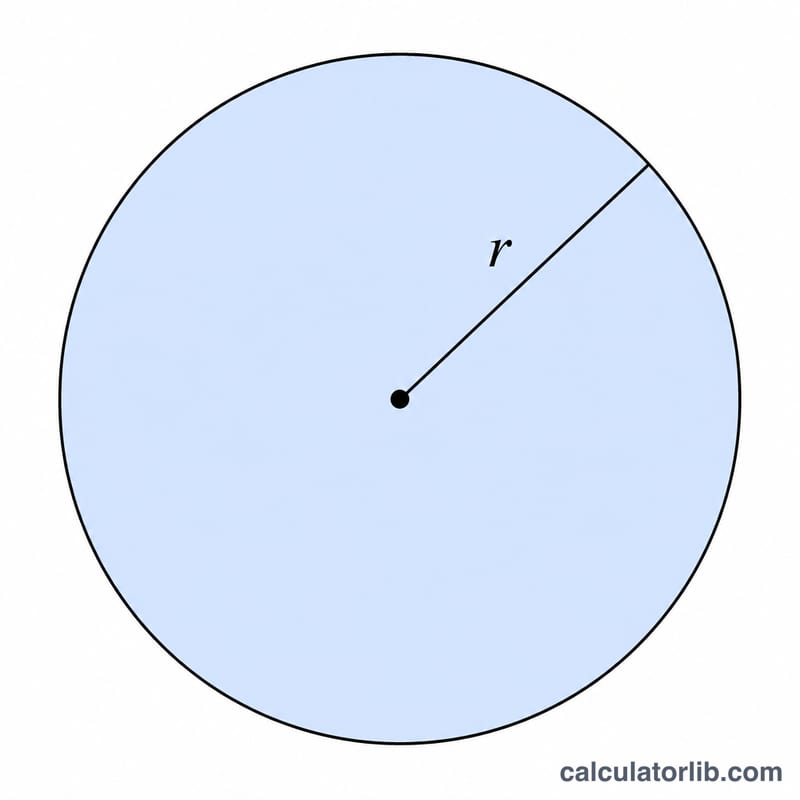
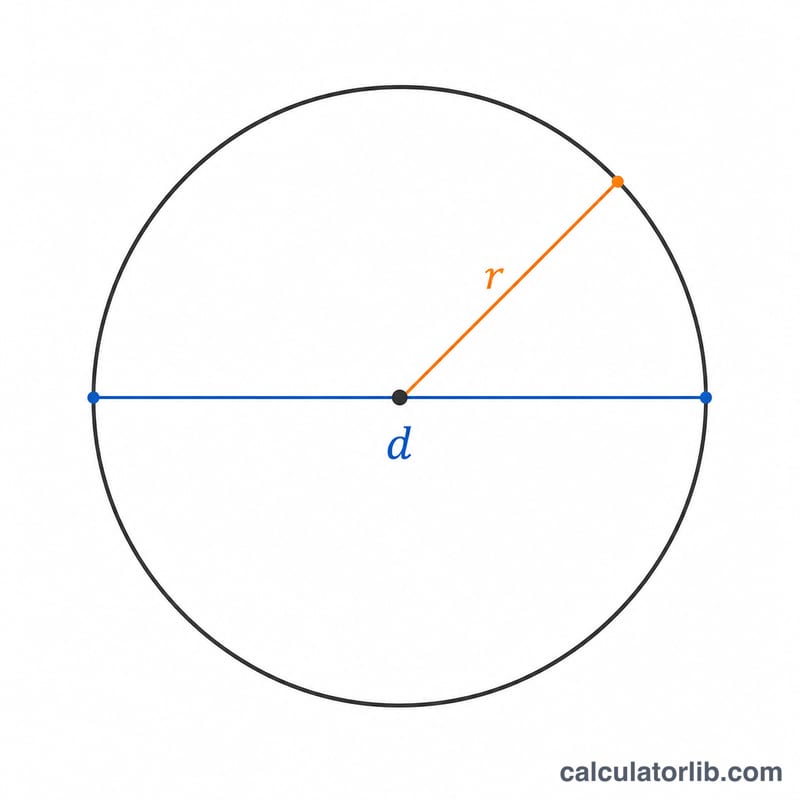
Select whether you are entering the radius (the distance from the center to the edge) or the diameter (the distance across the circle through its center). Type in your value and the calculator instantly returns the area, along with the radius, diameter, and circumference for reference. The units are whatever you used for the input — if you entered centimeters, the area is in square centimeters.
The Formula Explained
The area of a circle is given by $$A = \pi r^2$$ where \(r\) is the radius and \(\pi\) is the mathematical constant pi. If you only know the diameter (\(d\)), first convert it to a radius with \(r = d \div 2\), then square it and multiply by pi. The squaring step means area grows rapidly: doubling the radius quadruples the area.
Worked Example
Suppose a circular garden has a radius of 5 meters. Plug it into the formula: $$A = \pi \times 5^2 = \pi \times 25 \approx 78.54 \text{ square meters}$$ If instead you knew the diameter was 10 meters, you would halve it to get \(r = 5\), giving the same answer of about 78.54 m².
Frequently Asked Questions
What value of pi does this use? It uses the full-precision \(\pi\) from the math library (\(\approx 3.141592653589793\)) for accurate results.
Can I enter the diameter instead of the radius? Yes — just choose the "Diameter" option and the calculator halves it automatically.
What units does the result use? The area is in square units of whatever length unit you entered. Enter inches and you get square inches; enter meters and you get square meters.