
What this calculator does
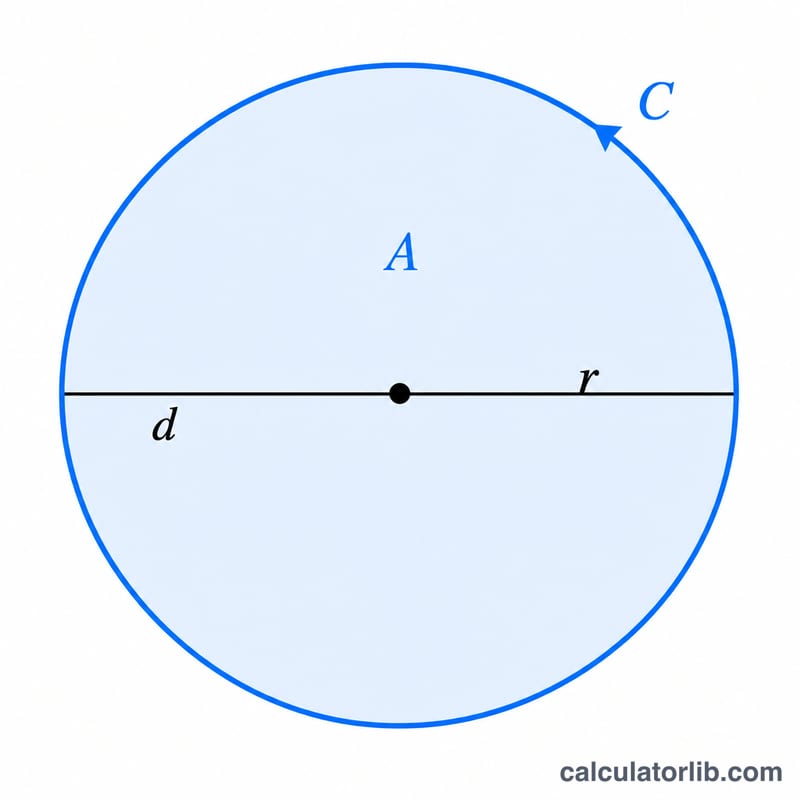
This tool computes every key measurement of a circle — its area, circumference, radius, and diameter — starting from just one known value. Pick what you already know (radius, diameter, circumference, or area), enter the number, and the calculator derives the rest using the classic relationships \(A = \pi r^{2}\) and \(C = 2\pi r\).
How to use it
Select the value you know with the radio buttons, type the number into the field, and submit. All measurements share the same unit: if your radius is in centimetres, the circumference is in centimetres and the area is in square centimetres.
The formula explained
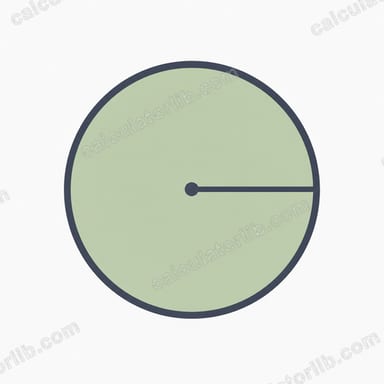
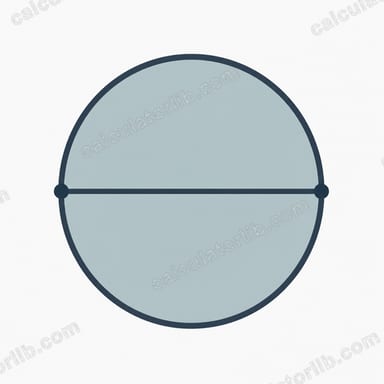
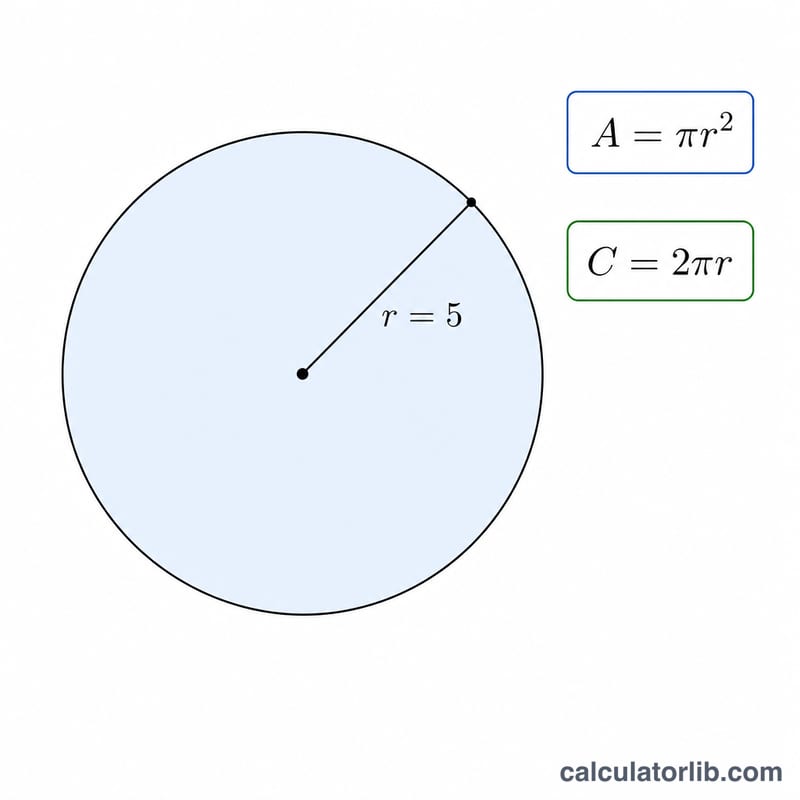
The radius r is the distance from the centre to the edge. The diameter is twice the radius (\(d = 2r\)). The circumference, the distance around the circle, is $$C = 2\pi r$$ The area enclosed is $$A = \pi r^{2}$$ When you supply a value other than the radius, the calculator first solves for \(r\) — from the diameter (\(r = d/2\)), the circumference (\(r = C / 2\pi\)), or the area (\(r = \sqrt{A/\pi}\)) — then computes everything else.
Worked example
Suppose the radius is 5. The diameter is $$2 \times 5 = 10$$ The circumference is $$2 \times \pi \times 5 \approx 31.4159$$ The area is $$\pi \times 5^{2} = 25\pi \approx 78.5398 \text{ square units}$$
FAQ
What value of π is used? The full-precision constant Math.PI (\(\approx 3.14159265\)), so results are accurate to many decimal places.
Can I enter the area or circumference instead of the radius? Yes — choose the matching option and the tool works backward to find the radius first.
What units does it return? The same linear unit you enter for radius/diameter/circumference; area is returned in those units squared.