
What This Calculator Does
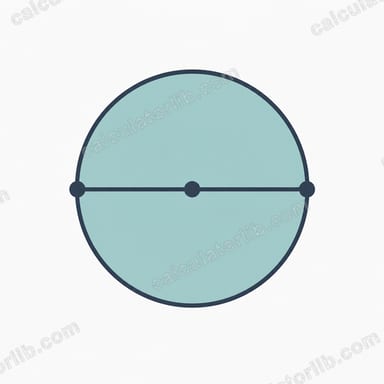
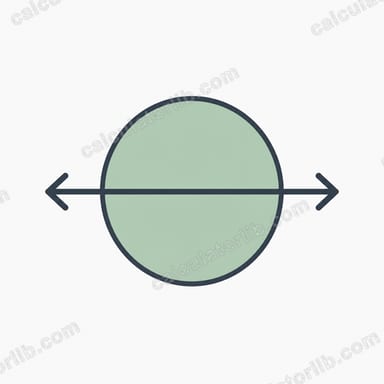
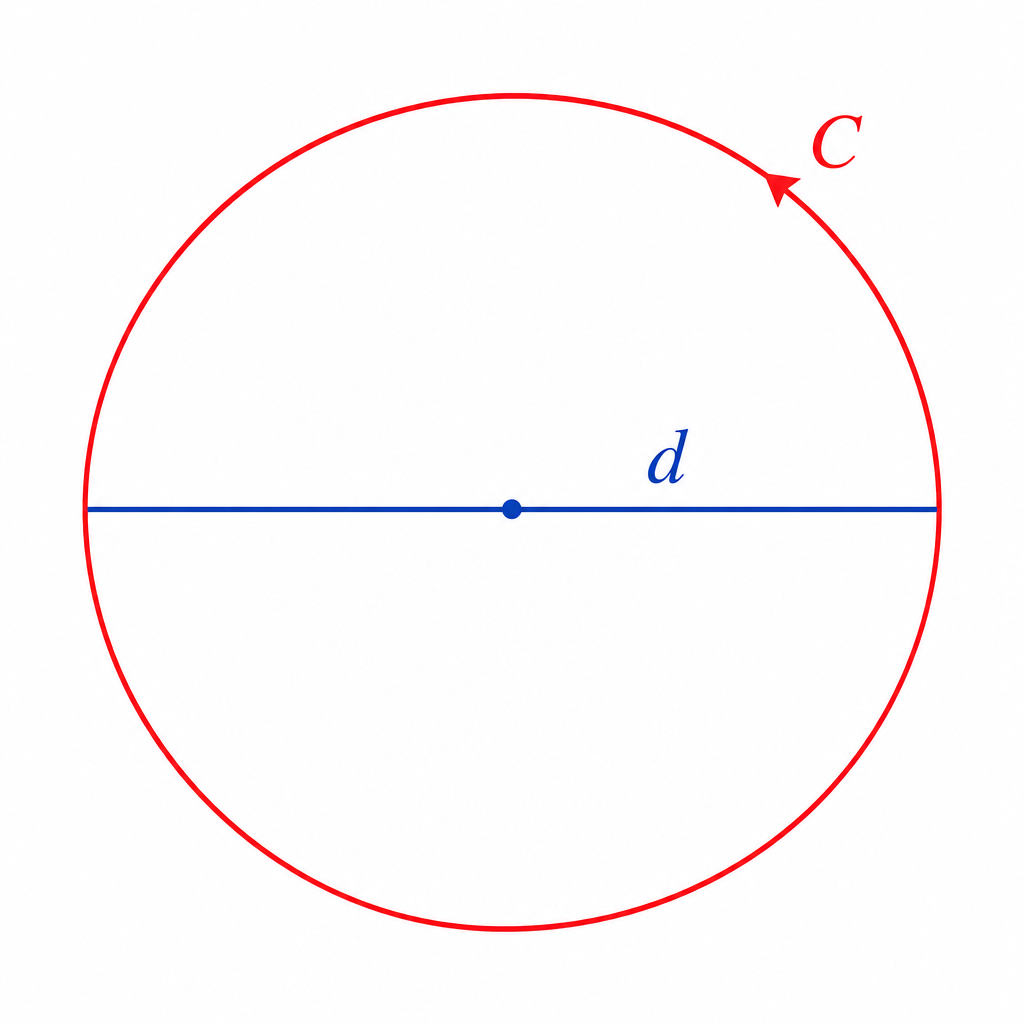
This tool finds the diameter of a circle when you already know its circumference. The circumference is the distance all the way around a circle, and the diameter is the straight-line distance across it through the center. Because the circumference is always π times the diameter, you can reverse the relationship to solve for diameter directly.
How to Use It
Enter the measured circumference of your circle in any unit (cm, inches, meters, etc.) and press calculate. The calculator returns the diameter in the same unit, plus the radius and the area as bonus values. Make sure your circumference value uses a single consistent unit.
The Formula Explained
The core relationship between circumference and diameter is \(C = \pi \times d\). Rearranging to isolate the diameter gives:
$$d = \frac{\text{Circumference (C)}}{\pi}$$
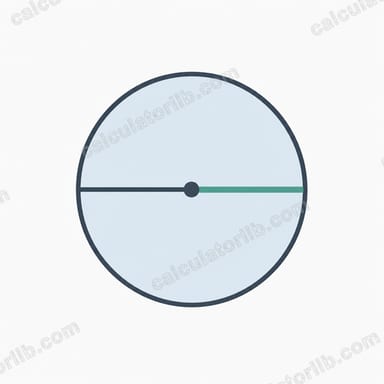
where \(\pi \approx 3.14159\). Once you have the diameter, the radius is simply \(r = d / 2\), and the area follows from \(A = \pi \times r^2\).
Worked Example
Suppose a circular table has a circumference of 31.4159 cm. Dividing by π: $$d = \frac{31.4159}{3.14159} \approx 10 \text{ cm}.$$ The radius is 5 cm, and the area is \(\pi \times 5^2 \approx 78.54\) cm². So the table is 10 cm across.
FAQ
What is the difference between diameter and radius? The diameter passes through the center and touches both sides; the radius is half that, measured from the center to the edge.
Can I use any unit? Yes. The diameter comes out in whatever unit you entered the circumference in.
Why divide by π? Because circumference equals π times diameter, dividing the circumference by π reverses the operation and recovers the diameter.