
What is the Diameter from Area Calculator?
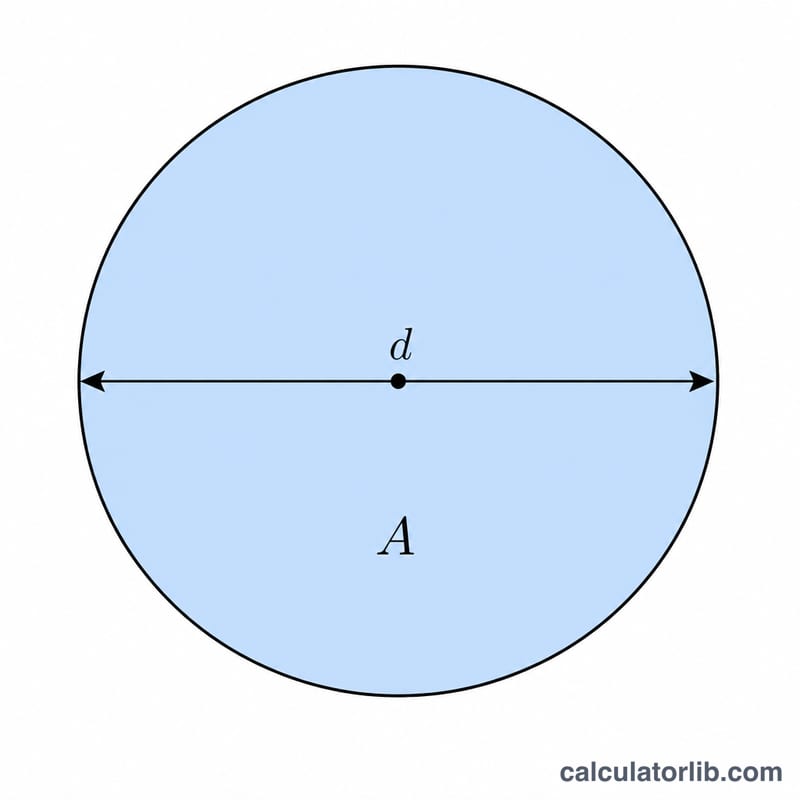
This tool finds the diameter of a circle when you know its area. The area of a circle is \(A = \pi r^2\), so if you know A you can work backward to find the radius and then the diameter. It's useful in geometry, engineering, manufacturing, and any situation where you measure a circular surface (like a pipe cross-section or a round table) but need its width.
How to use it
Enter the area of the circle in any unit. The calculator returns the diameter, along with the radius (half the diameter) and the circumference. Just make sure your area is in squared units — if A is in square centimeters, the diameter comes out in centimeters.
The formula explained
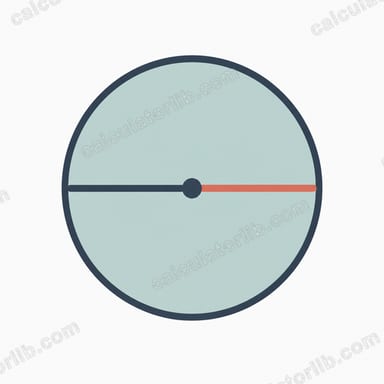
Starting from \(A = \pi r^2\), solve for r: \(r = \sqrt{\dfrac{A}{\pi}}\). The diameter is twice the radius, giving $$d = 2\sqrt{\dfrac{A}{\pi}}$$ The circumference follows from \(C = \pi d\).
Worked example
Suppose a circle has an area of 100 square units. Then $$\frac{A}{\pi} = \frac{100}{3.14159} \approx 31.831$$ The square root is about 5.6419, so the radius is 5.6419 and the diameter is \(2 \times 5.6419 \approx\) 11.2838 units. The circumference is \(\pi \times 11.2838 \approx 35.449\) units.
FAQ
Can I use square inches or square meters? Yes — any unit works. The diameter is returned in the linear version of whatever unit you used for area.
What if I enter zero or a negative number? Area must be a positive number. Negative or zero areas return a diameter of zero.
How do I get the radius instead? The radius row in the results table is simply half the diameter, equal to \(\sqrt{\dfrac{A}{\pi}}\).