
What This Calculator Does
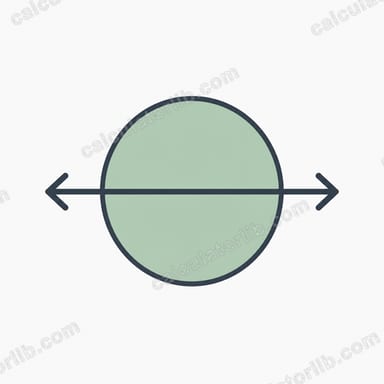
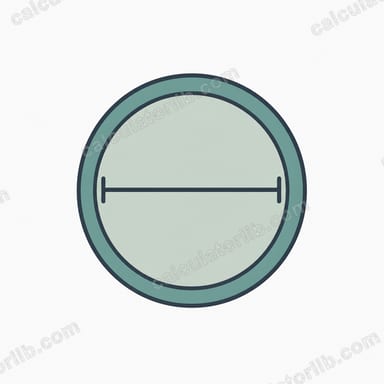
The Diameter from Circumference Calculator converts the distance around a circle (its circumference) into the straight-line distance across it (its diameter). Because every circle shares the same constant relationship between these two measurements, you only need one value to find the other. This tool also reports the radius, which is simply half the diameter.
The Formula Explained
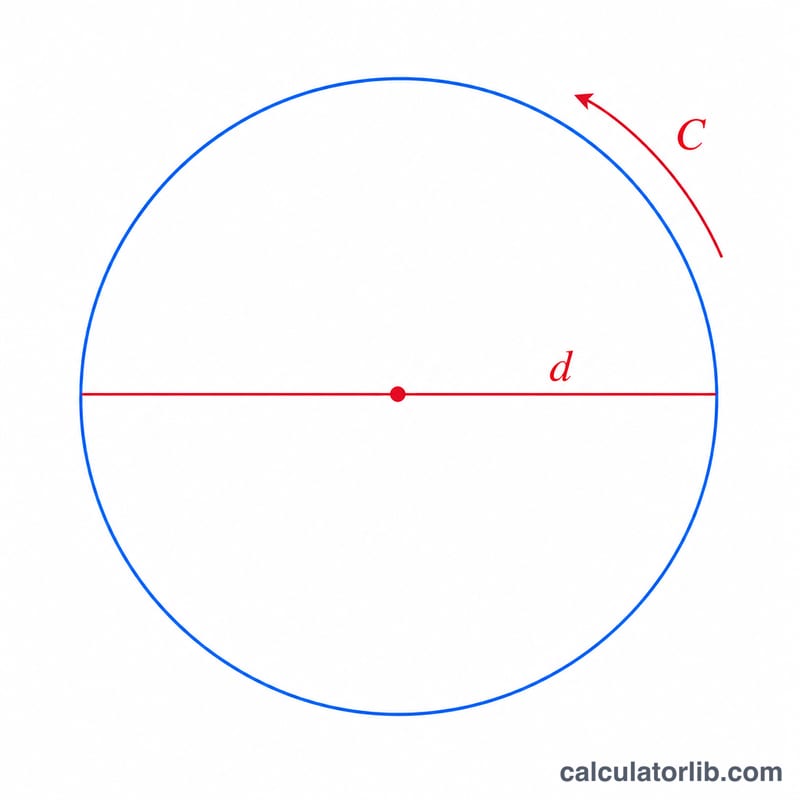
The circumference of a circle is defined as \(C = \pi \times d\), where \(\pi\) (pi) is approximately 3.14159. Rearranging this equation to solve for the diameter gives:
$$d = \frac{\text{Circumference}}{\pi}$$
In words: divide the circumference by pi and you get the diameter. The radius is then \(r = d / 2\), or equivalently \(r = C / (2\pi)\).
How to Use It
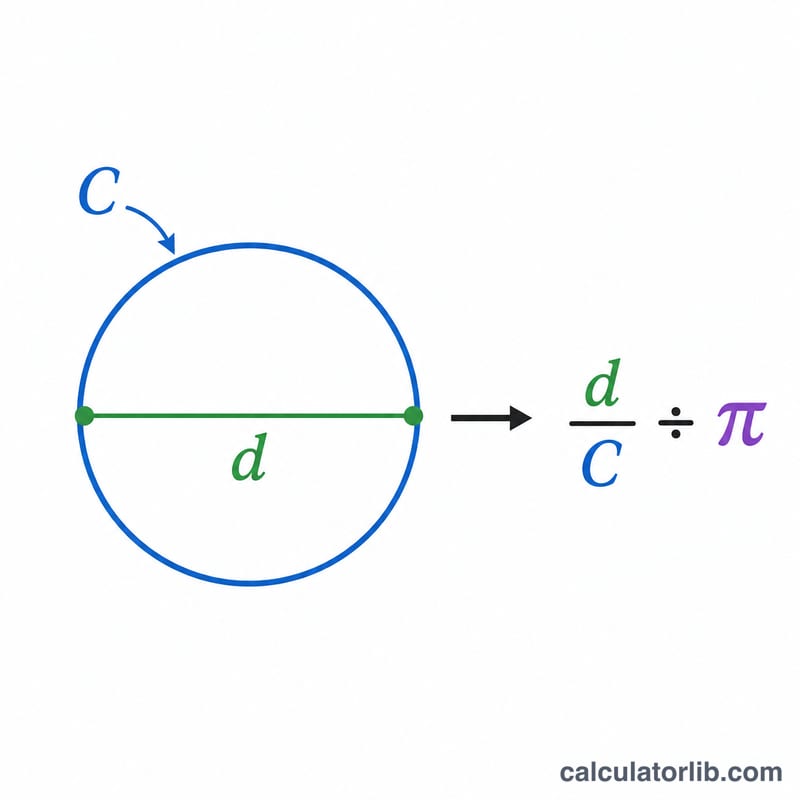
Enter the circumference of your circle in any unit of measurement — centimeters, inches, meters, or feet. The calculator returns the diameter in those same units, plus the radius. Whatever unit goes in is the unit that comes out, since the formula is purely a ratio.
Worked Example
Suppose a circular table has a circumference of 31.4159. Dividing by pi: \(31.4159 / 3.14159 \approx 10.0\). So the diameter is about 10 units, and the radius is 5 units. If you measured a tree trunk with a tape measure and got 157 cm around, the diameter would be \(157 / 3.14159 \approx 49.97\) cm.
FAQ
Does the unit matter? No. As long as you are consistent, the result comes out in the same unit you entered.
Why divide by pi? Pi is the fixed ratio of circumference to diameter for every circle, so dividing the circumference by pi reverses the relationship to recover the diameter.
How do I get the radius instead? The radius is half the diameter, which this calculator also displays automatically.