
What the Sphere Diameter Calculator Does
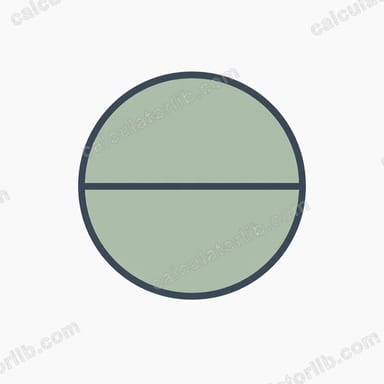
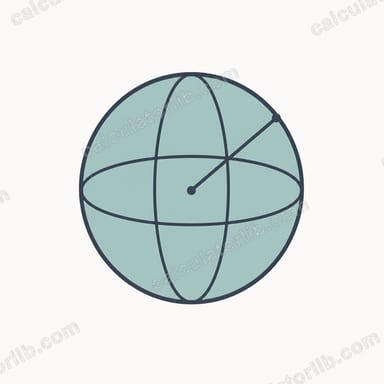
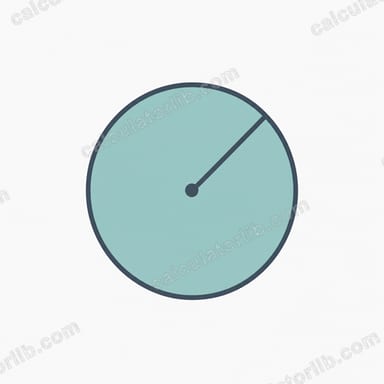
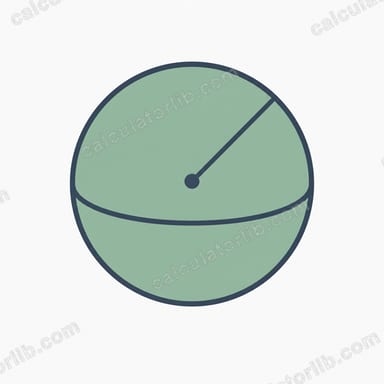
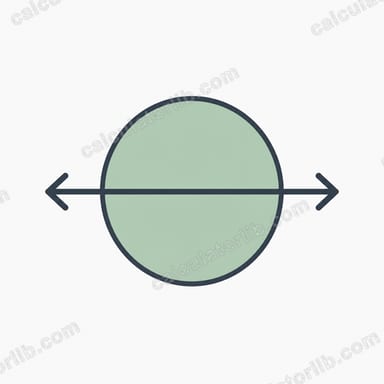
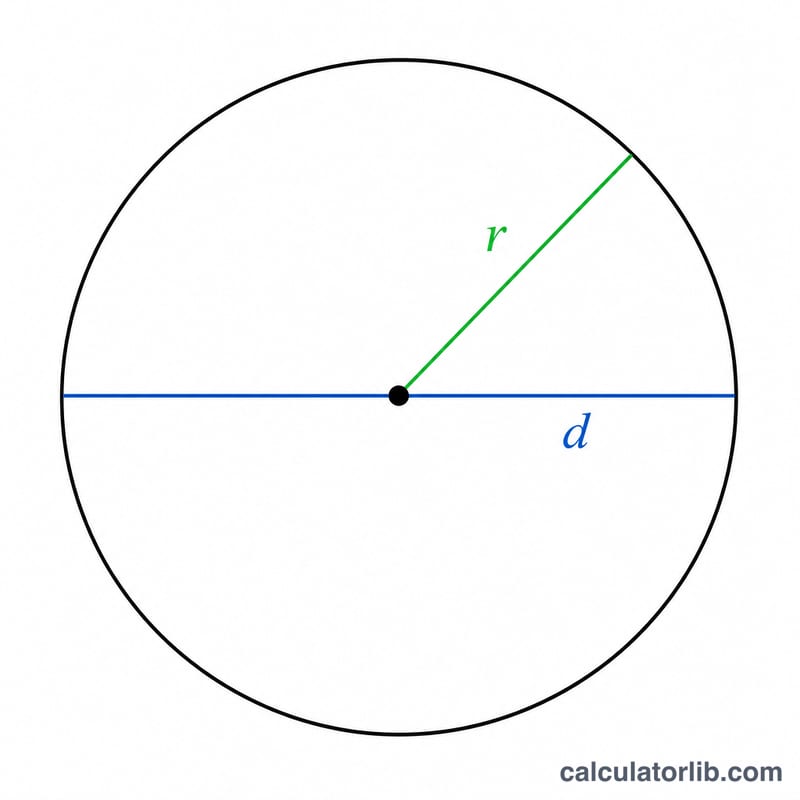
This calculator takes a single value — the radius of a sphere — and instantly returns its diameter using the simple relationship d = 2r. Because every point on a sphere's surface is the same distance from its centre, the diameter is always exactly twice the radius. While the headline result is the diameter, the tool also works out three related sphere properties from the same radius, so you get a complete picture in one click.
The Inputs and Formula
There is just one field to fill in:
- Sphere Radius — enter the radius of the sphere in any unit you like (cm, m, inches). The result will be in that same unit.
The core formula is:
- Diameter: d = 2r
Using the same radius, the calculator also computes:
- Surface area: A = 4πr²
- Volume: V = (4/3)πr³
- Circumference (of a great circle): C = πd = 2πr
Worked Example
Suppose you enter a radius of 5:
- Diameter = 2 × 5 = 10
- Surface area = 4 × π × 5² = 4 × π × 25 ≈ 314.16
- Volume = (4/3) × π × 5³ = (4/3) × π × 125 ≈ 523.60
- Circumference = π × 10 ≈ 31.42
So a sphere with a radius of 5 units has a diameter of 10 units, a surface area of about 314.16 square units, and a volume of roughly 523.60 cubic units.
Frequently Asked Questions
How do I find the diameter if I only know the radius?
Multiply the radius by 2. That is exactly what this calculator does: d = 2r. No other measurement is needed.
Can I work backwards from the diameter to the radius?
Yes — just divide the diameter by 2 (r = d ÷ 2). If you want to use this tool, enter half of your known diameter as the radius.
What units does the answer use?
The calculator is unit-agnostic. Whatever unit you type the radius in, the diameter and circumference come out in the same unit, the surface area in square units, and the volume in cubic units. Just keep your units consistent.