
What this calculator does
This Probability Calculator works out the combined chance of two independent events, A and B. Enter the probability of each event as a decimal between 0 and 1 (for example, 0.25 means a 25% chance) and the tool returns four key results: the chance both happen, the chance at least one happens, the chance neither happens, and the chance they don't both happen together.
How to use it
Express each event's likelihood as a decimal. To convert a percentage, divide by 100 — so 40% becomes 0.4. Type the two values into the fields and read the results table. The headline figure is P(A and B), with a percentage shown beneath it. The table lists the OR, neither, and not-both probabilities as both decimals and percentages.
The formula explained
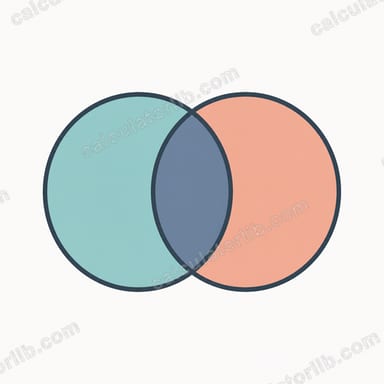
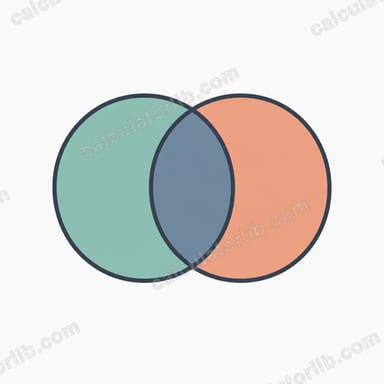
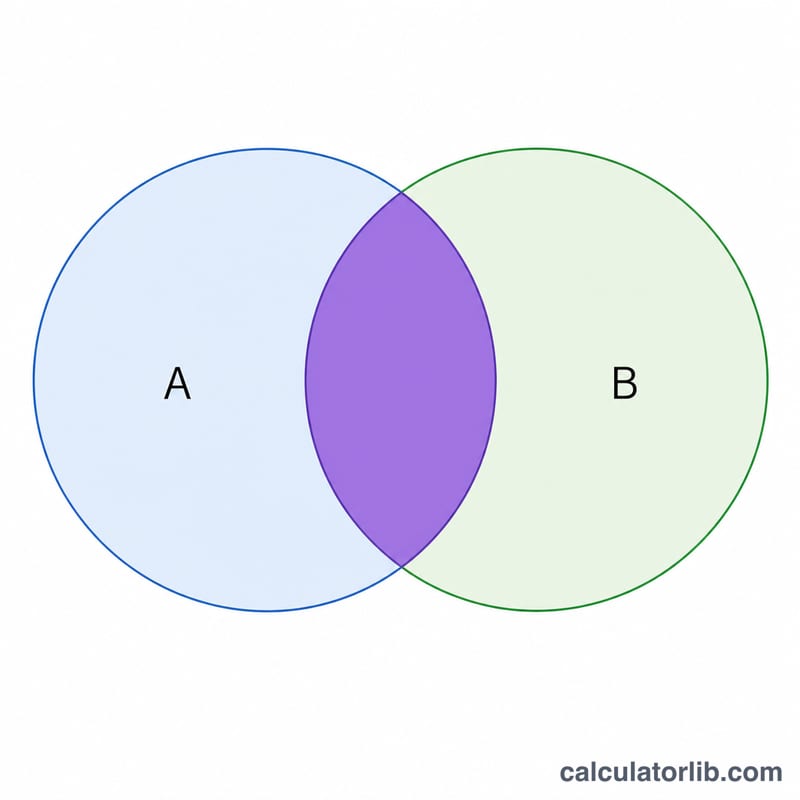
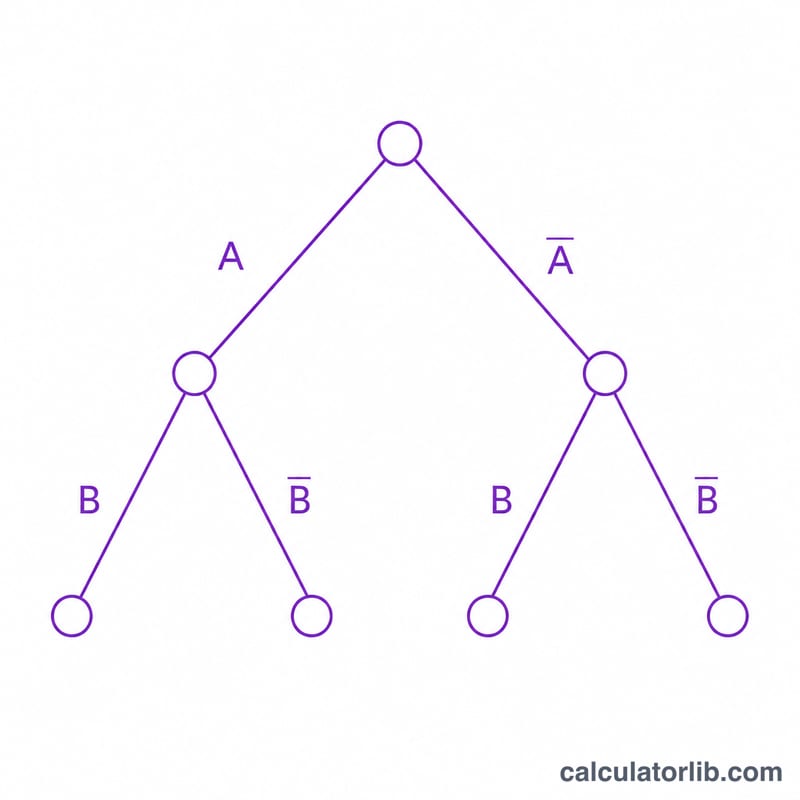
For two independent events the multiplication rule gives the AND probability: $$P(A \cap B) = \text{P(A)} \times \text{P(B)}$$ The addition rule gives the OR probability: $$P(A \cup B) = \text{P(A)} + \text{P(B)} - \text{P(A)} \times \text{P(B)}$$ The last term avoids double-counting the overlap. The chance neither occurs is \(\left(1 - \text{P(A)}\right)\left(1 - \text{P(B)}\right)\), and the chance they are not both true is \(1 - P(A \cap B)\).
Worked example
Suppose a coin lands heads with \(\text{P(A)} = 0.5\) and a die shows a six with \(\text{P(B)} = 0.1667\). Both happening: $$0.5 \times 0.1667 \approx 0.0833 \text{ (about 8.3\%)}$$ At least one: $$0.5 + 0.1667 - 0.0833 \approx 0.5833 \text{ (about 58.3\%)}$$ These match the values this calculator produces.
FAQ
Does this assume the events are independent? Yes. The multiplication rule \(\text{P(A)} \cdot \text{P(B)}\) only holds when one event does not affect the other.
Can I enter percentages? Enter decimals here — convert a percent by dividing by 100 (e.g. 75% → 0.75).
What if my probabilities are outside 0–1? Values are clamped to the valid 0–1 range so results stay meaningful.