
What This Calculator Does
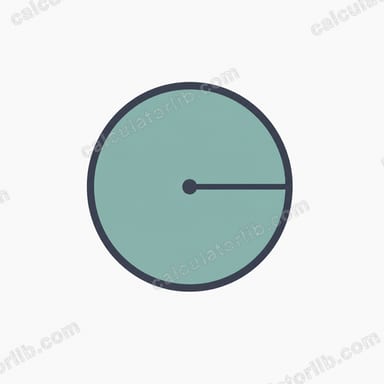
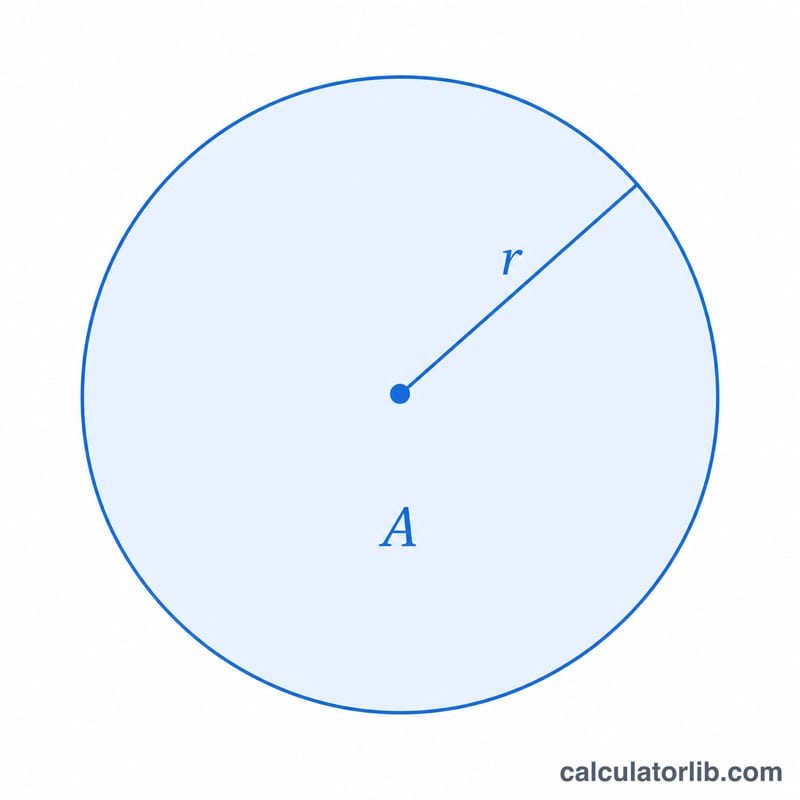
This tool reverses the standard circle area formula. Normally you compute area from a known radius using \(A = \pi r^2\). Here you already know the area and want to recover the radius. Rearranging the area equation gives \(r = \sqrt{A/\pi}\). The calculator also reports the resulting diameter and circumference so you have the full geometry of the circle in one place.
How to Use It
Enter the area of the circle in whatever square units you are working with (square centimeters, square inches, square meters, etc.). The radius, diameter, and circumference returned will be in the matching linear unit. For example, if you enter an area in square meters, the radius comes back in meters. Make sure the area is a positive number — a circle cannot have zero or negative area.
The Formula Explained
The area of a circle is \(A = \pi r^2\). To isolate the radius, divide both sides by \(\pi\) to get \(r^2 = A/\pi\), then take the square root of both sides:
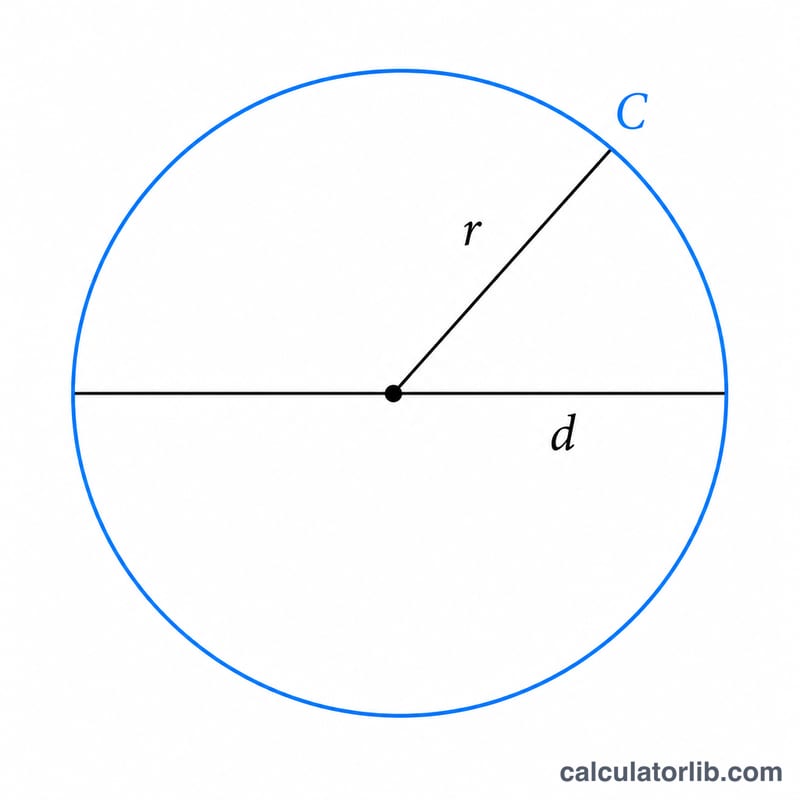
$$r = \sqrt{\dfrac{\text{Area}}{\pi}}$$The constant \(\pi\) (pi) is approximately \(3.14159\). Diameter is simply twice the radius (\(d = 2r\)), and circumference is the distance around the circle (\(C = 2\pi r\)).
Worked Example
Suppose a circular garden has an area of 100 square meters. Then
$$r = \sqrt{\dfrac{100}{3.14159}} = \sqrt{31.831} \approx 5.642 \text{ meters}$$The diameter is \(2 \times 5.642 \approx 11.284\) meters, and the circumference is \(2 \times \pi \times 5.642 \approx 35.449\) meters.
FAQ
Can I use any units? Yes. The radius will be in the linear unit corresponding to the square unit you entered for area.
What if I enter 0 or a negative area? The radius is reported as 0, since a real circle must have a positive area.
How do I get diameter or circumference instead? They are calculated automatically and shown beneath the radius result.