
What Is the Average Age Calculator?
The Average Age Calculator finds the mean age of a group of people. Whether you're working out the average age of a class, a team, a family, or survey respondents, this tool adds up all the ages you enter and divides by the number of people to give you a single representative figure. It also shows the total, the count, and the youngest and oldest values for quick context.
How to Use It
Type each person's age into the box, separated by commas or spaces — for example 25, 30, 42, 19. The calculator ignores empty entries, so a trailing comma is fine. Press calculate and you'll instantly see the average age plus a small summary table.
The Formula Explained
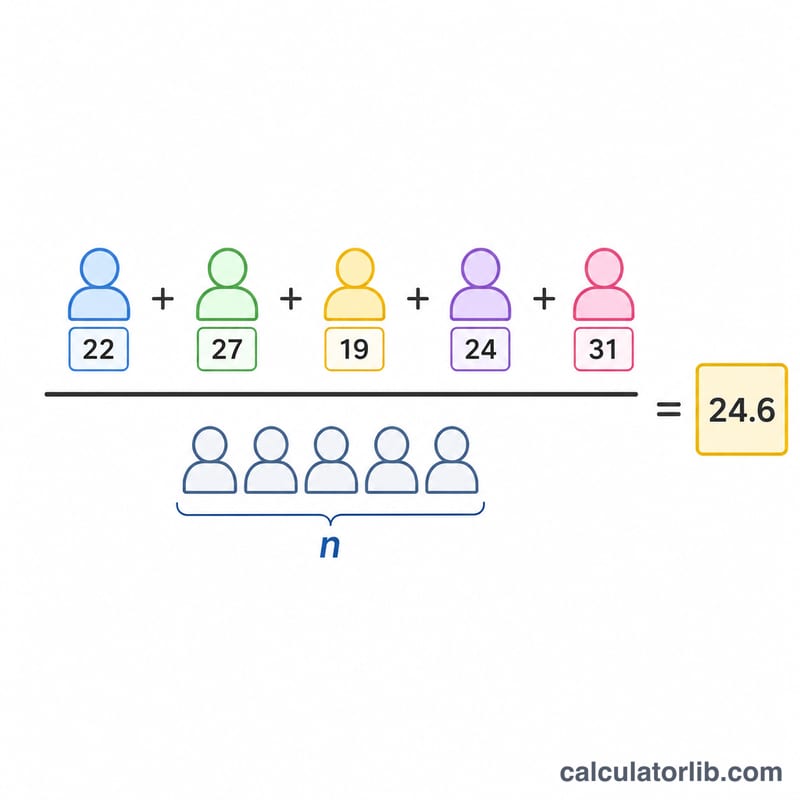
The average (also called the arithmetic mean) is one of the most common statistics. The formula is:
$$\text{Average Age} = \frac{\sum \text{Ages}}{\text{Count of Ages}}$$
Every age contributes equally to the result. Because it uses every value, the mean can be pulled toward unusually high or low ages — so it's worth glancing at the youngest and oldest figures too.
Worked Example
Suppose four friends are aged 25, 30, 42, and 19. Add them: \(25 + 30 + 42 + 19 = 116\). Divide by 4 people:
$$\frac{116}{4} = 29 \text{ years}$$
So the average age of the group is 29.
Definitions & Glossary
These are the core terms used by the Average Age Calculator. Each describes how a single value summarizes a list of ages.
- Mean (Average)
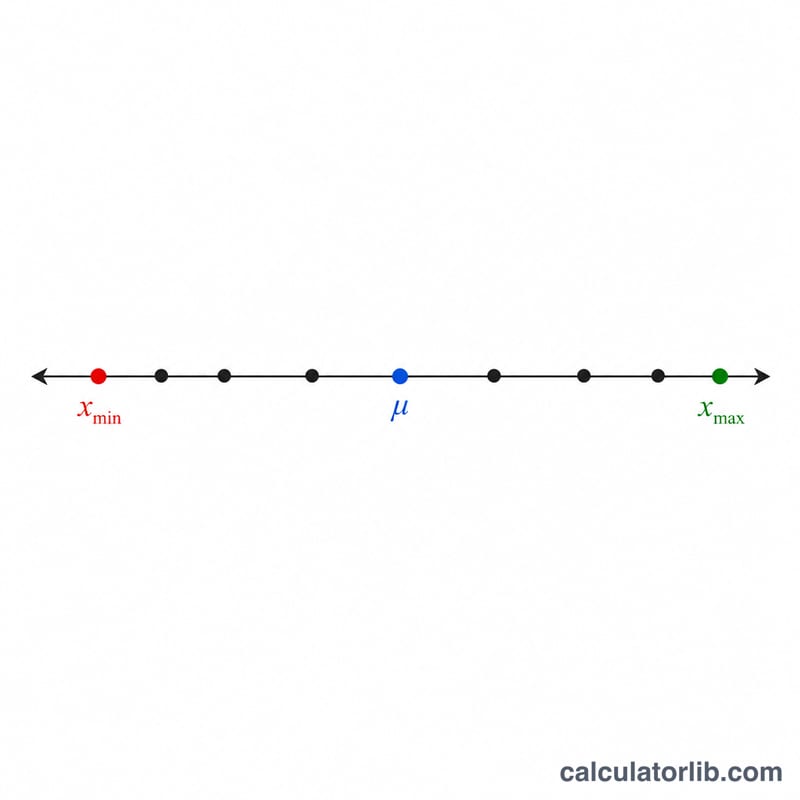
- The sum of all ages divided by how many ages there are. This is the value the calculator reports as the "average age." For ages \(a_1, a_2, \dots, a_n\), the mean is \(\bar{a} = \frac{a_1 + a_2 + \cdots + a_n}{n}\).
- Median
- The middle value when all ages are sorted from youngest to oldest. With an even count, it is the average of the two middle values. The median is less affected by a single very high or very low age than the mean.
- Mode
- The age that appears most often in the list. A set can have one mode, several modes, or none if every age is unique.
- Range
- The difference between the oldest and youngest age: \(\text{Range} = \text{max} - \text{min}\). It measures how spread out the group is.
- Outlier
- An age that lies far from the rest of the group (for example, a 70-year-old grandparent among young children). Outliers can pull the mean noticeably toward themselves.
- Count
- The number of ages entered — the \(n\) in the average formula and the divisor used to compute the mean.
- Sum
- The total of all the ages added together — the numerator in the average formula.
For a fuller breakdown of central tendency on any list of numbers, see the Mean, Median, Mode, Range Calculator.
FAQ
What's the difference between mean and median age? The mean (this calculator) sums all ages and divides by the count. The median is the middle value when ages are sorted — it's less affected by extreme outliers.
Can I use decimal ages? Yes. You can enter ages like 2.5 or 18.75 and the average will reflect them.
How many ages can I enter? As many as you like — just separate each one with a comma or a space.