
What is the Bandwidth Calculator?
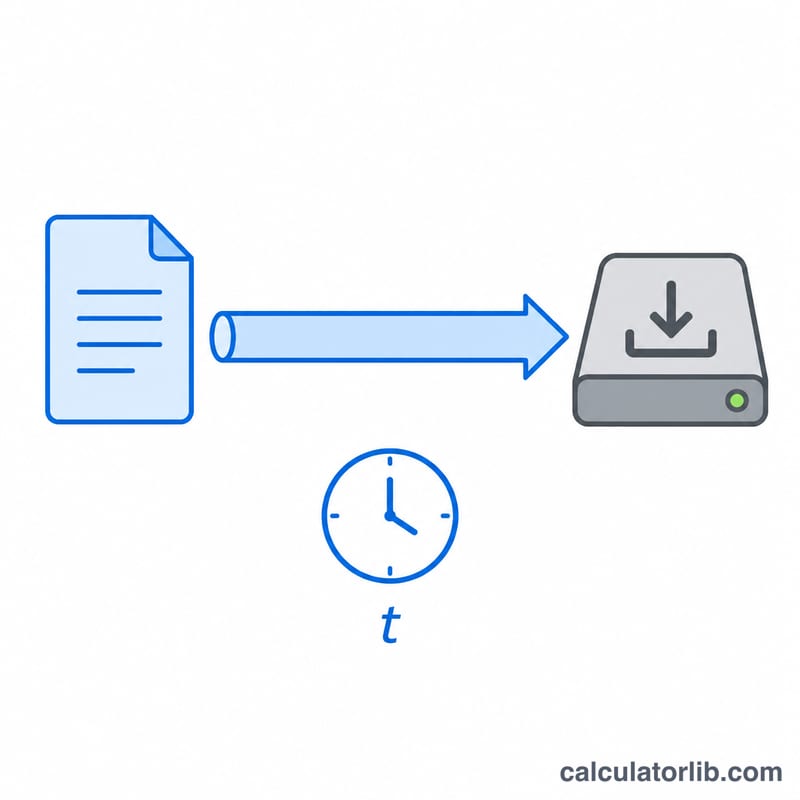
The Bandwidth Calculator estimates how long it takes to download or transfer a file over a network connection. You enter the data size and your available bandwidth, and the tool returns the transfer time in seconds, minutes and hours. It is useful for planning large downloads, backups, video streaming, cloud uploads and capacity planning.
How to use it
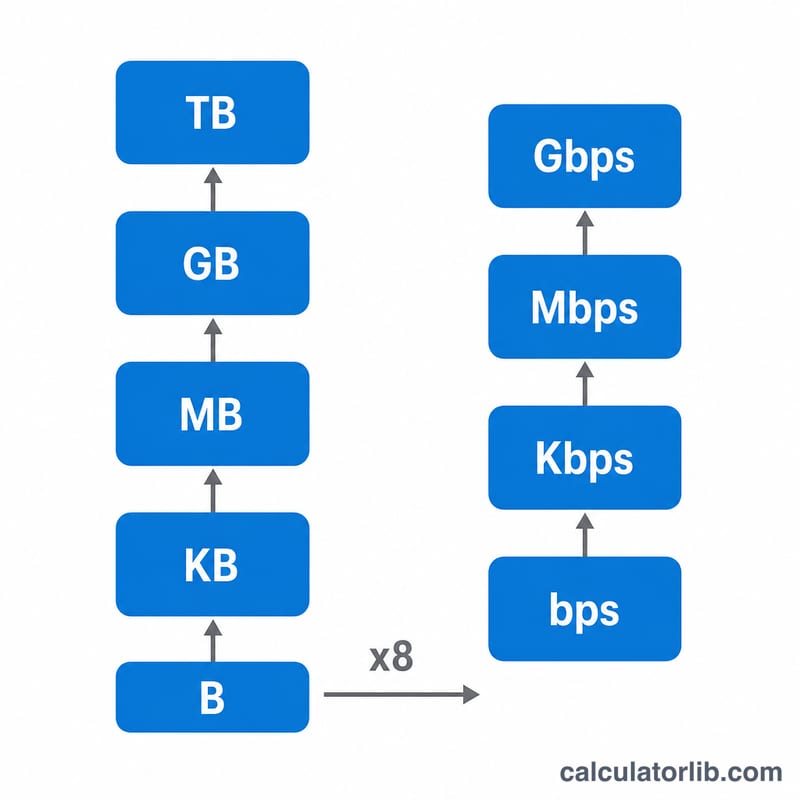
Enter the data size and pick its unit (KB, MB, GB or TB). Then enter your bandwidth and pick its unit (Kbps, Mbps or Gbps). The calculator converts everything to a common base and returns the estimated transfer time. Note the key distinction: storage is measured in bytes while network speed is measured in bits, and 1 byte = 8 bits.
The formula explained
First the data size is converted to megabits: megabytes \(\times\) 8 = megabits. The bandwidth is converted to megabits per second (Mbps). Then transfer time in seconds equals data in megabits divided by bandwidth in Mbps:
$$t = \frac{D_{\text{bits}}}{B}$$
This is the theoretical best case. Real transfers are slower due to protocol overhead, latency, congestion and disk speed — expect roughly 10–20% longer in practice.
Worked example
Suppose you want to download a 1 GB (1000 MB) file on a 100 Mbps connection. Data in megabits = \(1000 \times 8 = 8000\) megabits. Transfer time = $$8000 / 100 = 80 \text{ seconds}$$ (about 1.33 minutes). The calculator shows 80 seconds, 1.33 minutes and 0.0222 hours.
Data and Bandwidth Unit Conversions
The central relationship that links file sizes to connection speeds is \(1\ \text{byte} = 8\ \text{bits}\). Storage units (bytes) are used for files, while network speeds are measured in bits per second.
Data size (1000-based, decimal)
| Unit | Equals |
|---|---|
| 1 KB (kilobyte) | 1,000 bytes |
| 1 MB (megabyte) | 1,000 KB = 1,000,000 bytes |
| 1 GB (gigabyte) | 1,000 MB = 1,000,000,000 bytes |
| 1 TB (terabyte) | 1,000 GB = 1,000,000,000,000 bytes |
Bandwidth (bits per second)
| Unit | Equals |
|---|---|
| 1 Kbps | 1,000 bits/s |
| 1 Mbps | 1,000 Kbps = 1,000,000 bits/s |
| 1 Gbps | 1,000 Mbps = 1,000,000,000 bits/s |
Mbps to MBps quick reference (divide by 8)
| Bandwidth (Mbps) | Throughput (MBps) |
|---|---|
| 10 Mbps | 1.25 MB/s |
| 50 Mbps | 6.25 MB/s |
| 100 Mbps | 12.5 MB/s |
| 500 Mbps | 62.5 MB/s |
| 1000 Mbps | 125 MB/s |
To convert a connection speed in megabits per second to a download rate in megabytes per second, divide by 8: a 100 Mbps line moves at most \(100 \div 8 = 12.5\) MB/s.
Key Terms Explained
- Bandwidth
- The maximum rate at which data can travel across a connection, usually quoted in bits per second (Mbps, Gbps). It is the theoretical capacity of the link, not necessarily the speed actually achieved.
- Throughput
- The actual rate of successful data transfer measured over the connection. Throughput is always less than or equal to bandwidth because of overhead, congestion and protocol behavior.
- Bit
- The smallest unit of digital information, representing a single 0 or 1. Network speeds are measured in bits (lowercase "b", as in Mbps).
- Byte
- A group of 8 bits. File and storage sizes are measured in bytes (uppercase "B", as in MB). This 8× factor is why a 100 Mbps connection downloads at about 12.5 MB/s.
- Mbps (megabits per second)
- A measure of bandwidth equal to 1,000,000 bits per second. The standard way ISPs advertise connection speed.
- MBps (megabytes per second)
- A measure of data transfer equal to 1,000,000 bytes per second, or 8 Mbps. Used to express real-world download rates of files.
- Latency
- The delay before data begins to move, typically measured in milliseconds (the round-trip ping time). Latency affects responsiveness but not the maximum sustained transfer rate of a large file.
- Overhead
- The portion of bandwidth consumed by protocol headers, error correction, retransmissions and connection management rather than the actual file data, reducing usable throughput below the nominal bandwidth.
- Transfer time
- The total time needed to move a file, calculated as \( t = \dfrac{8 \cdot D}{B} \) where \(D\) is data size in MB and \(B\) is bandwidth in Mbps. Real transfers run longer once overhead and congestion are factored in.
FAQ
Why is my actual download slower? Advertised speeds are maximums. Overhead, shared networks and server limits typically reduce real throughput.
What's the difference between Mbps and MBps? Mbps is megabits per second (network speed); MBps is megabytes per second. Divide Mbps by 8 to get MBps.
Does this use 1000 or 1024? This calculator uses decimal (1000-based) units, which matches how ISPs and most storage vendors advertise capacity and speed.