
What Is the Cyber Monday Discount Calculator?
The Cyber Monday Discount Calculator is a fast, free tool that tells you exactly how much you will pay — and how much you will save — when a store advertises a percentage discount. Cyber Monday deals are often shown only as "30% off" or "50% off," leaving you to do the math in your head. This calculator removes the guesswork so you can compare deals quickly and stick to your budget.
How to Use It
Enter the item's original price and the discount percentage. The calculator instantly shows the final price you pay and your total savings. Try different discount values to see how a deeper sale changes the bottom line, or compare two products with different list prices and discounts.
The Formula Explained
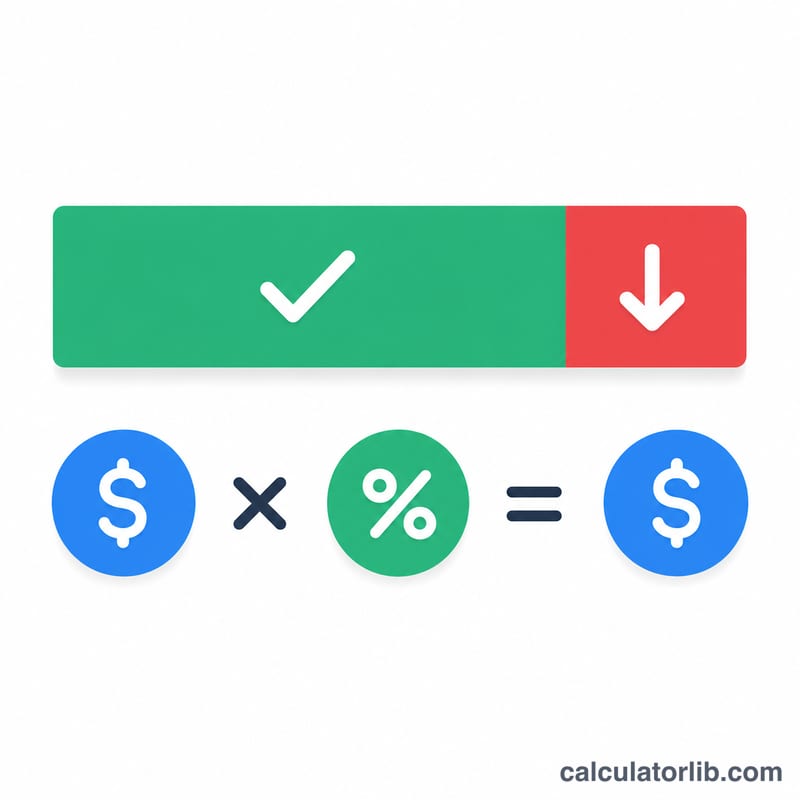
The math behind the tool is simple. First convert the percentage to a decimal rate by dividing by 100. Then:
\(\text{Savings} = \text{Original Price} \times \text{Rate}\)
\(\text{Final Price} = \text{Original Price} \times (1 - \text{Rate})\)
For example, a 30% discount has a rate of \(0.30\). The portion you still pay is \(1 - 0.30 = 0.70\), or 70% of the original price.
Worked Example
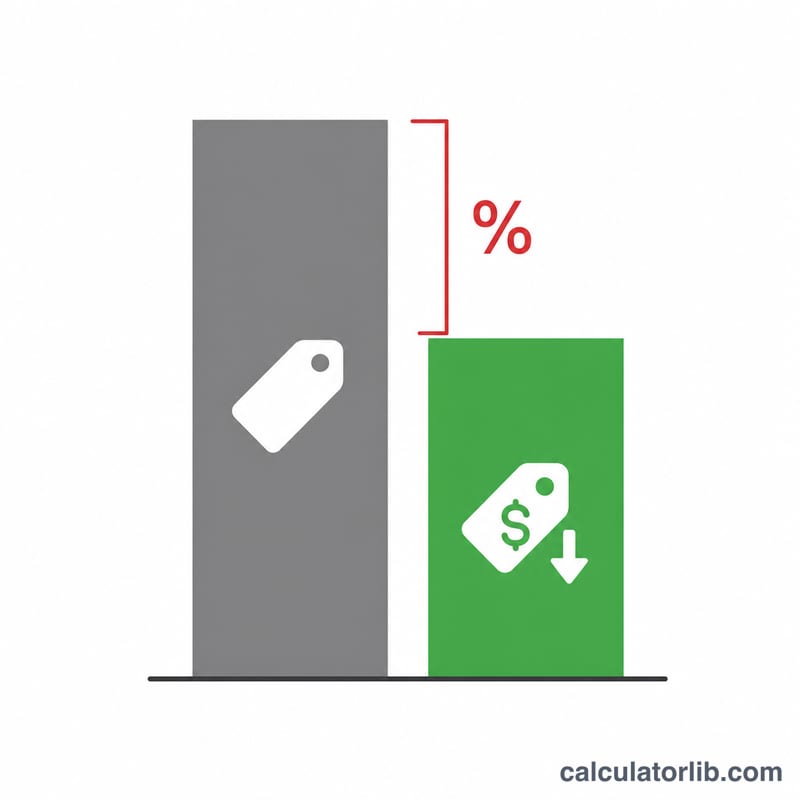
Suppose a laptop normally costs $1,200 and the Cyber Monday deal is 25% off. The rate is \(0.25\). Savings:
$$\text{Savings} = 1{,}200 \times 0.25 = \$300$$Final Price:
$$\text{Final Price} = 1{,}200 \times (1 - 0.25) = 1{,}200 \times 0.75 = \$900$$You pay $900 and save $300.
FAQ
Does this include sales tax? No — the result is the pre-tax discounted price. Add your local tax rate on top of the final price for the total at checkout.
Can I use it for any sale, not just Cyber Monday? Yes. The percentage-discount math is universal, so it works for Black Friday, clearance sales, or any markdown.
What if a coupon stacks on top of the sale? Run the calculator once for the first discount, then enter that final price as the new original price and apply the second discount.