

What Is the Days Off Calculator?
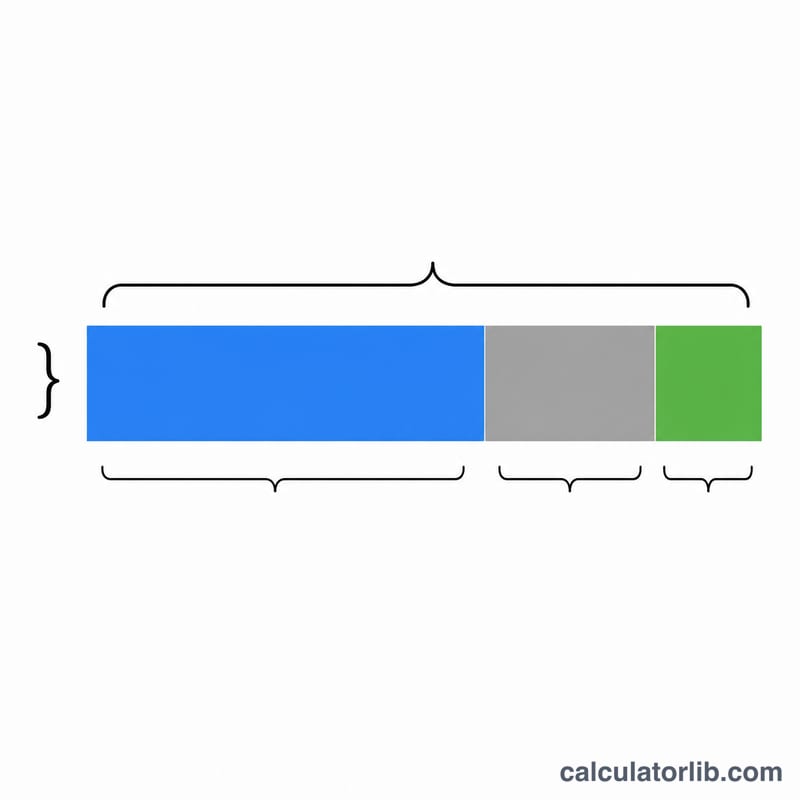
The Days Off Calculator tells you how many free days you have within any chosen period — a week, a month, a quarter, or a full year. It works by taking the total number of days in the period and subtracting the days you spend working and the holidays you have already taken. The result is the number of days that remain genuinely off.
How to Use It
Enter three numbers: the total number of days in the period, the number of working days, and the number of holiday days you have already used. Press calculate and the tool returns your remaining days off instantly. If the working days plus holidays exceed the total, the result is shown as zero rather than a negative number.
The Formula Explained
The calculation is a simple subtraction:
$$\text{Days Off} = \text{Total Days in Period} - \text{Working Days} - \text{Holidays Taken}$$
"Total Days" is the calendar length of the period. "Working Days" covers every day you are scheduled to work, and "Holidays Taken" covers vacation or leave days already used. Whatever is left over is time that is fully your own.
Worked Example
Suppose you are looking at a 30-day month. You work 20 of those days and you have already taken 2 holiday days during the month. Then:
$$\text{Days Off} = 30 - 20 - 2 = \textbf{8 days off}.$$
Those 8 days are weekends or other non-working days that you have not spent on holiday leave.

FAQ
Do weekends count as working days? Only if you actually work them. Count any scheduled work day, including weekends if applicable, in the working days field.
What if my numbers add up to more than the total? The calculator floors the result at zero, since you cannot have negative days off.
Can I use this for a full year? Yes. Enter 365 (or 366 in a leap year) as the total days, then your annual working days and holidays taken.