
What Is the Days to Hours Calculator?
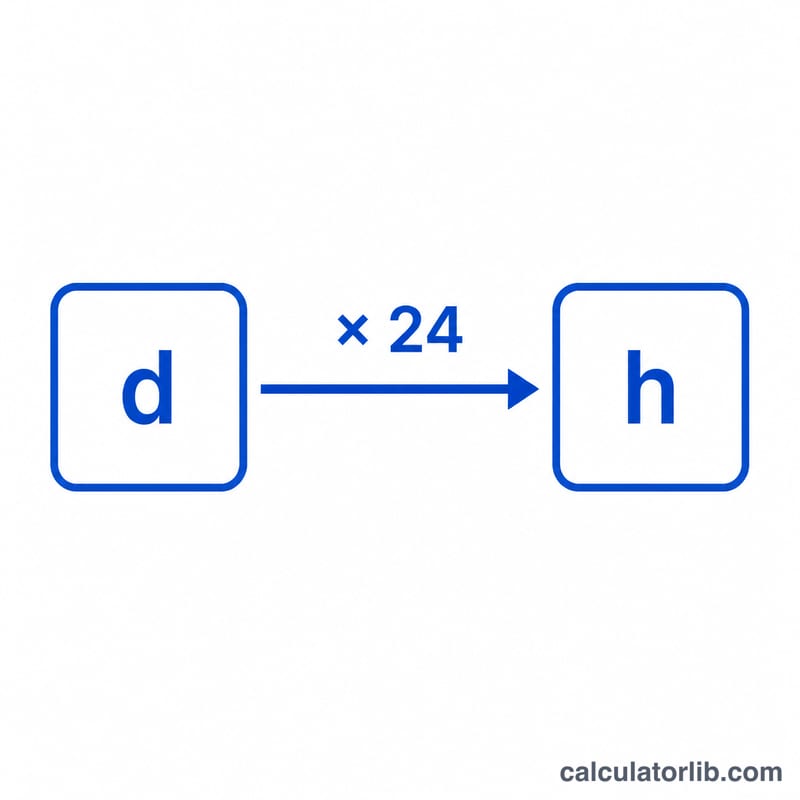
The Days to Hours Calculator converts any number of days into the equivalent number of hours. Since every day contains exactly 24 hours, the conversion is a simple multiplication. This tool is handy for scheduling, project planning, calculating elapsed time, and any situation where you need to switch between days and hours quickly and accurately.
How to Use It
Enter the number of days you want to convert in the input field. You can use whole numbers (like 7) or decimals (like 1.5 for a day and a half). Click calculate and the tool returns the total hours instantly. The result also shows the original days entered and the conversion factor for reference.
The Formula Explained
The conversion uses one simple equation:
$$\text{hours} = \text{days} \times 24$$
Because one day always equals 24 hours, you just multiply your number of days by 24. This works for fractional days too — for example, \(0.25\) days equals \(6\) hours.
Worked Example
Suppose you want to know how many hours are in 3 days. Plug the value into the formula:
$$\text{hours} = 3 \times 24 = 72 \text{ hours}$$
So 3 days is exactly 72 hours. For 1.5 days, the result would be \(1.5 \times 24 = 36\) hours.
FAQ
How many hours are in a day? There are exactly 24 hours in one day.
Can I enter decimal days? Yes. For example, 2.5 days converts to 60 hours.
How do I convert hours back to days? Divide the number of hours by 24. For instance, \(48 \div 24 = 2\) days.