
What this calculator does
This tool reduces a number by a percentage you choose. Enter a starting number and the percent you want to take off, and it returns the new, smaller value along with the exact amount that was subtracted. It is useful for sale prices, discounts, weight loss tracking, budget cuts, tax reductions, and any situation where something shrinks by a percentage.
How to use it
Type your starting number in the first box (for example a price of 250). Enter the percent to remove in the second box (for example 15). The calculator multiplies your number by 1 minus the percent expressed as a decimal and shows the result instantly, plus a breakdown of the original value and how much was taken off.
The formula explained
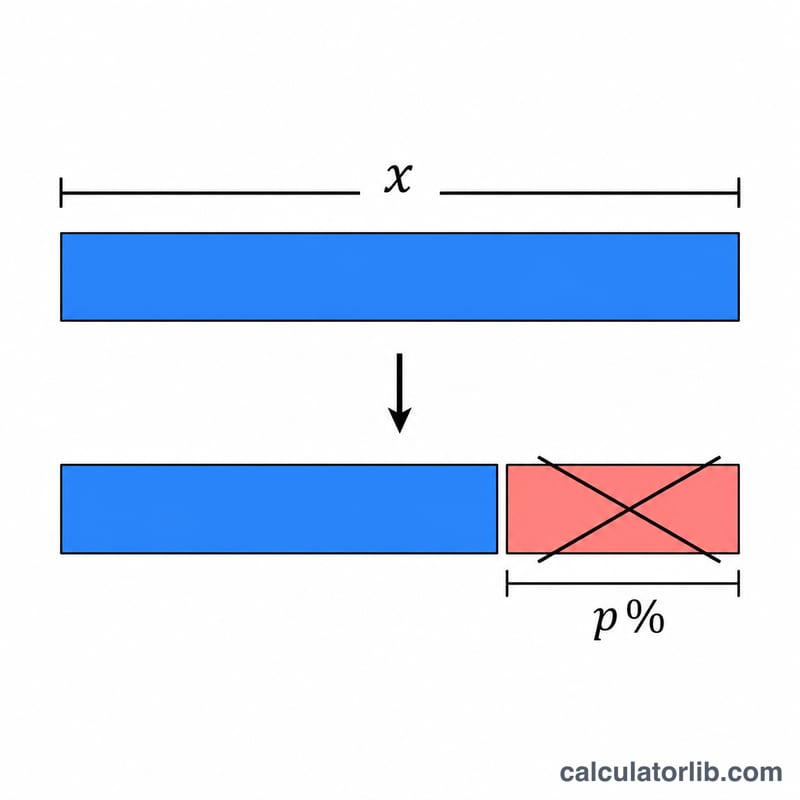
The core equation is $$\text{new} = x \times \left(1 - \frac{p}{100}\right)$$ Dividing the percent by 100 converts it to a decimal fraction. Subtracting that fraction from 1 gives the share that remains. Multiplying the original number by what remains yields the decreased value. The amount removed is simply \(x \times \frac{p}{100}\).
Worked example
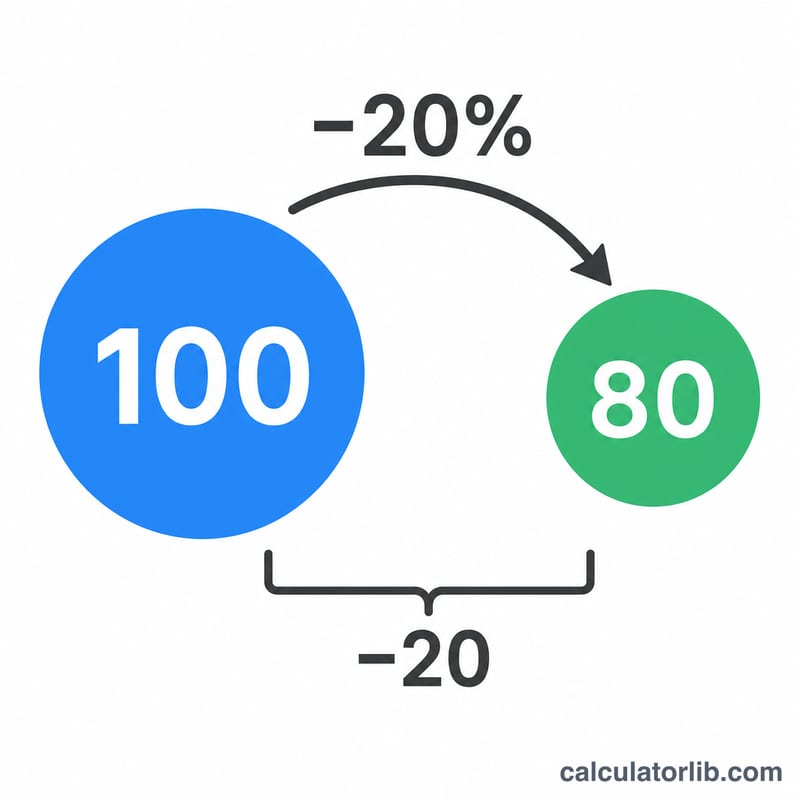
Suppose a jacket costs 250 and is marked down by 15%. The decrease is \(250 \times 0.15 = 37.50\). The new price is $$250 \times (1 - 0.15) = 250 \times 0.85 = 212.50$$ So you pay 212.50 and save 37.50.
FAQ
Can I decrease by more than 100%? Yes. A decrease greater than 100% produces a negative result, which can be meaningful in some accounting or temperature contexts but is rarely intended for prices.
How is this different from a percentage discount? It is the same calculation. A discount of p% is identical to decreasing the price by p%.
What if I want to increase instead? Use the addition version: \(\text{new} = x \times \left(1 + \frac{p}{100}\right)\). This calculator only handles decreases.