
What this calculator does
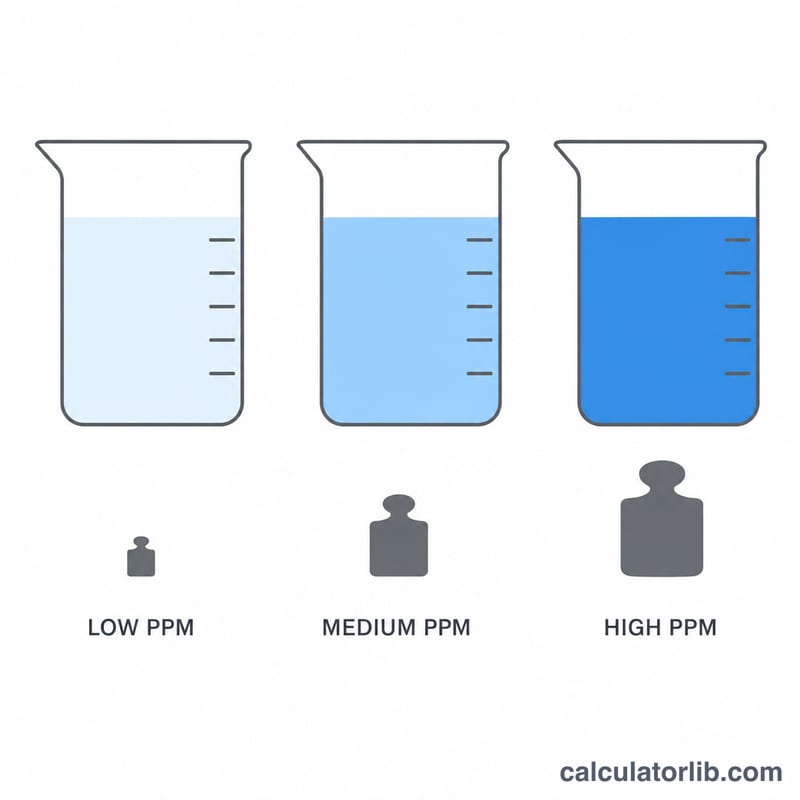
This tool tells you how much solute you need to weigh out to prepare a solution at a target concentration expressed in parts per million (ppm). For dilute aqueous solutions, where the density is essentially that of water (1 kg/L), 1 ppm is equivalent to 1 milligram of solute per liter of solution. That simple relationship makes preparing standards, nutrient solutions, and reagent dilutions fast and reliable.
How to use it
Enter your target concentration in ppm and the total volume of solution you want to make in liters. The calculator returns the required solute mass in both milligrams and grams. Weigh out that amount of solute, dissolve it, and dilute to your final volume.
The formula explained
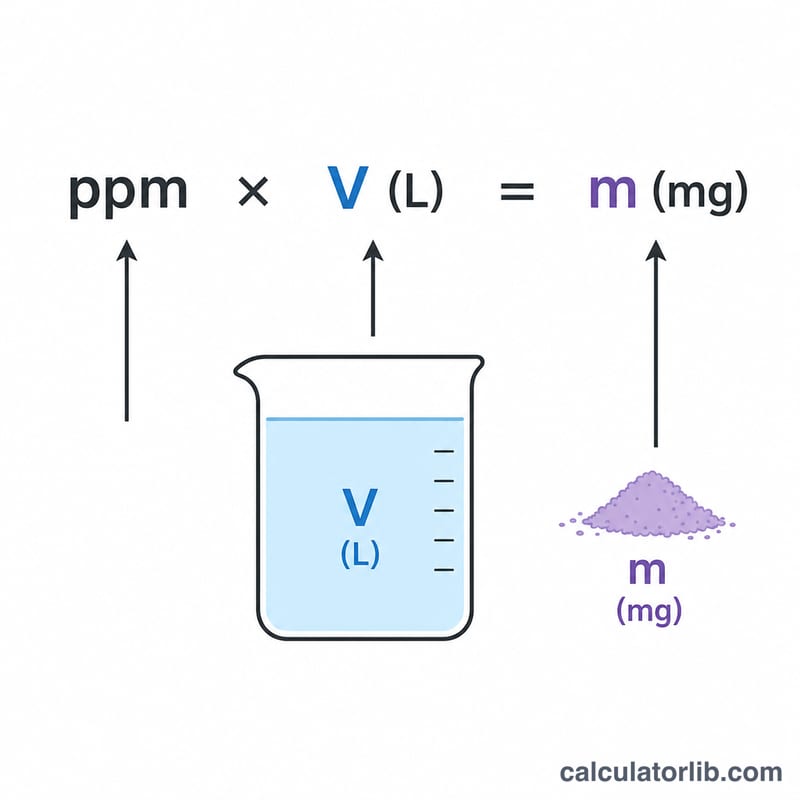
The core equation is $$\text{mass (mg)} = \text{ppm} \times \text{volume (L)}$$. Because \(1\ \text{ppm} = 1\ \text{mg/L}\) for water-like solutions, multiplying the desired concentration by the volume directly gives the milligram mass. Dividing by 1000 converts to grams. This assumes a solution density close to 1.00 g/mL, which is accurate for dilute solutions.
Worked example
Suppose you want to prepare 2.5 liters of a 50 ppm calibration standard. $$\text{Mass} = 50\ \text{ppm} \times 2.5\ \text{L} = 125\ \text{mg} = 0.125\ \text{g}$$ You would weigh 125 mg of solute and dissolve it to a final volume of 2.5 L.
FAQ
Does this work for non-water solvents? The \(1\ \text{ppm} = 1\ \text{mg/L}\) shortcut assumes a density near 1 g/mL. For solvents with very different densities, use mass-based ppm instead.
What if I need micrograms? Multiply the milligram result by 1000 to get micrograms.
Is ppm the same as mg/L? For dilute aqueous solutions, yes — they are numerically equal.