
What is the GB to TB Converter?
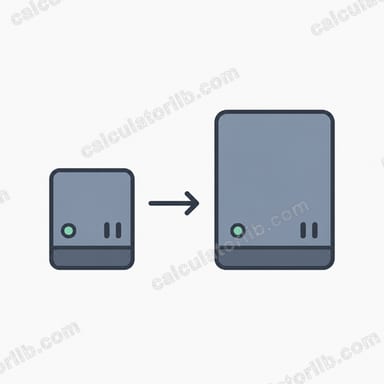
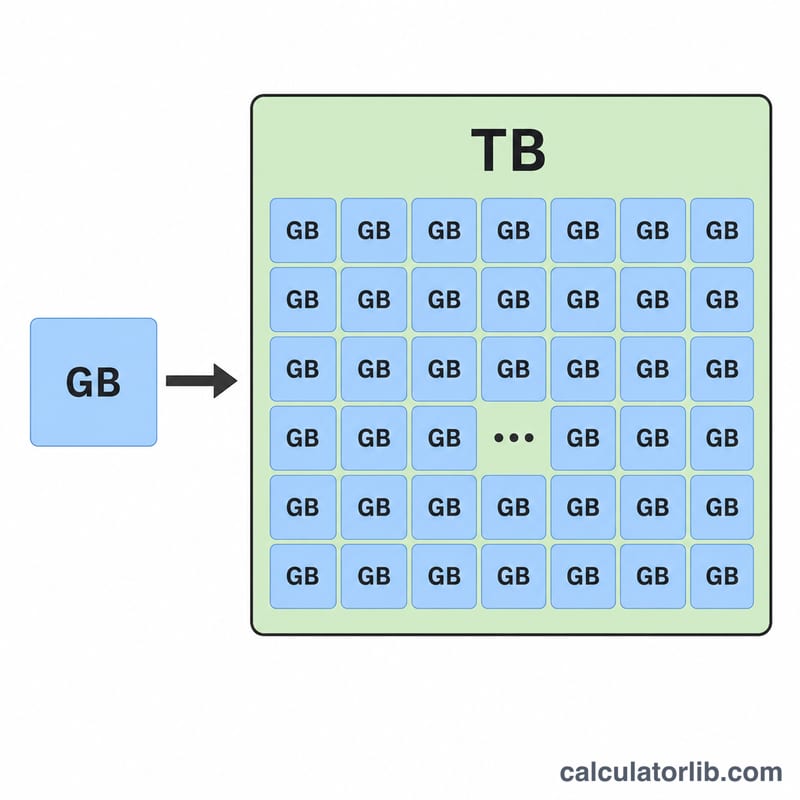
This tool converts a storage size given in gigabytes (GB) into terabytes (TB). Because the computing industry uses two different conventions, the calculator lets you choose between the binary standard (1 TB = 1024 GB, used by most operating systems) and the decimal standard (1 TB = 1000 GB, used by hard-drive and SSD manufacturers). This is why a "1 TB" drive often shows up as about 931 GB in your operating system.
How to use it
Enter the number of gigabytes, then pick a conversion standard. The result updates to show the equivalent terabytes. If you are matching a value reported by Windows, macOS, or Linux, choose binary. If you are matching the capacity printed on a product box, choose decimal.
The formula explained
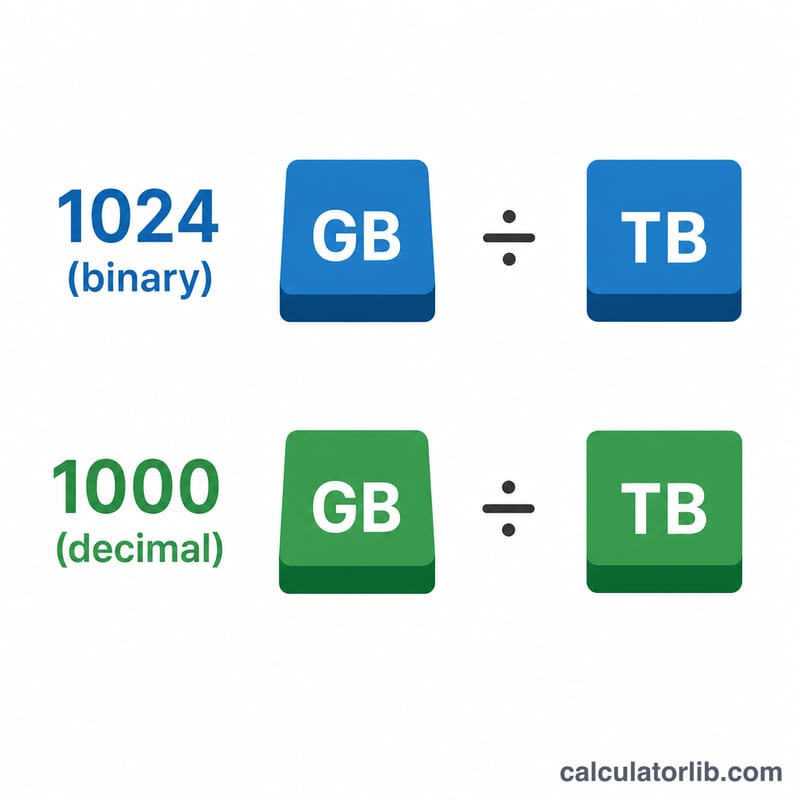
The conversion is simple division. In the binary system you divide gigabytes by 1024 (because \(1024 = 2^{10}\)). In the decimal system you divide by 1000. The smaller the divisor, the larger the resulting TB figure, which is why decimal values look slightly higher.
$$\text{TB} = \frac{\text{Gigabytes (GB)}}{1024}$$
$$\text{TB} = \frac{\text{Gigabytes (GB)}}{1000}$$
Worked example
Suppose you have 2048 GB. Using the binary standard:
$$2048 \div 1024 = 2 \text{ TB}$$
Using the decimal standard:
$$2048 \div 1000 = 2.048 \text{ TB}$$
Both describe the same raw amount of data — only the unit definition differs.
FAQ
Why is my 1 TB drive only 931 GB? Manufacturers count 1 TB as 1,000,000,000,000 bytes (decimal), but your OS divides by 1024 three times (binary), giving roughly 931 GiB.
Which standard should I use? Use binary to match what your computer reports and decimal to match advertised drive capacities.
Is GiB the same as GB? Strictly, GiB is the binary unit (1024) and GB is decimal (1000), but everyday usage often treats them interchangeably — which is exactly the ambiguity this converter helps resolve.