
What this calculator does
The Length of a Rectangle Calculator finds the missing length of a rectangle when you already know its width plus one other measurement — either the area or the perimeter. It is a handy geometry helper for homework, construction layouts, flooring, fencing, framing, and any project where you have a known width and a total size.
How to use it
First choose how you want to calculate: from Area & width or from Perimeter & width. Then enter the matching values and the width of the rectangle. The calculator instantly returns the length, and as a check it also reports the resulting area and perimeter so you can confirm the numbers look right.
The formula explained
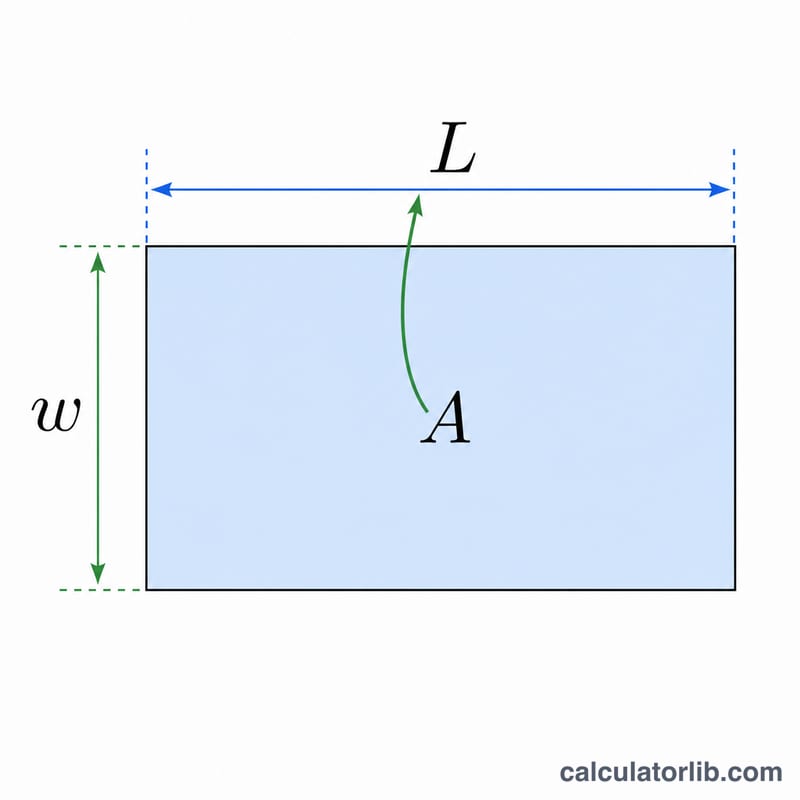
A rectangle's area is length times width, so rearranging gives length = Area ÷ width. Its perimeter is twice the sum of length and width (\(P = 2(L + w)\)), so rearranging gives length = P ÷ 2 − width. Both formulas isolate the length using the one value you already have alongside the width.
$$L = \frac{\text{Area}}{\text{Width}}$$$$L = \frac{\text{Perimeter}}{2} - \text{Width}$$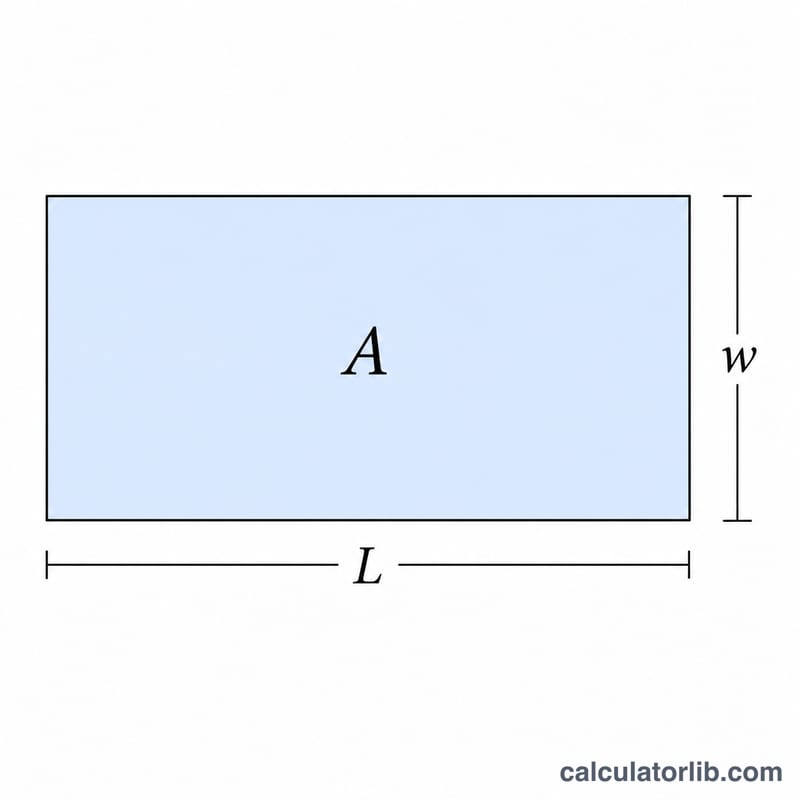
Worked example
Suppose a garden bed has an area of 50 square metres and a width of 5 metres. Using length = Area ÷ width =
$$L = \frac{50}{5} = 10 \text{ metres}$$If instead you knew the perimeter was 30 metres with the same 5 m width,
$$L = \frac{30}{2} - 5 = 15 - 5 = 10 \text{ metres}$$— the same answer, confirming the rectangle.
FAQ
What units should I use? Any consistent units. If area is in square feet, enter width in feet to get length in feet. The tool is unit-agnostic.
Why does it also show area and perimeter? These are computed back from your result so you can sanity-check that the length is correct.
Can the length be negative? With the perimeter method, a width larger than half the perimeter gives a negative or zero length, which means the inputs are not valid for a real rectangle.