
What this calculator does
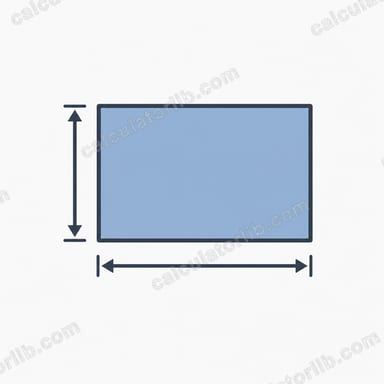
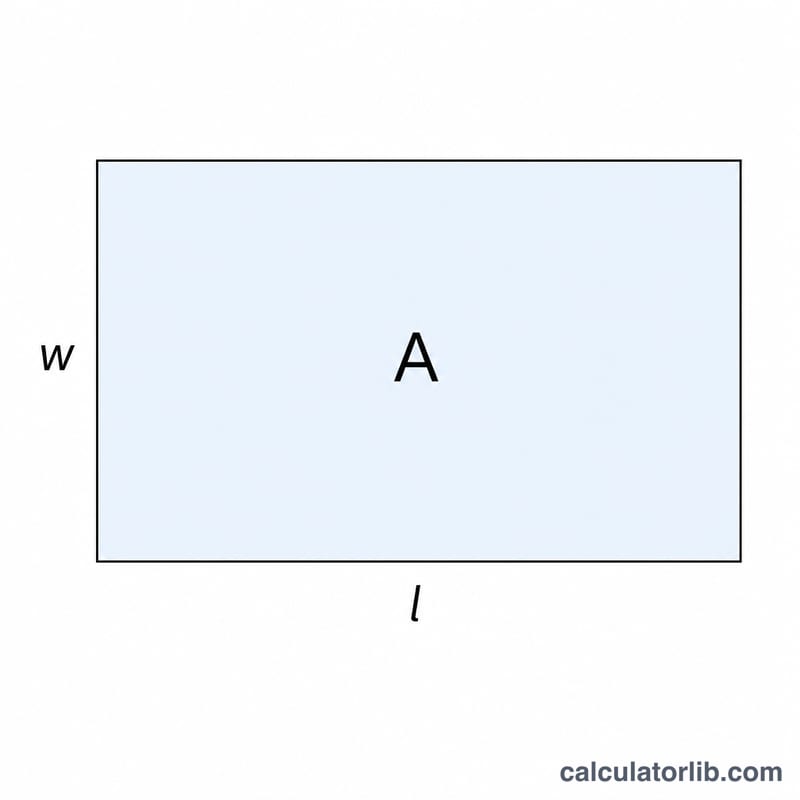
The area of a rectangle is the product of its length and width: \(A = l \times w\). If you know the area and one of the two sides, the other side is fully determined. This tool rearranges the area formula to solve for whichever dimension is missing, then also reports the full set of dimensions and the perimeter.
How to use it
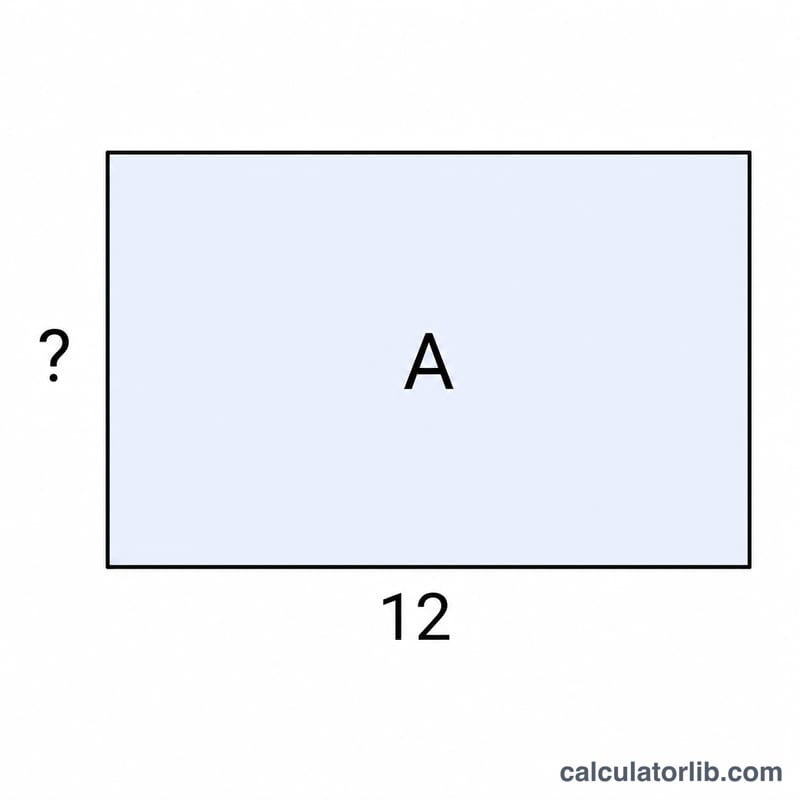
Enter the rectangle's area, choose which dimension you already know (length or width), and type that value. The calculator divides the area by the known side to return the missing side. It works for any consistent units — square metres with metres, square inches with inches, and so on. The result is in the same linear unit you used for the known side.
The formula explained
Starting from \(A = l \times w\), divide both sides by the known dimension:
If you know the length: \(w = A \div l\). If you know the width: \(l = A \div w\). The perimeter is then \(P = 2 \times (l + w)\).
Worked example
Suppose a rectangle has an area of 48 square units and a known length of 6 units. The missing width is $$48 \div 6 = 8 \text{ units}.$$ The full rectangle is \(6 \times 8\), and its perimeter is $$2 \times (6 + 8) = 28 \text{ units}.$$
FAQ
What units does it use? Any units, as long as they are consistent. If the area is in cm² and the side in cm, the answer is in cm.
Can the known side be zero? No. Dividing by zero is undefined, so the known dimension must be greater than zero.
Does this work for squares? Yes. A square is a rectangle with equal sides, so entering the area with either side returns the matching value.