
What this calculator does
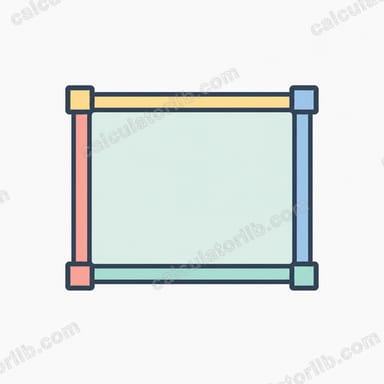
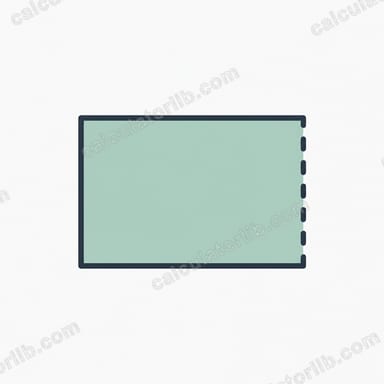
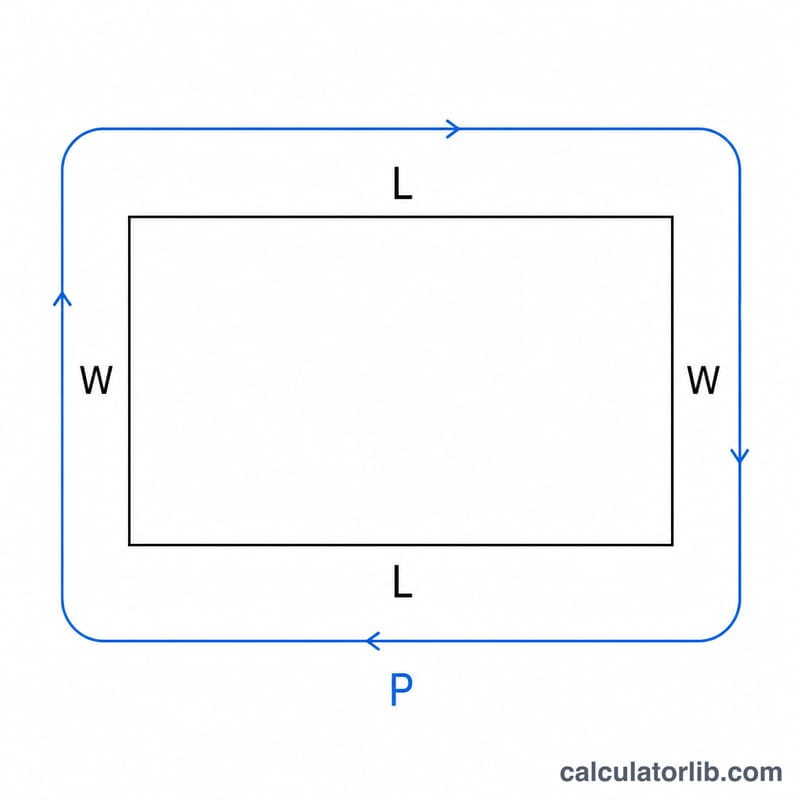
The perimeter of a rectangle is the total distance around its four sides. Because opposite sides of a rectangle are equal, the perimeter equals two lengths plus two widths: \(P = 2(l + w)\). If you know the perimeter and just one of the two side lengths, this calculator instantly solves for the other side.
The formula explained
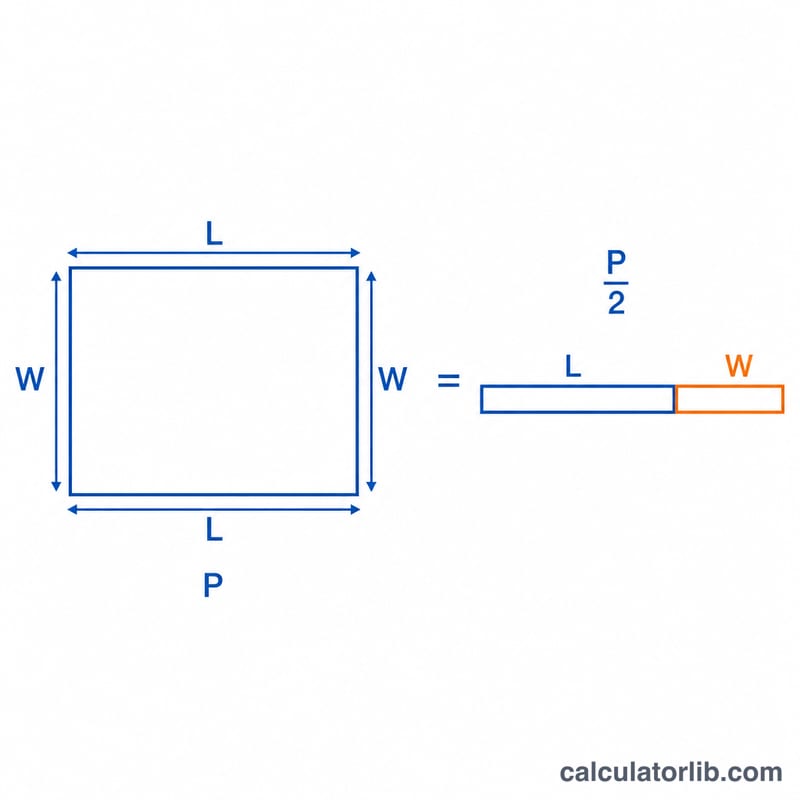
Starting from \(P = 2(l + w)\), divide both sides by 2 to get \(P/2 = l + w\). This half-perimeter is the sum of one length and one width. Rearranging gives the two working formulas: $$\text{width} = \frac{P}{2} - \text{length}$$ and $$\text{length} = \frac{P}{2} - \text{width}$$. So once you have the half-perimeter, you simply subtract the side you already know.
How to use it
Enter the perimeter, choose whether you know the length or the width, then type that known side value. The calculator divides the perimeter by two and subtracts your known side to reveal the missing dimension. The result table also shows the half-perimeter so you can follow the math.
Worked example
Suppose a rectangle has a perimeter of 20 and a known length of 6. Half-perimeter is \(20 \div 2 = 10\). The missing width is \(10 - 6 = 4\). Check: \(2 \times (6 + 4) = 2 \times 10 = 20\), which matches the given perimeter.
FAQ
What if the result is negative? A negative side means the known side is larger than half the perimeter, which is geometrically impossible — double-check your inputs.
Does it work for squares? Yes. For a square every side equals \(P/4\), so entering any one side returns the same value for the other.
What units does it use? It is unit-agnostic. Whatever unit your perimeter is in (cm, m, in), the output is in the same unit.