
What this calculator does
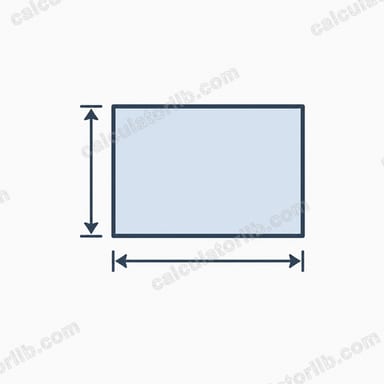
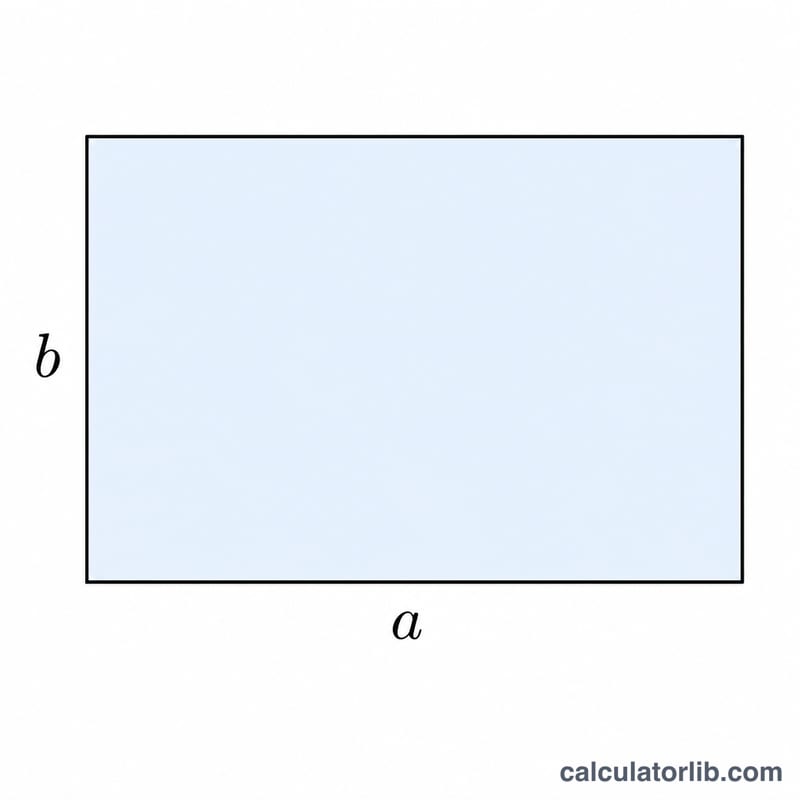
This tool computes the area and perimeter of a rectangle from its two side lengths: the width a and the height b. A rectangle is a four-sided shape with four right angles, where opposite sides are equal in length. Both the area and perimeter follow directly from these two measurements, so no other input is needed.
How to use it
Enter the width and the height using the same length unit for both — for example centimeters, meters, or inches. There is no unit dropdown because the formulas are unit-consistent: whatever length unit you supply, the perimeter comes out in that unit and the area comes out in that unit squared (cm², m², in², and so on). Negative values are not valid lengths; if you enter one it is treated as its absolute value.
The formulas explained
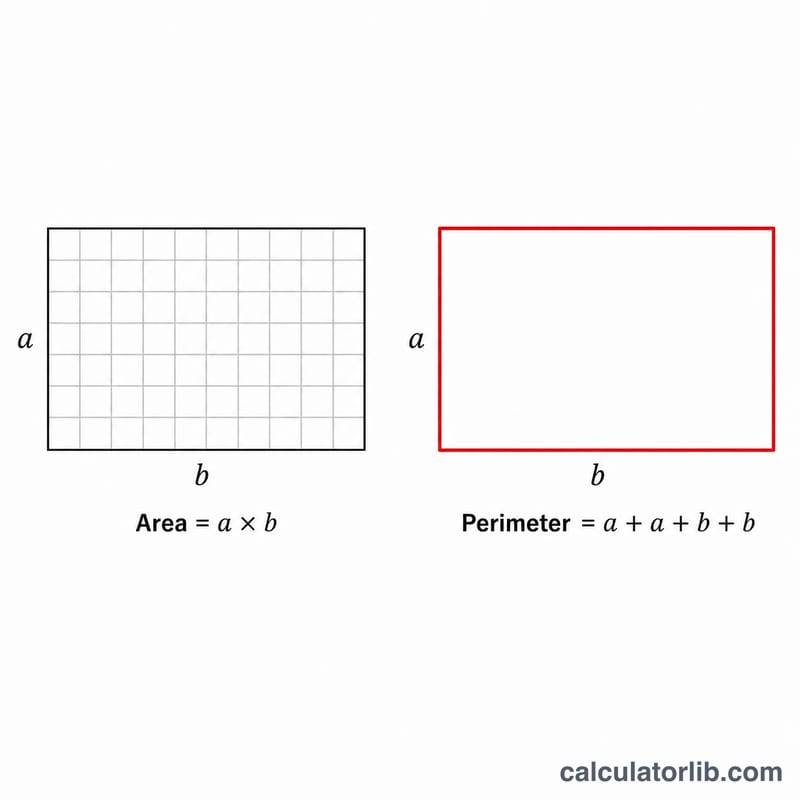
The area is simply the product of the two sides: \(S = a \times b\). Imagine tiling the rectangle with unit squares — there are a columns and b rows, giving \(a \times b\) squares. The perimeter is the total distance around the edge. Since a rectangle has two sides of length a and two of length b, the perimeter is \(L = 2a + 2b\), which can be written more compactly as \(L = 2(a + b)\).
Worked example
Suppose a = 5 and b = 3 (in any single unit). The area is $$S = 5 \times 3 = 15$$ square units. The perimeter is $$L = 2 \times 5 + 2 \times 3 = 10 + 6 = 16$$ units. For the default values a = 2 and b = 1, the area is 2 and the perimeter is 6.
FAQ
What if width equals height? Then the rectangle is a square: the area is \(a^2\) and the perimeter is \(4a\).
What happens if one side is zero? The area becomes 0 (a degenerate rectangle, effectively a line segment), while the perimeter still equals \(2a + 2b\).
Do I need to convert units? No. Just use the same length unit for both sides. The result inherits that unit automatically — area in unit squared, perimeter in the same unit.