
What this calculator does
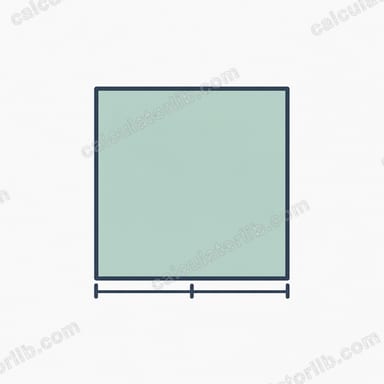
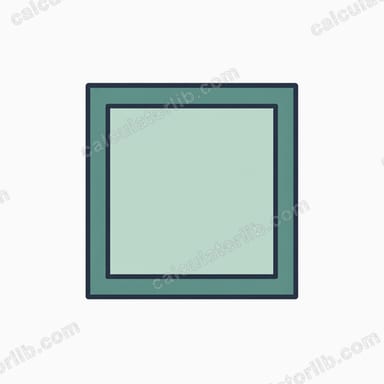
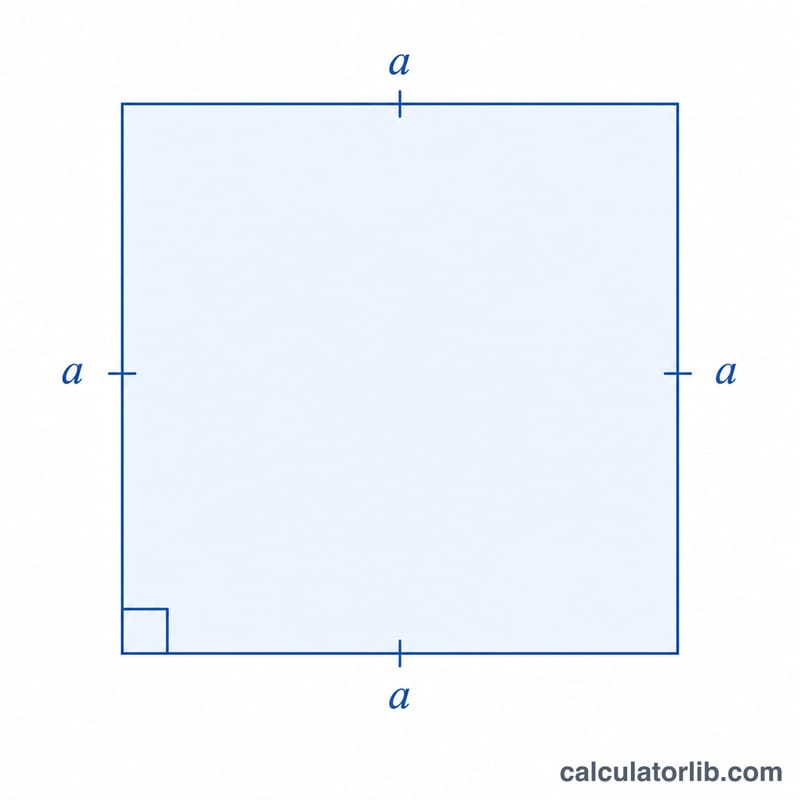
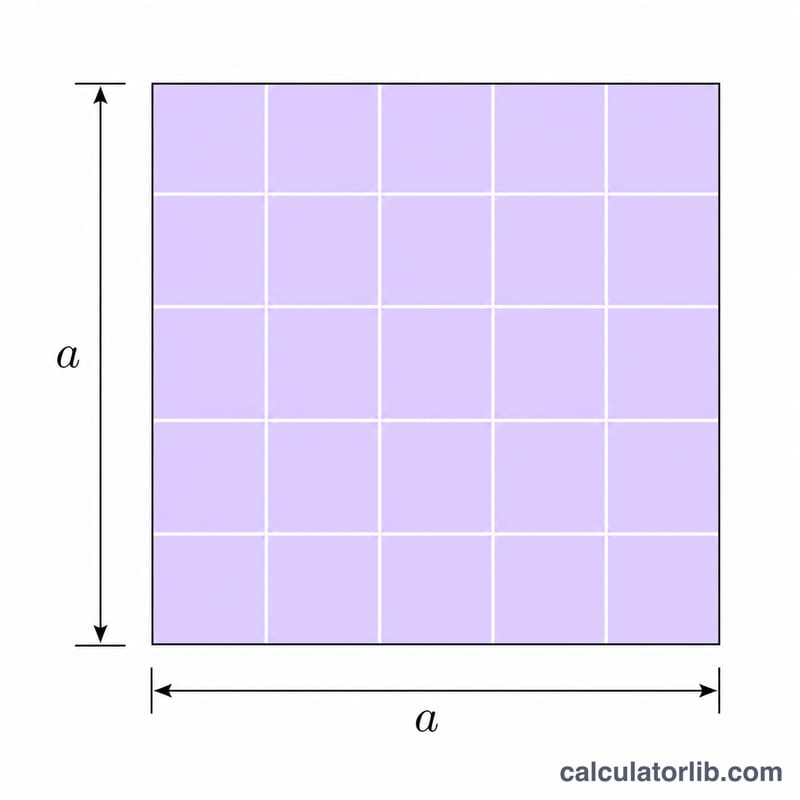
The Square Area and Perimeter Calculator takes the side length of a square and returns its area and perimeter. Because all four sides of a square are equal and all angles are right angles, both quantities depend only on a single number: the side length a. As a bonus, this tool also reports the diagonal of the square.
How to use it
Enter the side length a in whatever length unit you prefer (meters, centimeters, inches, feet, or any generic unit). The calculator does not assume a unit, so the results stay in your chosen system: the area is expressed in square units and the perimeter in the same linear units as the input. Press calculate to see the area, perimeter, and diagonal.
The formulas explained
For a square with side length a:
- Area: \(S = a^{2}\) — multiply the side by itself.
- Perimeter: \(L = 4a\) — add the four equal sides, which is the same as multiplying by four.
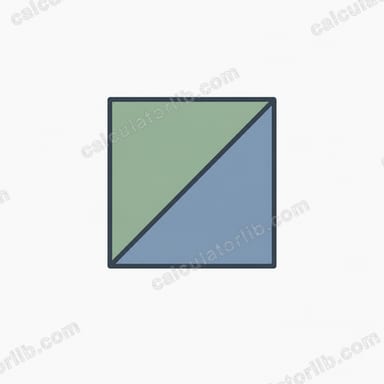
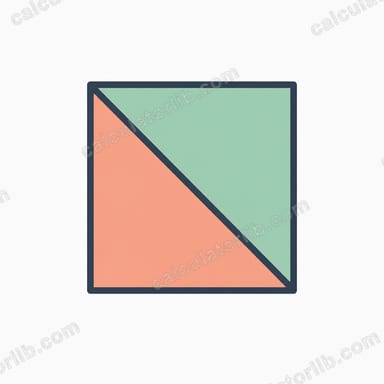
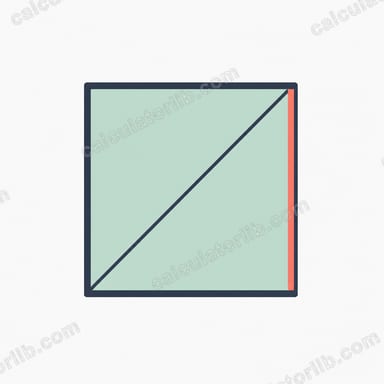
- Diagonal: \(d = a\sqrt{2} \approx 1.41421356 \times a\) — derived from the Pythagorean theorem.
Worked example
Suppose a square has a side length of \(a = 5\). Then the area is $$S = 5^{2} = 25$$ square units, the perimeter is $$L = 4 \times 5 = 20$$ units, and the diagonal is $$d = 5\sqrt{2} \approx 7.071068$$ units. With the default side \(a = 1\), the area is 1, the perimeter is 4, and the diagonal is about 1.414214.
FAQ
What if the side length is zero? A side of 0 gives a degenerate square with area 0 and perimeter 0 — mathematically valid but not a real square.
Can I enter a negative length? No. A length cannot be negative, so negative inputs are treated as invalid and clamped to zero.
Do I need to choose a unit? No. The input is unitless; the perimeter is in the same units as the side and the area is in those units squared.