
What is the Luggage Volume Calculator?
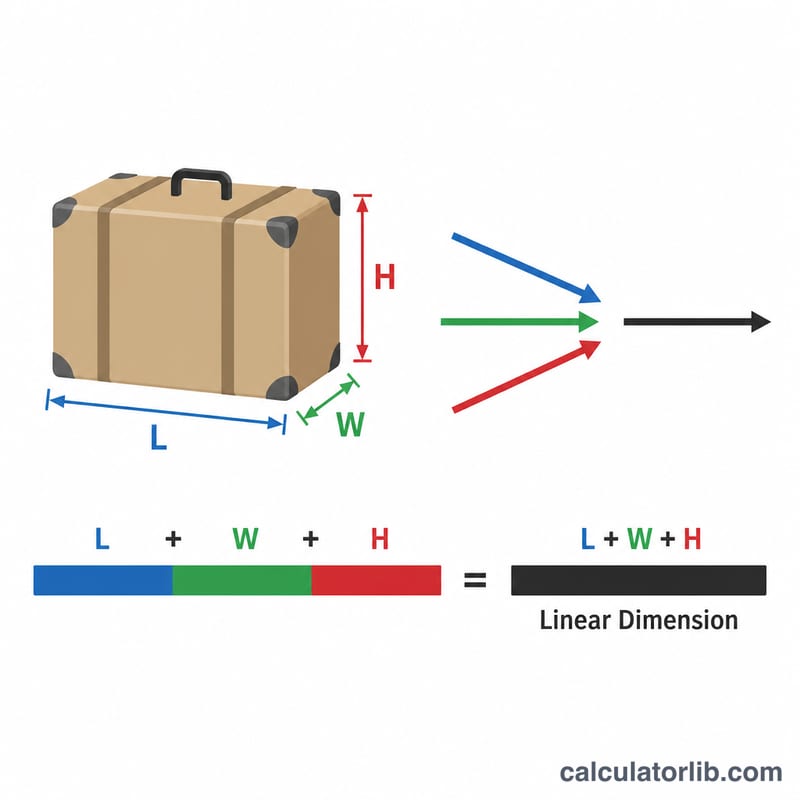
This tool converts the three outside dimensions of a suitcase, backpack or box into a usable capacity figure in litres, the unit most luggage brands quote. It also adds up the length, width and height to give the linear dimension, the single number most airlines use to decide whether a bag counts as carry-on or checked baggage. Enter measurements in centimetres and you instantly see both numbers.
How to use it
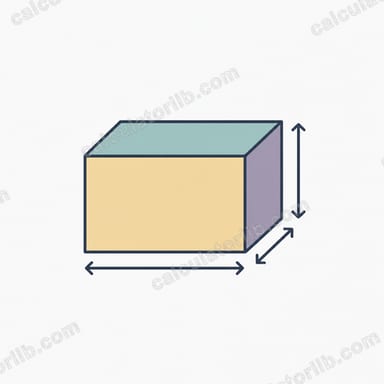
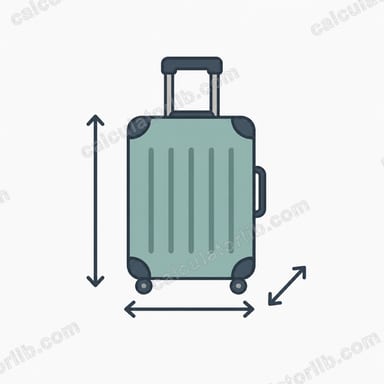
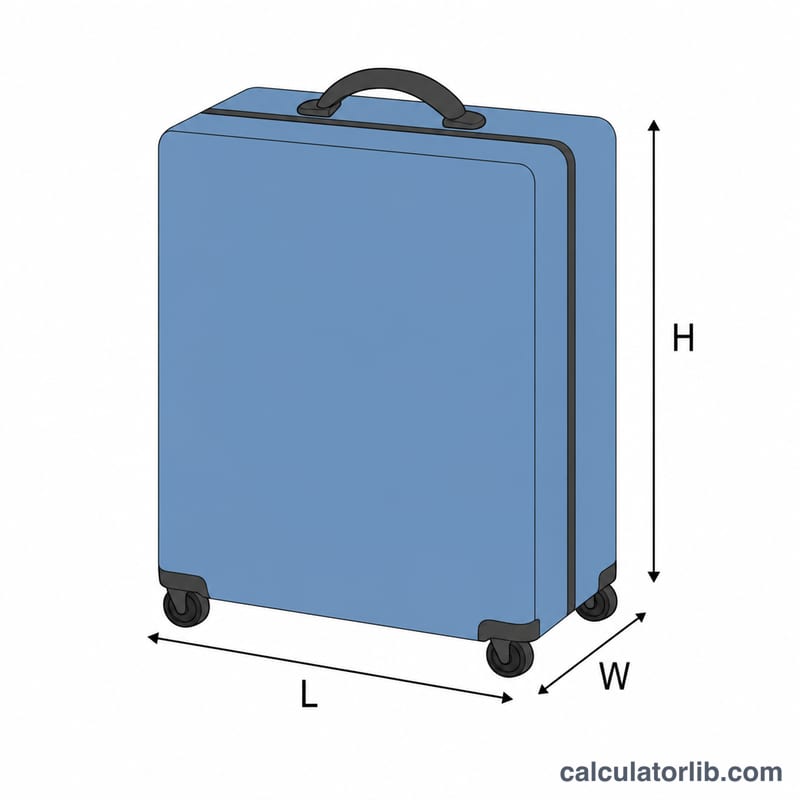
Measure the longest side as length, the next as width and the depth as height — all in centimetres, including any rigid handles, wheels or pockets that affect the airline measurement. Type the three values and read off the volume in litres, the volume in cubic centimetres, and the linear total. For soft bags, measure when packed since they expand.
The formula explained
Volume is simply length × width × height. Because there are 1,000 cubic centimetres in one litre, dividing the product by 1000 gives litres: $$V_{L} = \frac{L \times W \times H}{1000}$$ The linear dimension is the plain sum \(L + W + H\). Note this treats the bag as a perfect box, so real packing capacity is usually a little lower because of curved corners, padding and frames.
Worked example
A typical cabin bag measures 55 × 40 × 23 cm. Volume = $$55 \times 40 \times 23 = 50{,}600 \text{ cm}^3,$$ which divided by 1000 is 50.6 litres. The linear dimension is \(55 + 40 + 23 = 118\text{ cm}\) — 118 cm — right around many airlines' 115–118 cm carry-on limit.
FAQ
Why litres and not cubic metres? Litres are the standard size unit for bags and packs, making it easy to compare a 40 L backpack with a 50 L case.
Does the calculator account for wheels and handles? No — it uses the dimensions you enter, so include wheels and handles if your airline measures the bag with them.
Is the real capacity exactly this number? Usually slightly less. The maths assumes a rectangular box; rounded corners and internal padding reduce true packing space by roughly 5–15%.